Campaign direction
Place products in editorial, lifestyle, studio, or ecommerce scenes.
Combine real product references with controlled model, setting, pose, and camera direction to create campaign, catalog, and social imagery. This is a brand content workflow—not size or fit prediction.
AI fashion imagery should be reviewed against the physical product before publishing.
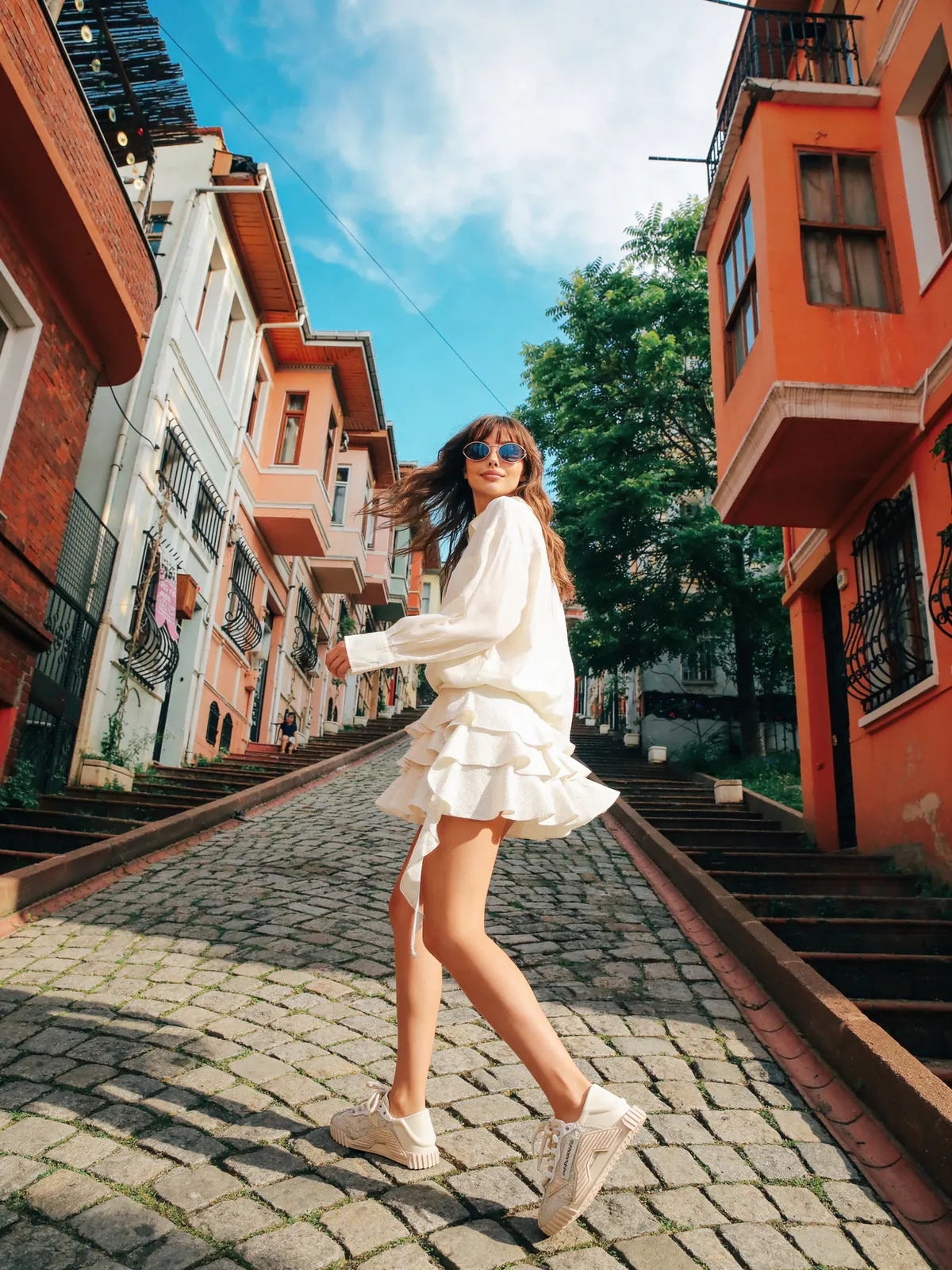
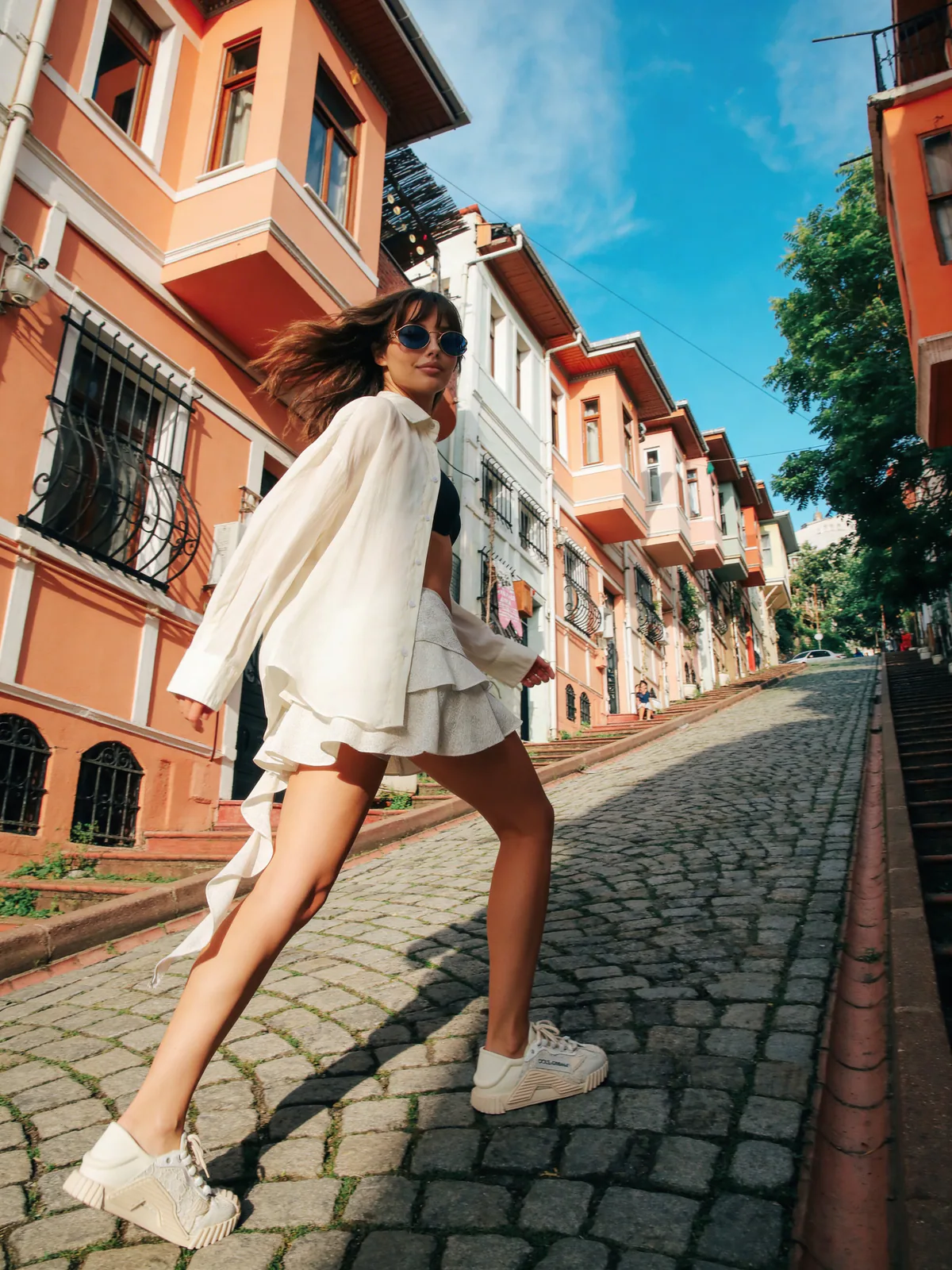
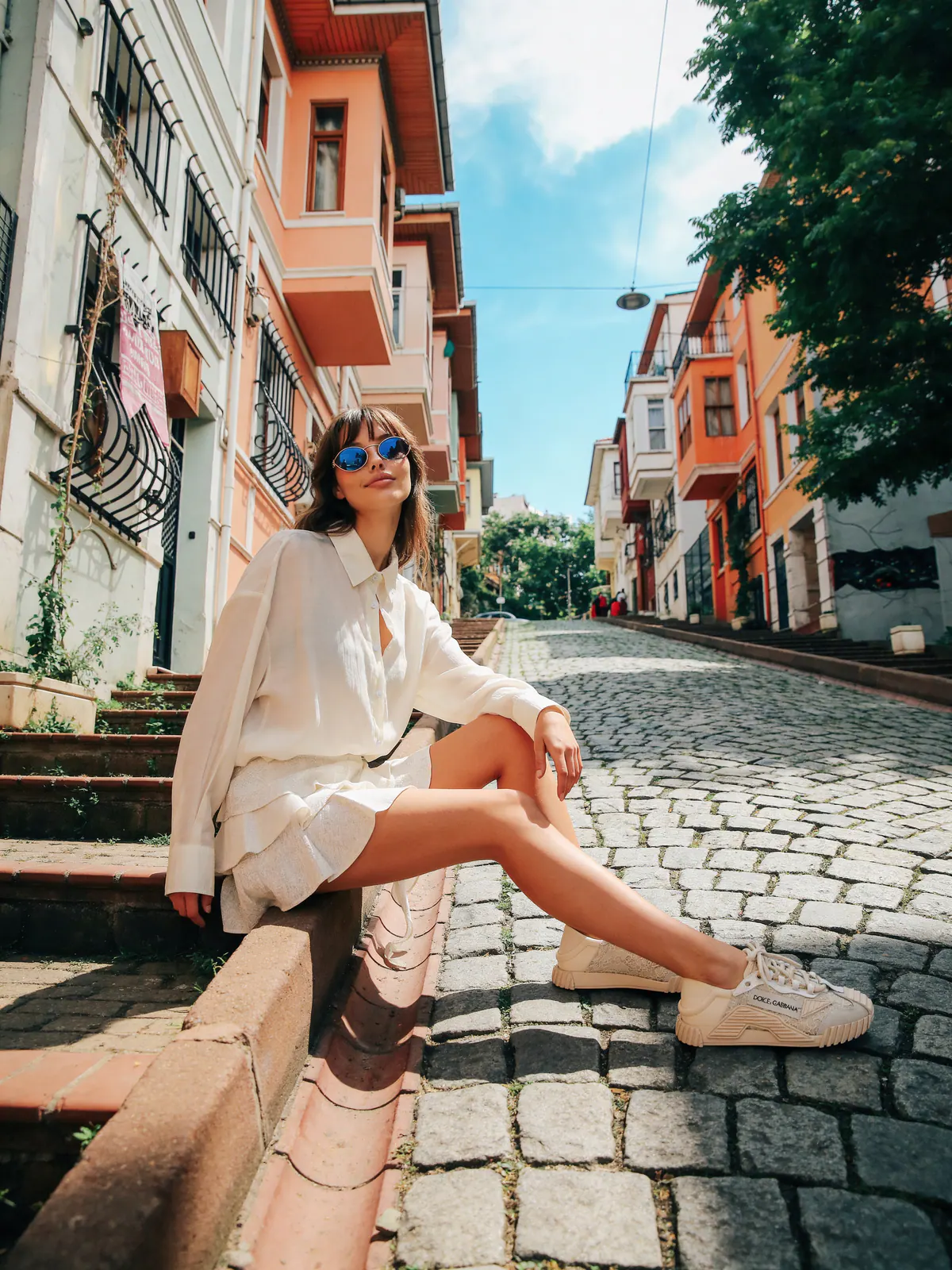
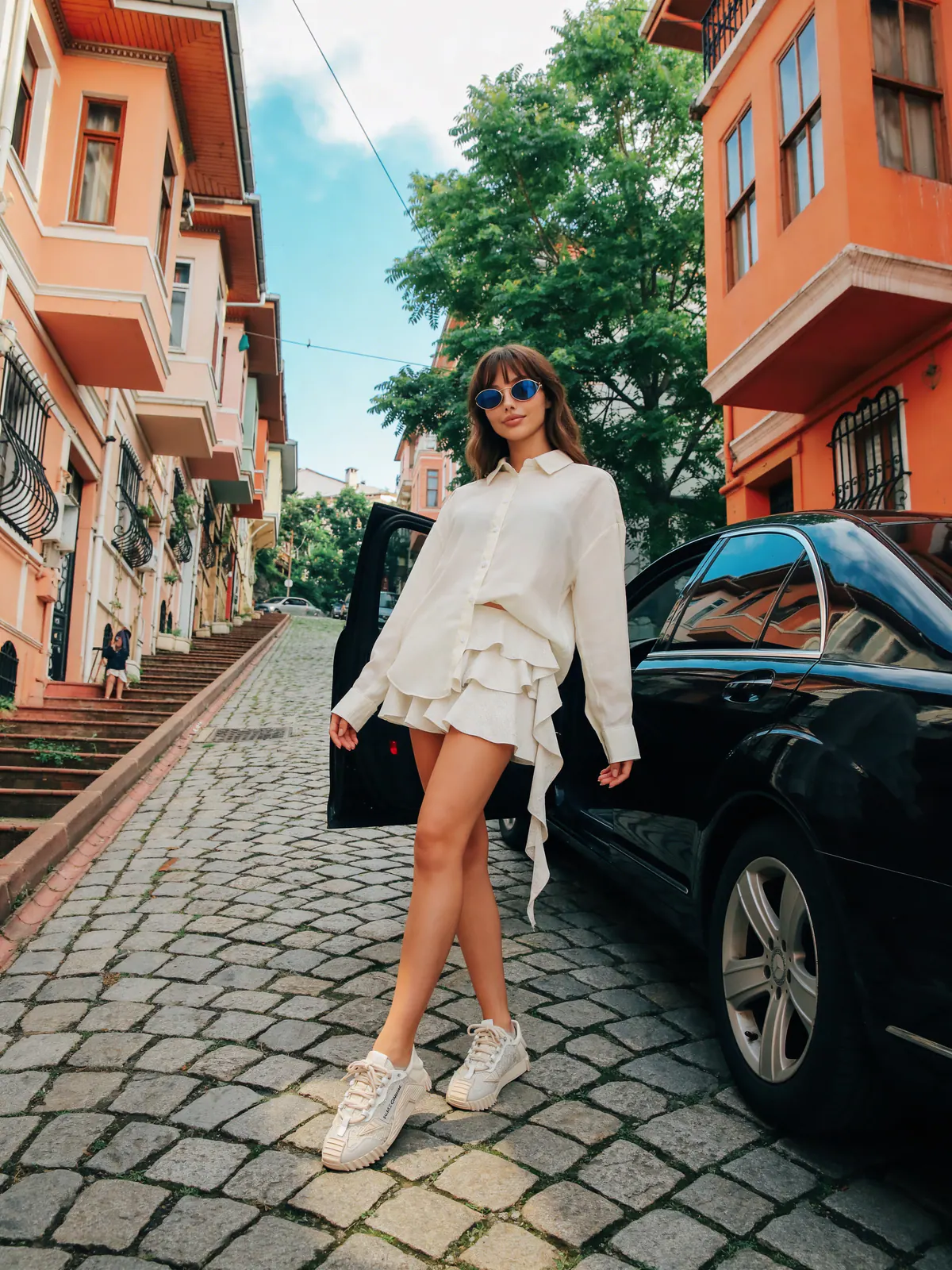
A reusable product kit becomes a content system
Place products in editorial, lifestyle, studio, or ecommerce scenes.
Keep models, settings, garments, poses, and visual directions in one library.
Carry the relevant product references into the next generation.
Production context
References stay attached
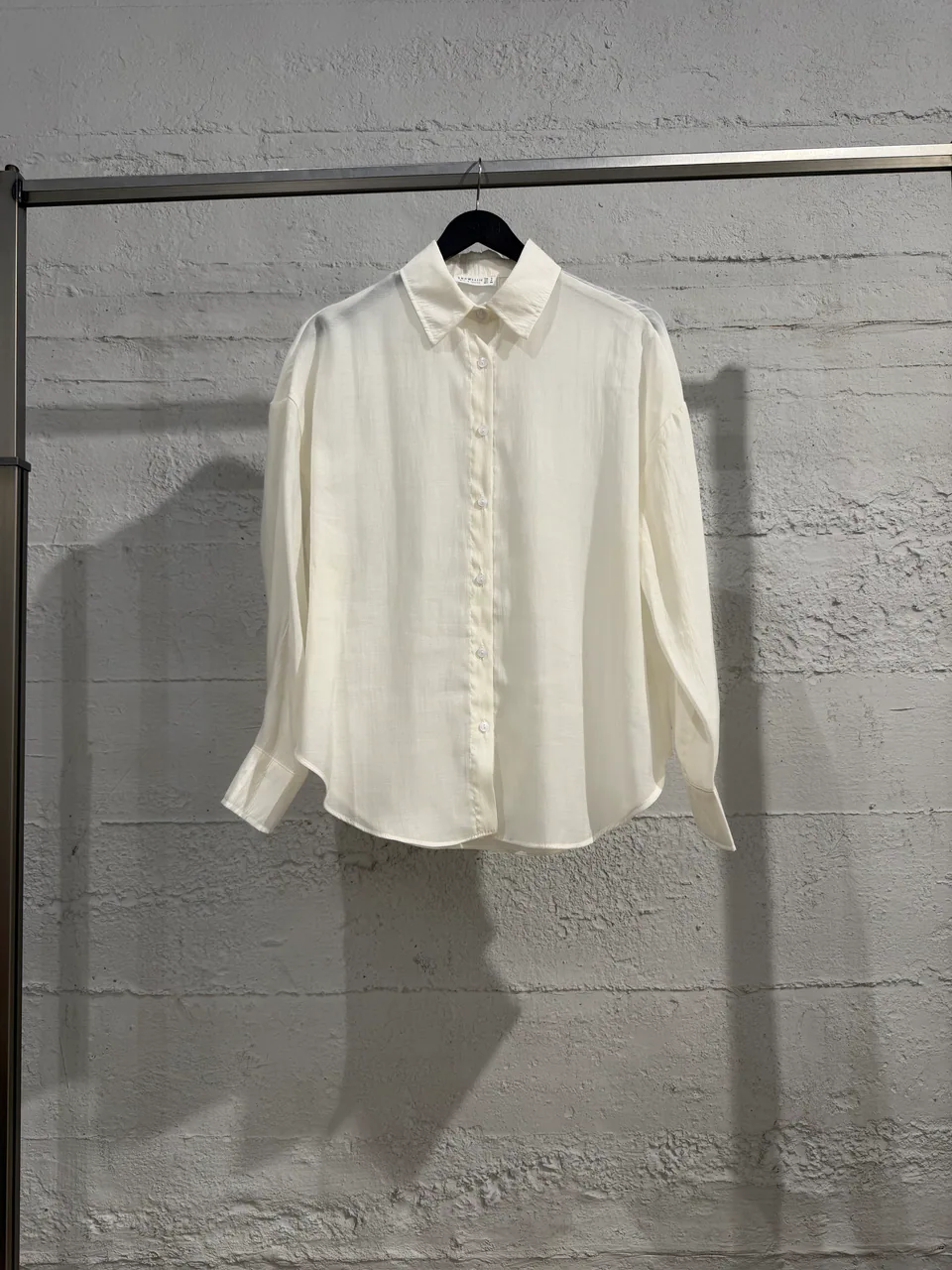
Garment
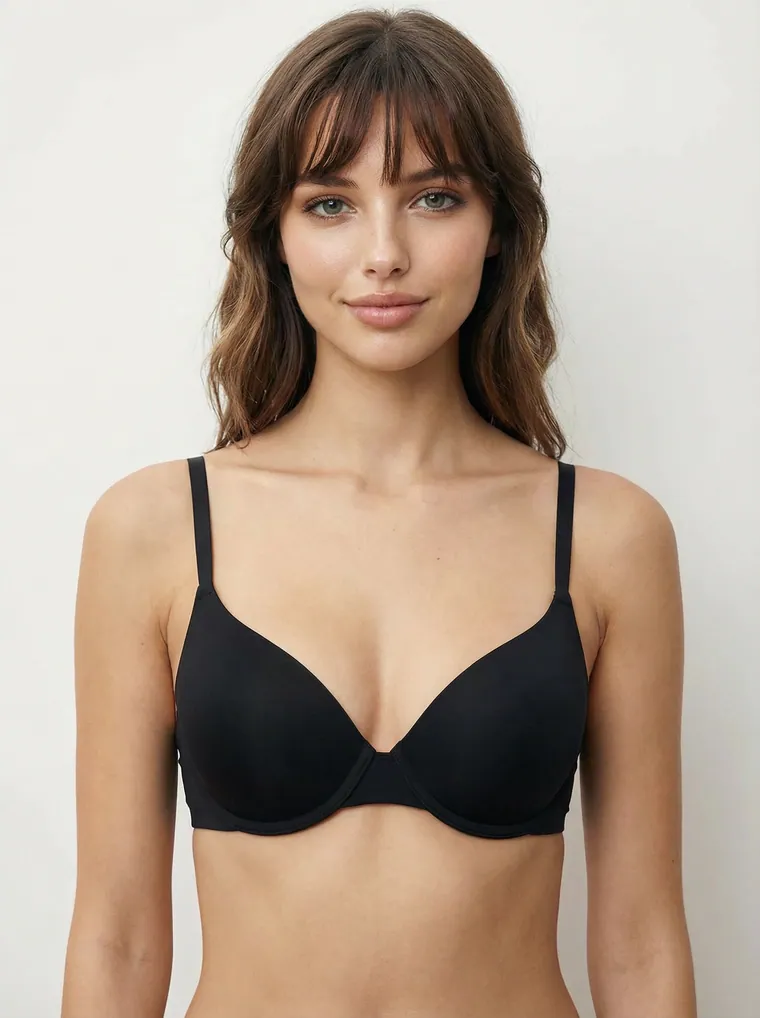
Model
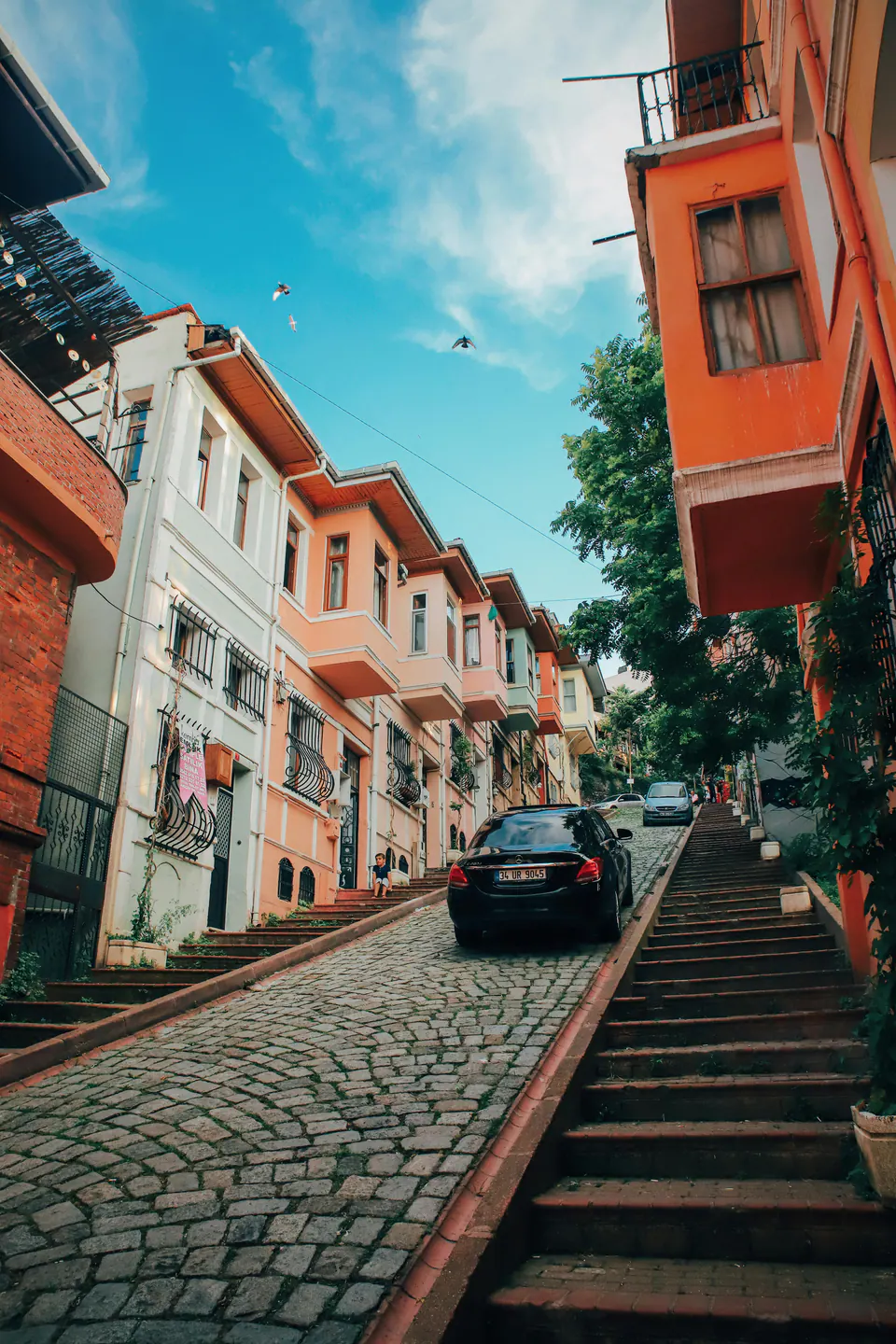
Setting
Ready for direction
3 referencesWhy this workflow matters
Shopper-facing fitting tools focus on a specific person. Studiola focuses on the brand-side creative job: turning product references into controlled on-model visuals for marketing channels.
Built for real outputs
Prepare vertical, square, and wide campaign moments.
Add new on-model contexts to existing product photography.
Compare settings and art direction before selecting a route.
Workflow
Keep each decision visible, change one variable at a time, and compare the output with the original garment before approval.
Create clean, product-led on-model imagery.
Explore models, locations, poses, and art direction.
Produce alternate crops and scenes for launch calendars.
Quick answers
No. Studiola creates brand and marketing imagery. It does not calculate body measurements, recommend sizes, or guarantee physical fit.
It is designed for clothing brands, boutiques, ecommerce teams, stylists, agencies, and creators producing fashion visuals.
Yes. A result can be reviewed, sent back to the assistant with its original context, and regenerated with clearer composition, pose, camera, or garment instructions.
Continue exploring