Plans for every shoot

One balance. All your studio tools.

Billed monthly

Lite

For occasional shoots

10credits/month

Your credits can create

20TRY ON
or10Lookbook / Flat Lay

$9.99/mo

Unused credits roll over

Your studio, included

  • Virtual try-on
  • Lookbook scenes
  • Flat-lay product photos
  • Collage layouts
  • Image editing
  • Saved assets & references
  • AI prompt assistant
  • Image downloads

Starter

For independent creators

30credits/month

Your credits can create

60TRY ON
or30Lookbook / Flat Lay

$24.99/mo

Unused credits roll over

Your studio, included

  • Virtual try-on
  • Lookbook scenes
  • Flat-lay product photos
  • Collage layouts
  • Image editing
  • Saved assets & references
  • AI prompt assistant
  • Image downloads

Business

For teams and brands

200credits/month

Your credits can create

400TRY ON
or200Lookbook / Flat Lay

$99.99/mo

Unused credits roll over

Your studio, included

  • Virtual try-on
  • Lookbook scenes
  • Flat-lay product photos
  • Collage layouts
  • Image editing
  • Saved assets & references
  • AI prompt assistant
  • Image downloads

Examples use the full credit balance for one tool. Mix tools as you like.

Renews monthly until canceled. Unused credits roll over.

USD prices include applicable tax. Review your total at Paddle checkout.

From your product to your next shot

Three ways to create. One credit balance.

STUDIOLA STUDIO

TRY ON

0.5 credits / image

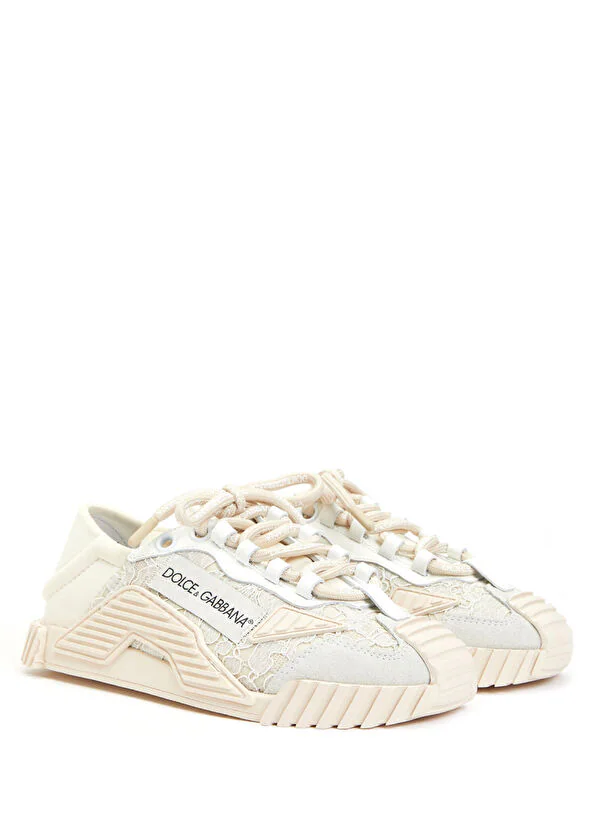
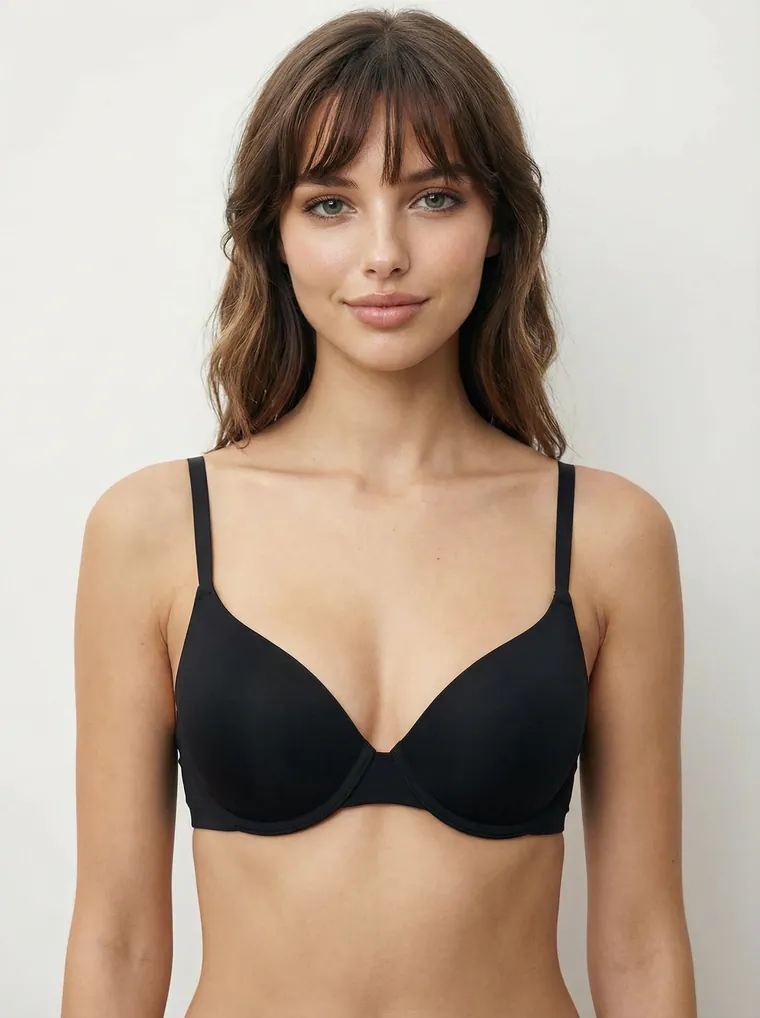
Dress a model in your garments and shape the pose, setting and style.

  1. 1Add your garments
  2. 2Choose a model & scene
  3. 3Generate your shoot
Explore TRY ON

Lookbook

1 credit / image

Start with a ready-made scene and replace the model, clothing or accessories with your own.

  1. 1Choose a scene
  2. 2Add your pieces
  3. 3Create your lookbook
Explore Lookbook

Flat Lay

1 credit / image

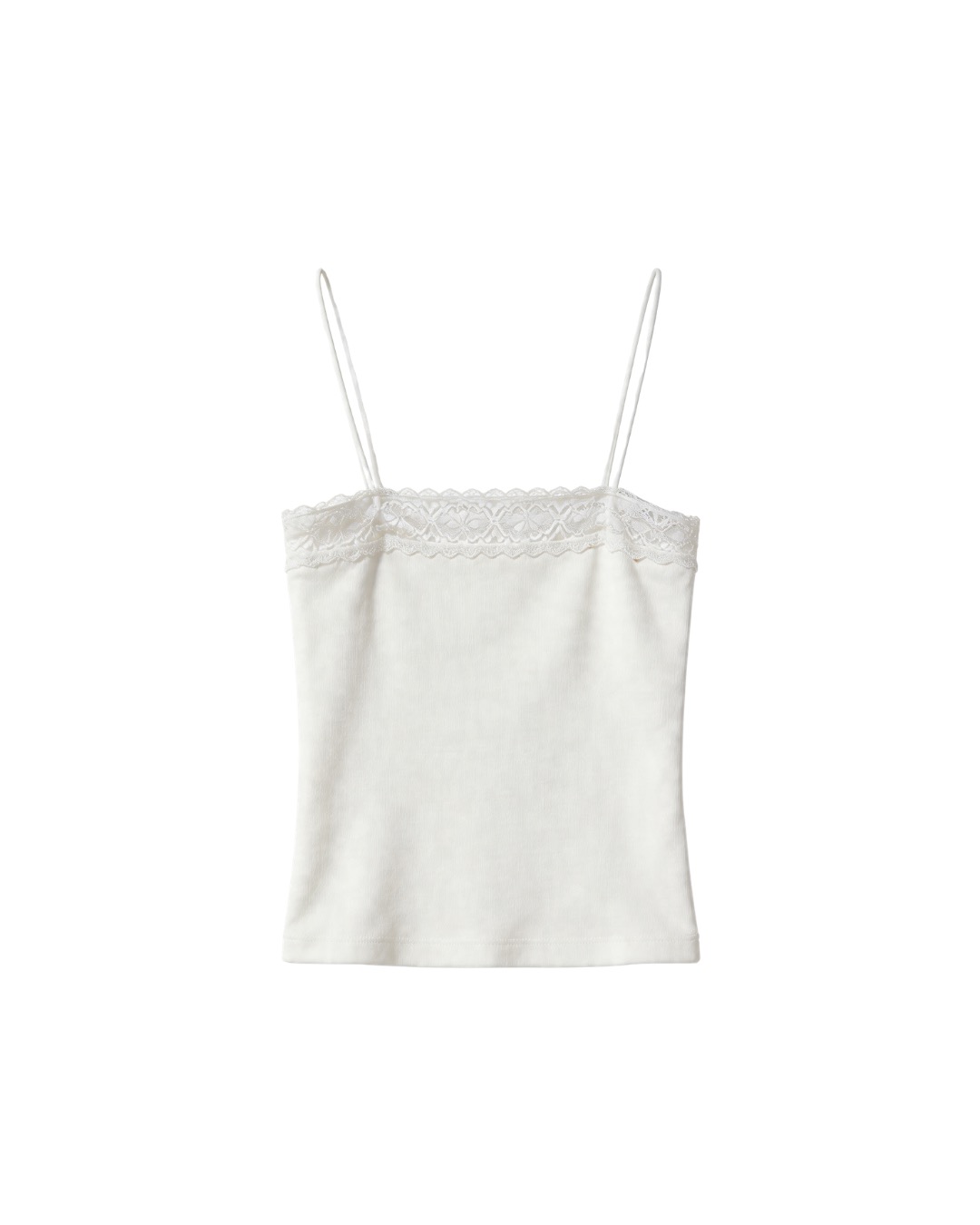
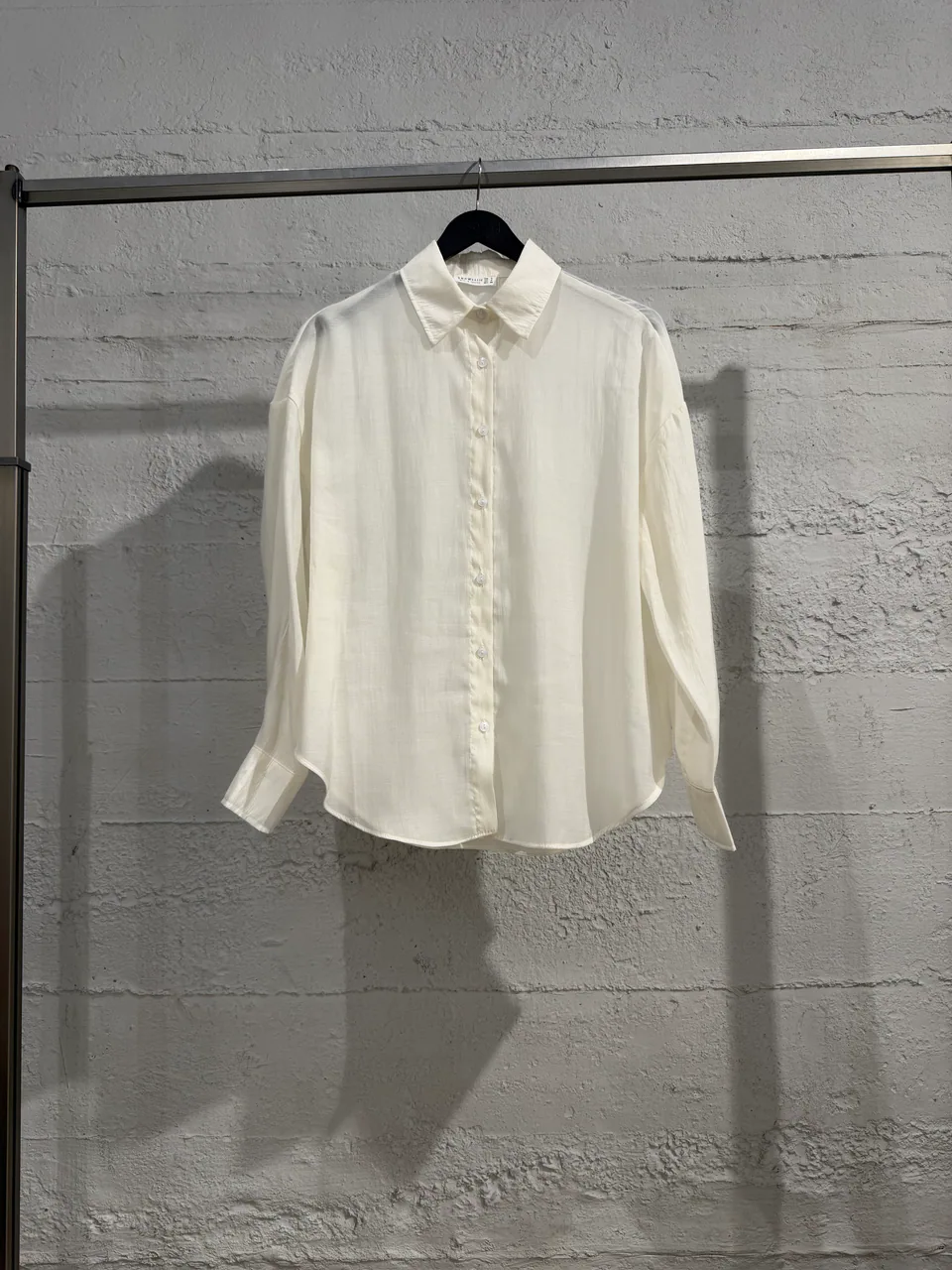
Turn your garment photo into a clean product image on a white background.

  1. 1Upload a product photo
  2. 2Create a flat lay
  3. 3Download for your store
Explore Flat Lay

Compare your monthly possibilities

Every plan has all the tools. Choose the credits that match your output.

What’s includedLite$9.99/moStarter$24.99/moPro$49.99/moBusiness$99.99/mo
Monthly credits103075200
TRY ON images0.5 credits / image2060150400
Lookbook images1 credit / image103075200
Flat Lay images1 credit / image103075200
Collage & image editingIncludedIncludedIncludedIncluded
AI prompt assistantIncludedIncludedIncludedIncluded
Personal asset libraryIncludedIncludedIncludedIncluded
Image downloadsIncludedIncludedIncludedIncluded
Unused credits roll overIncludedIncludedIncludedIncluded

Examples use the full credit balance for one tool. Mix tools as you like.

Good to know

Need a hand? Contact us

What is a credit?

TRY ON images use 0.5 credits each. Lookbook and Flat Lay images use 1 credit each.

Does the AI prompt assistant use credits?

No. The chat assistant is included for prompt planning and result diagnosis, so you can refine the shot before spending image credits.

When are credits added?

Credits are added after your first payment and each successful monthly renewal. A pending or failed payment does not add credits.

Do unused credits expire?

Unused credits roll over. Your existing balance stays available when your subscription renews or is canceled.

Can I change or cancel my plan?

Manage your payment method, invoices and cancellation from Billing. Contact support to move to a different plan.
Studiola Pricing | AI Fashion Photography Credits