Reference-led direction
Build with real garment, model, location, pose, camera, and style references.
Bring the garment, model, setting, pose, camera, and styling references into one visual production brief. Generate campaign, social, and ecommerce frames without rebuilding the shoot from scratch.
AI fashion imagery should be reviewed against the physical product before publishing.
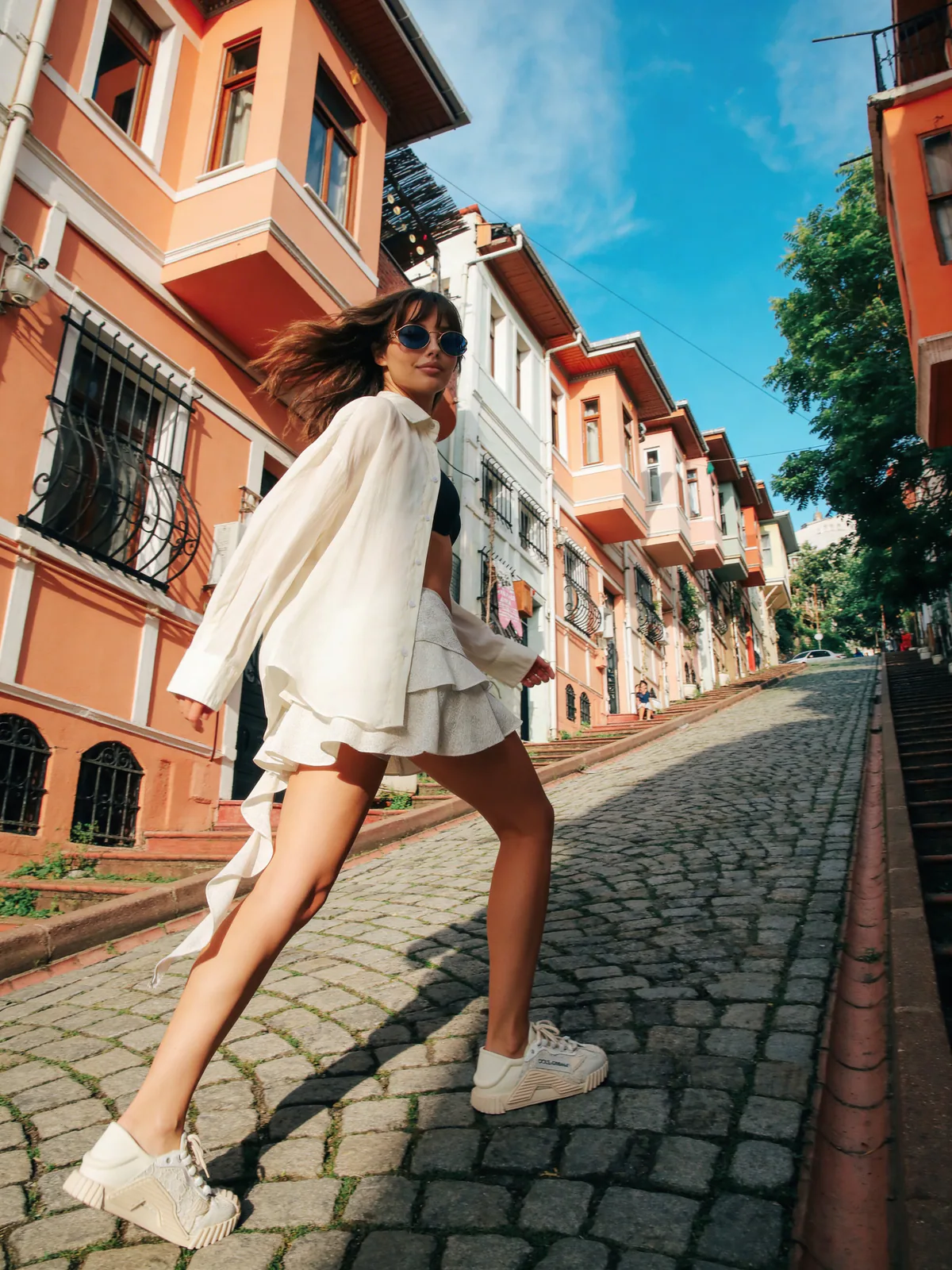
Studiola result
One product kit, directed as a complete editorial shoot
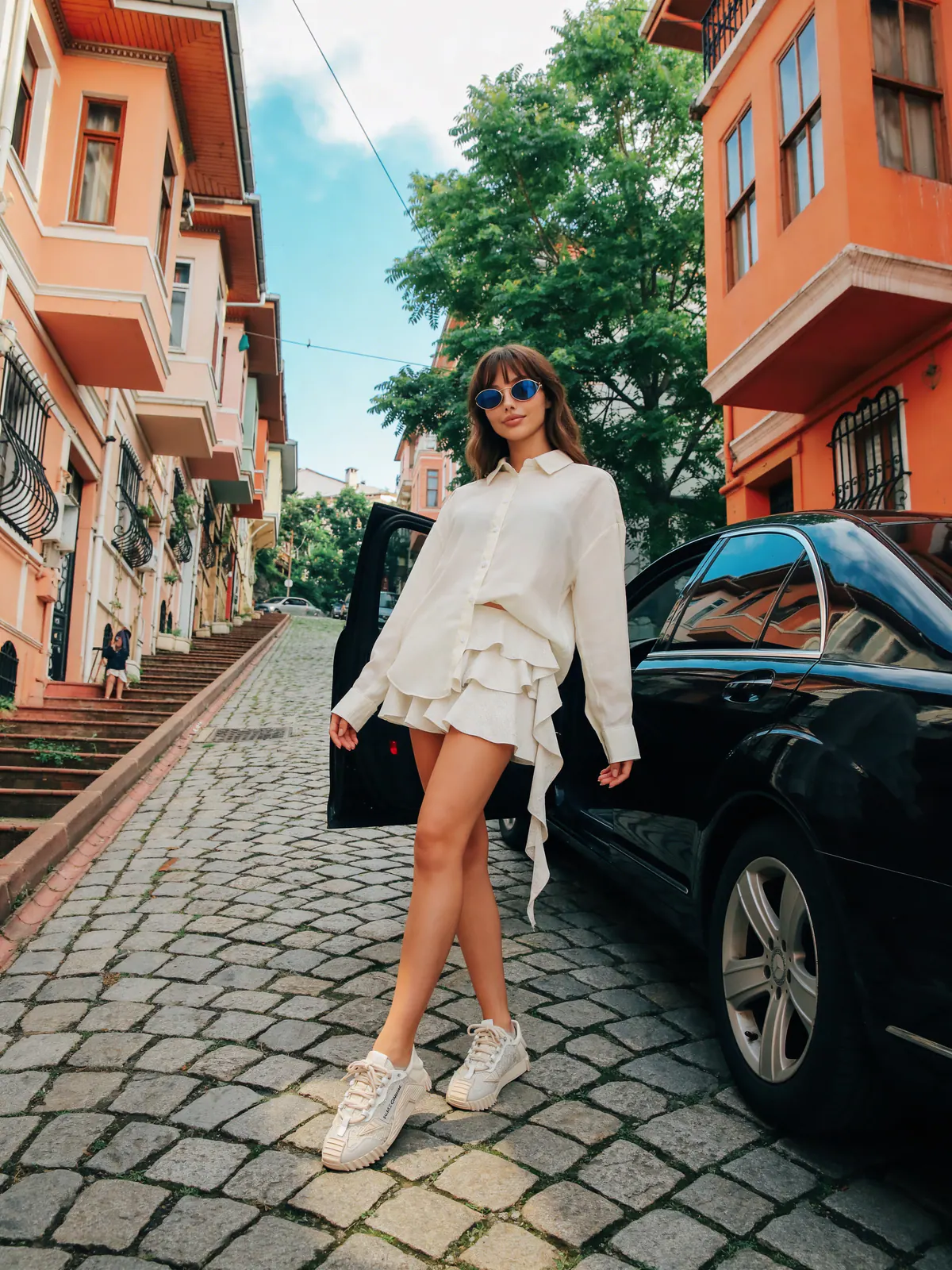
Campaign
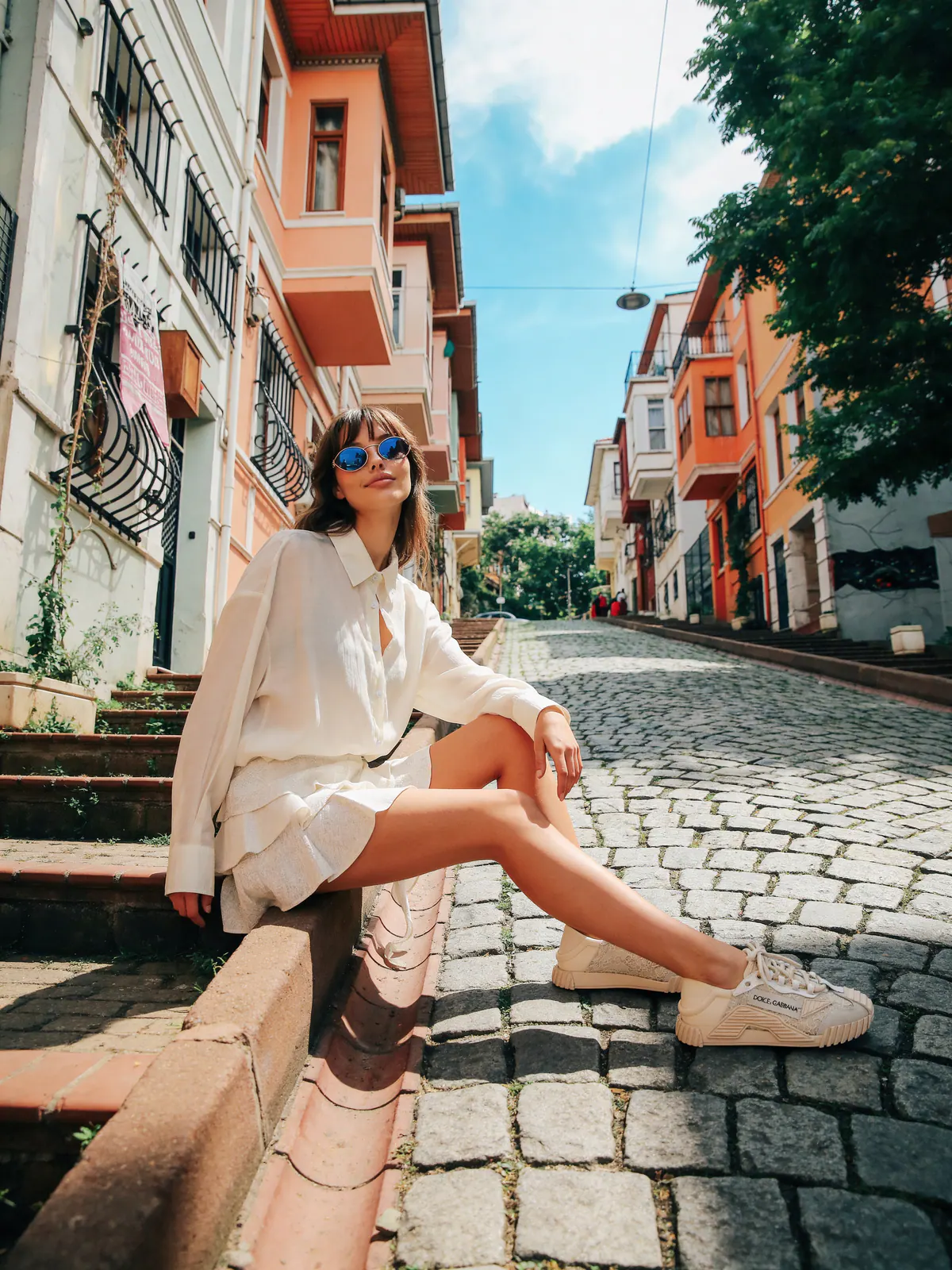
Build with real garment, model, location, pose, camera, and style references.
Resolve framing, garment logic, scale, and composition before generation.
Archive a result or revise it without losing the original product context.
Production context
References stay attached
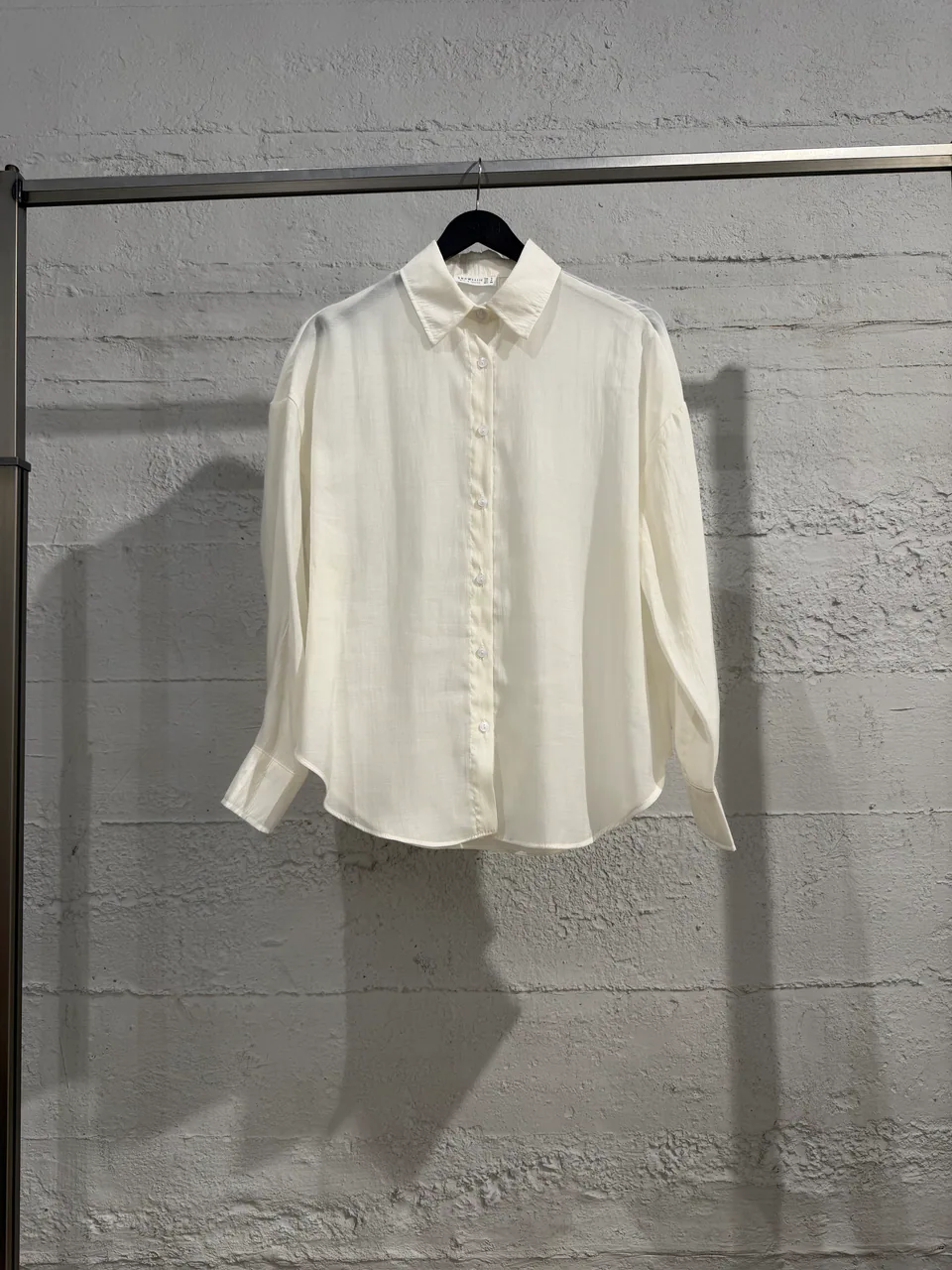
Garment
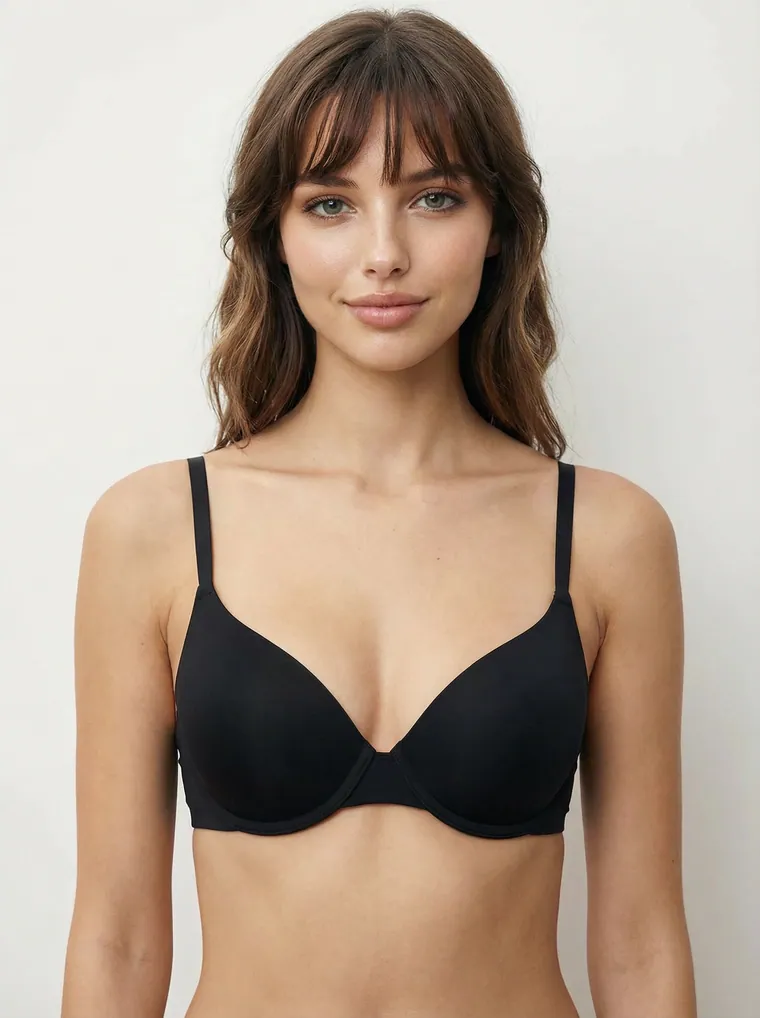
Model
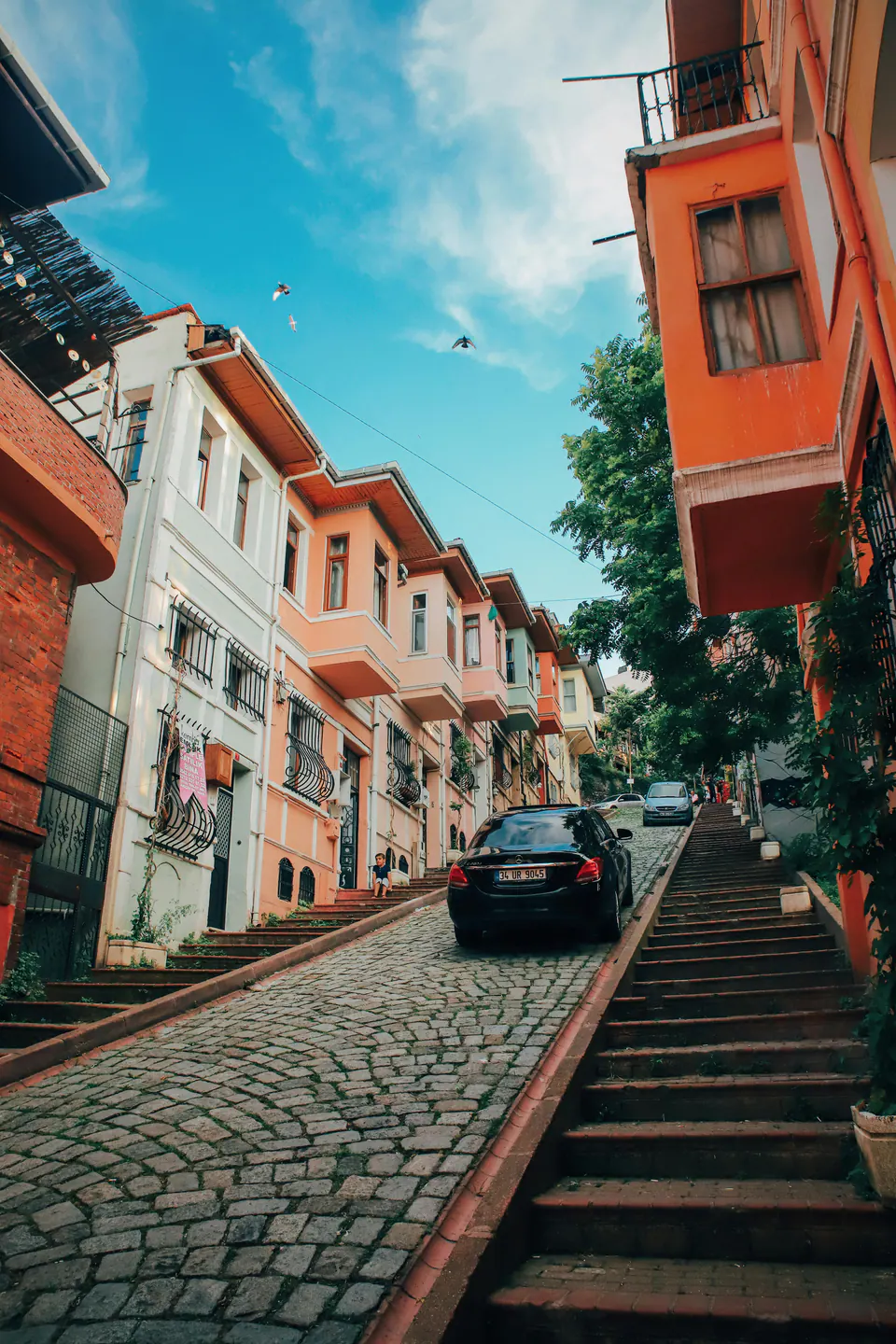
Setting
Ready for direction
3 referencesWhy this workflow matters
The garment must remain recognizable while casting, styling, camera, and location work as one scene. Studiola keeps those decisions visible and reusable, so creative direction does not disappear inside one long prompt.
Built for real outputs
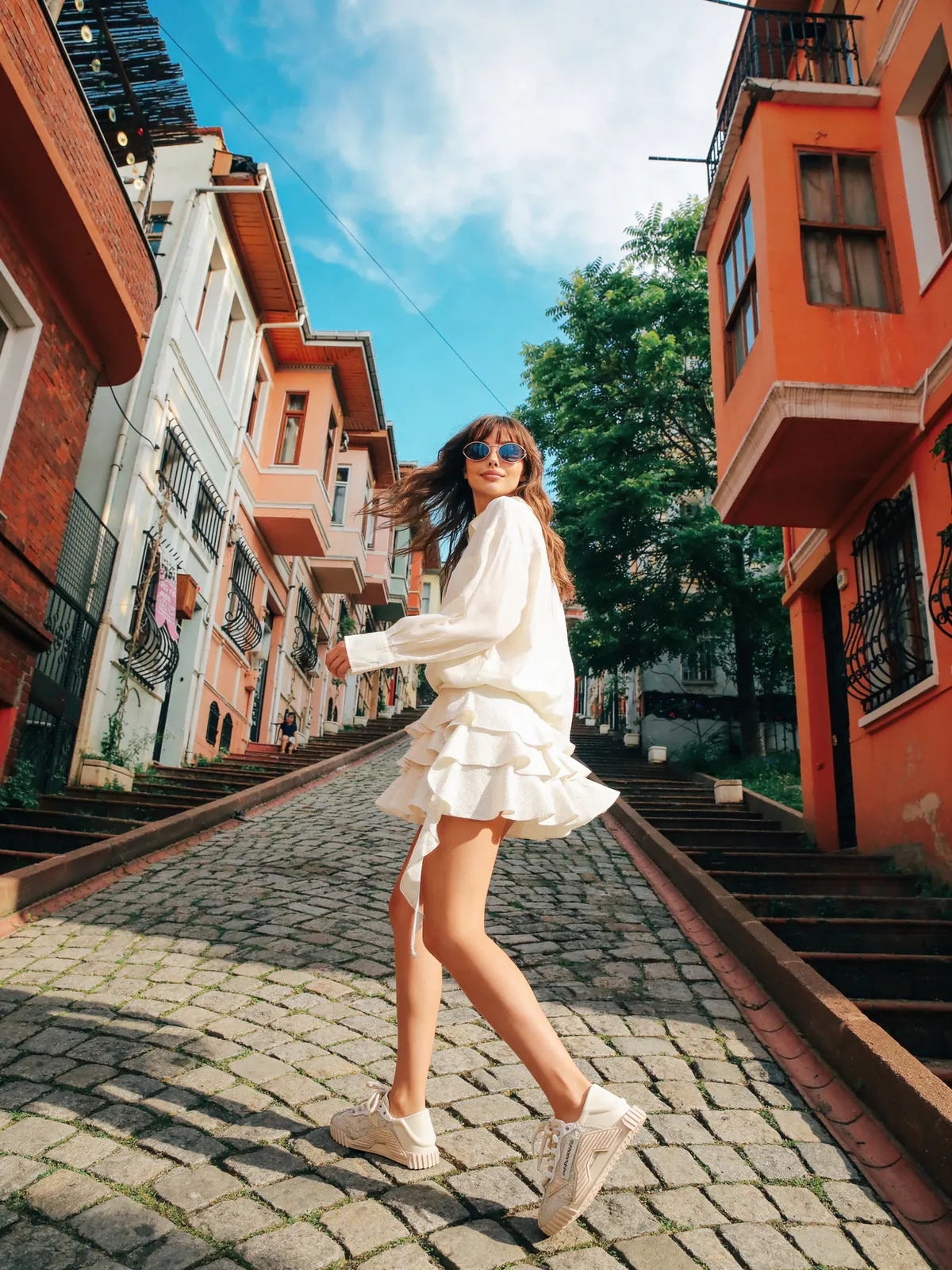
Develop a visual world around a new collection.
Keep model, setting, and styling consistent across a sequence.
Create alternate movement, framing, and crops from the same kit.
Workflow
Keep each decision visible, change one variable at a time, and compare the output with the original garment before approval.
Select the product, model, environment, pose, camera, lighting, and visual style.
Set composition, model scale, garment behavior, and perspective.
Inspect product fidelity, then archive, download, or revise the result.
Quick answers
AI fashion photography uses image-generation and image-editing models to create fashion campaign, catalog, and ecommerce visuals from references such as a garment photo, a model, a location, or a creative direction.
Studiola is built primarily as a content-production workspace for fashion brands, boutiques, ecommerce teams, stylists, and creative producers. It is not a body measurement or fit-prediction service.
Yes. Image Studio can work with uploaded garment, model, and environment references as well as reusable presets for pose, camera, lighting, and style direction.
Continue exploring