Clean background
Isolate the garment from the original scene on a high-key background.
Convert an existing garment photo into a clean white-background flat lay for ecommerce, catalogs, and future on-model workflows.
AI fashion imagery should be reviewed against the physical product before publishing.
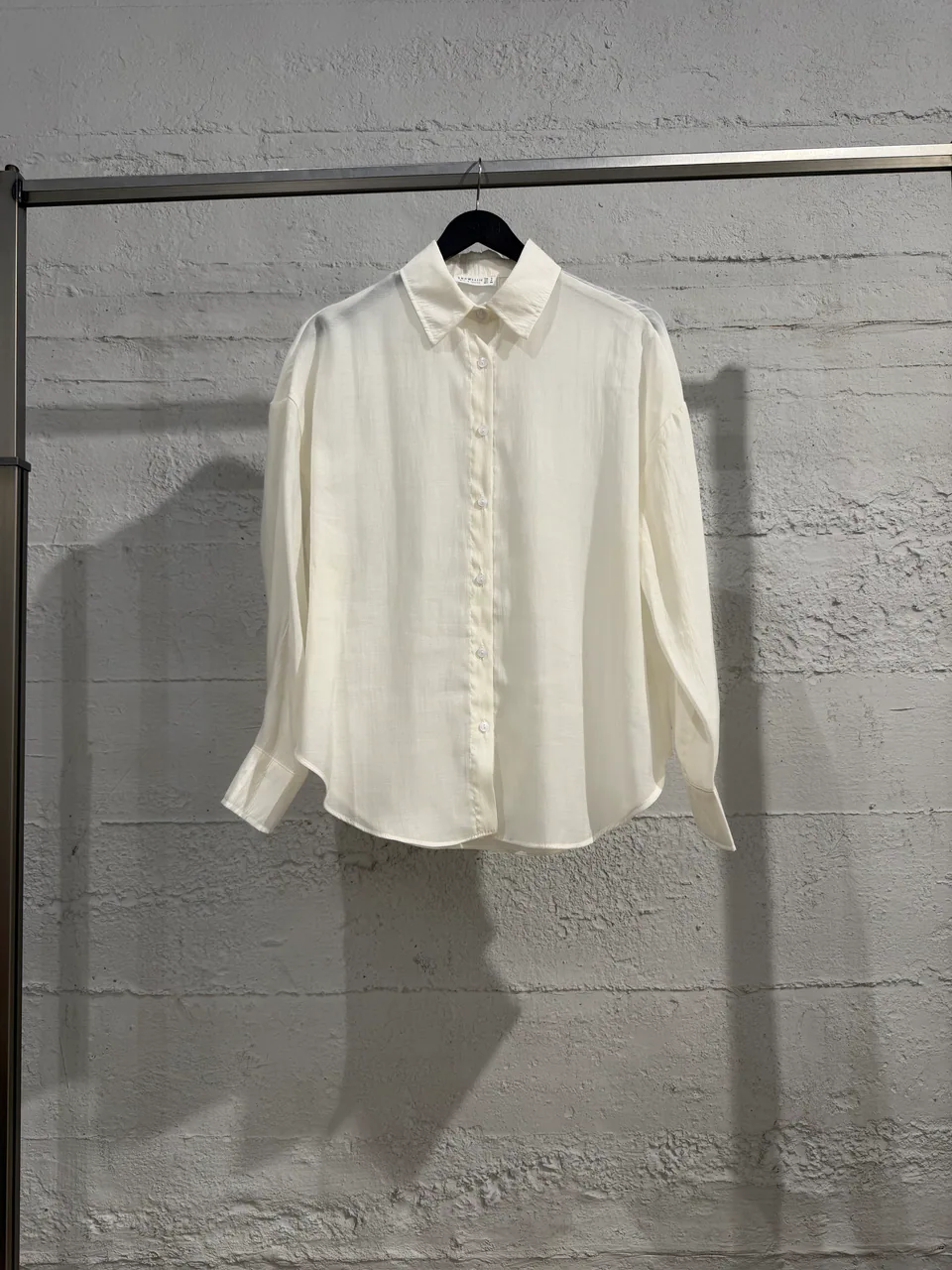 Primary garment
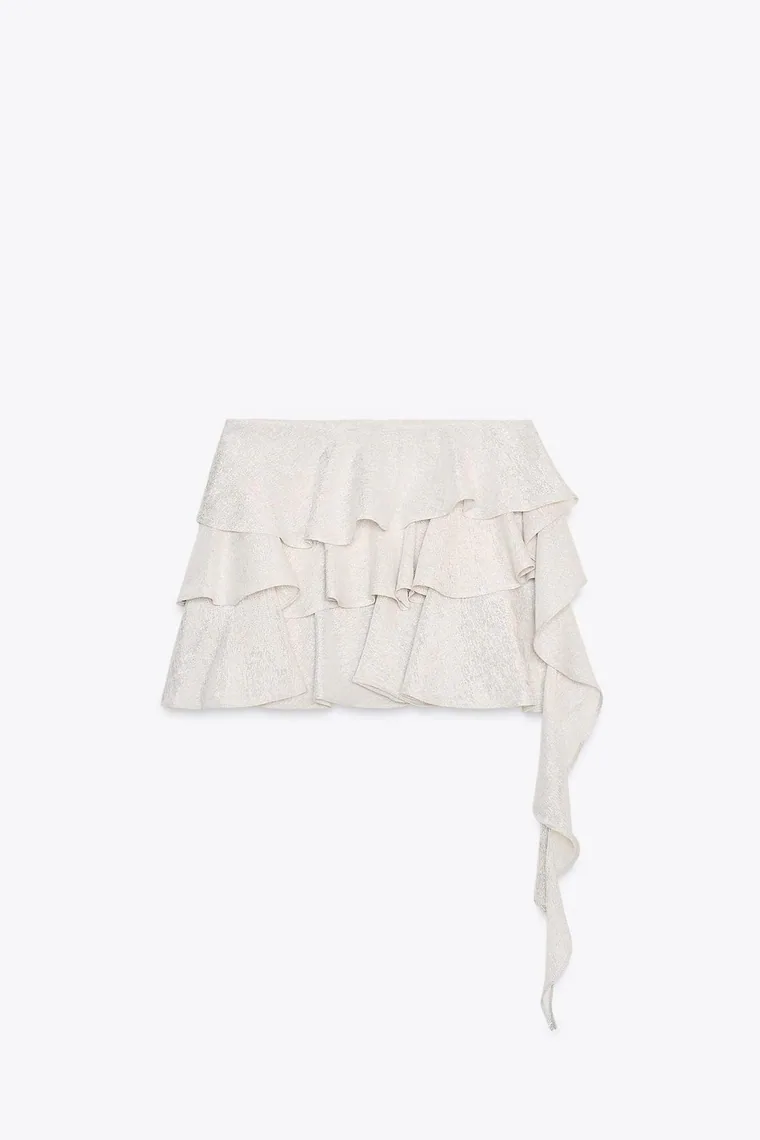 Bottom
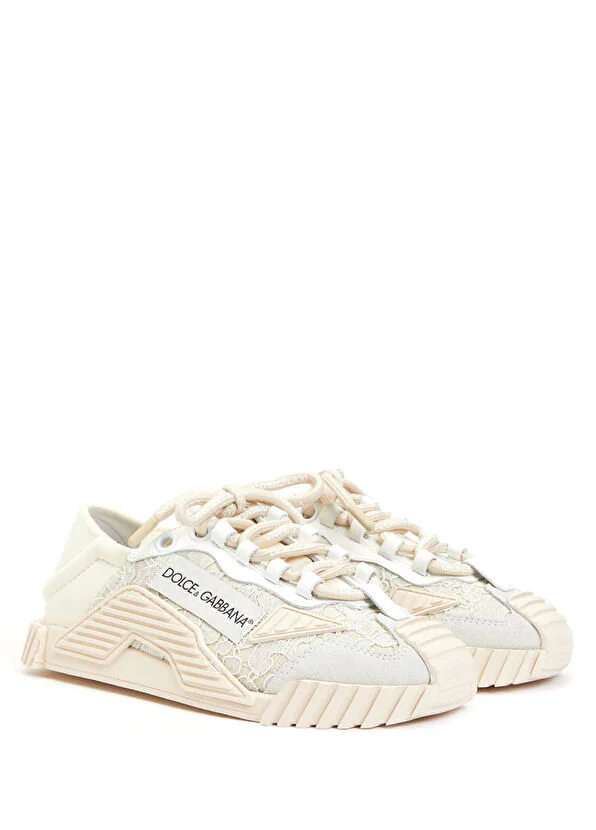 Footwear
Flat lay workflow
From an everyday product photo to a reusable catalog asset
Isolate the garment from the original scene on a high-key background.
Keep the silhouette centered, legible, and reusable.
Archive the result and reuse it across the Studiola workspace.
Production context
References stay attached
Top
Bottom
Footwear
Ready for direction
3 referencesWhy this workflow matters
For ecommerce, product separation, silhouette, and visible construction matter more than decorative props. A consistent flat lay can serve the catalog today and become a clean input for later creative production.
Built for real outputs
Create a clear secondary image for catalog pages.
Standardize varied supplier and studio inputs.
Reuse an approved flat lay as the garment reference.
Workflow
Keep each decision visible, change one variable at a time, and compare the output with the original garment before approval.
Choose a clear image without heavy obstruction or extreme perspective.
Create a simple, product-led white-background presentation.
Check silhouette, color, construction, and background separation.
Quick answers
Use a well-lit image where the garment is fully visible. Heavy occlusion, extreme perspective, and low resolution make accurate reconstruction more difficult.
The workflow is designed for ecommerce and catalog content, but every generated image should be reviewed against the physical product before publication.
The current Studiola flat-lay workflow prioritizes a clean white background and product clarity instead of decorative props.
Continue exploring