Model identity
Anchor casting direction with a selected or uploaded model reference.
Choose the garment and model, then direct pose, camera, and setting as separate references. Every revision starts from the same product context.
AI fashion imagery should be reviewed against the physical product before publishing.
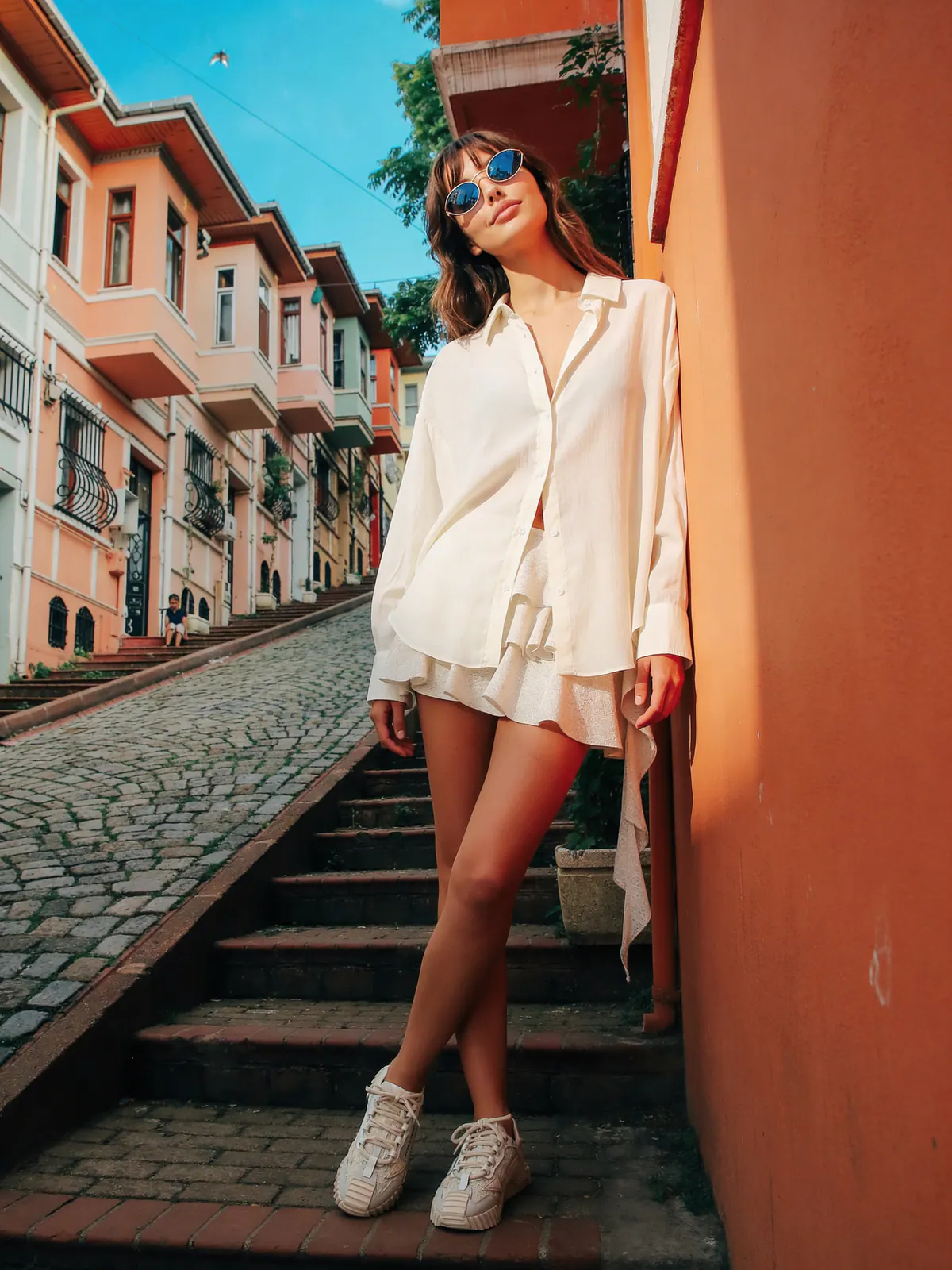
Studiola result
Garment reference + model direction + a controlled scene
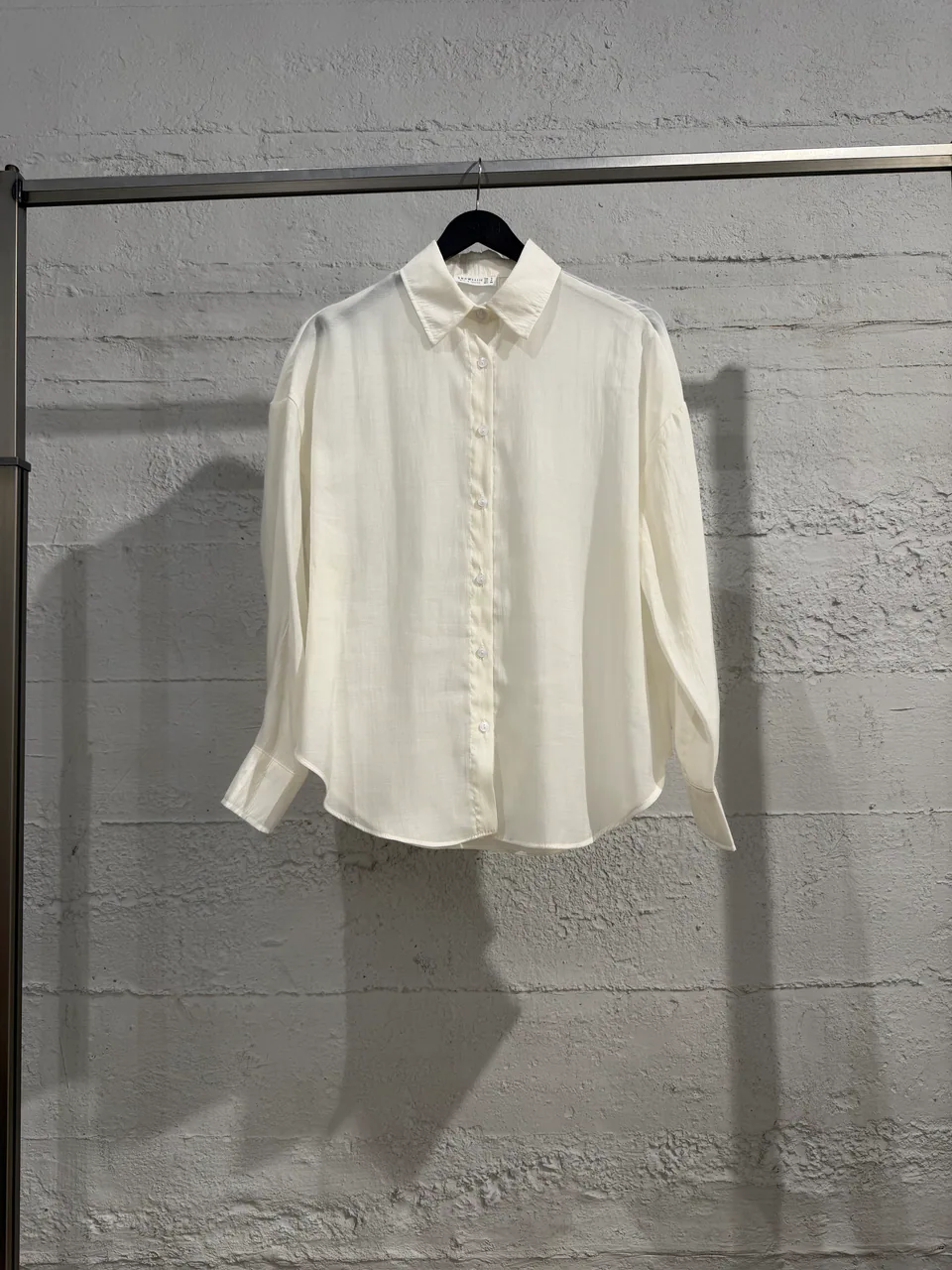
Garment
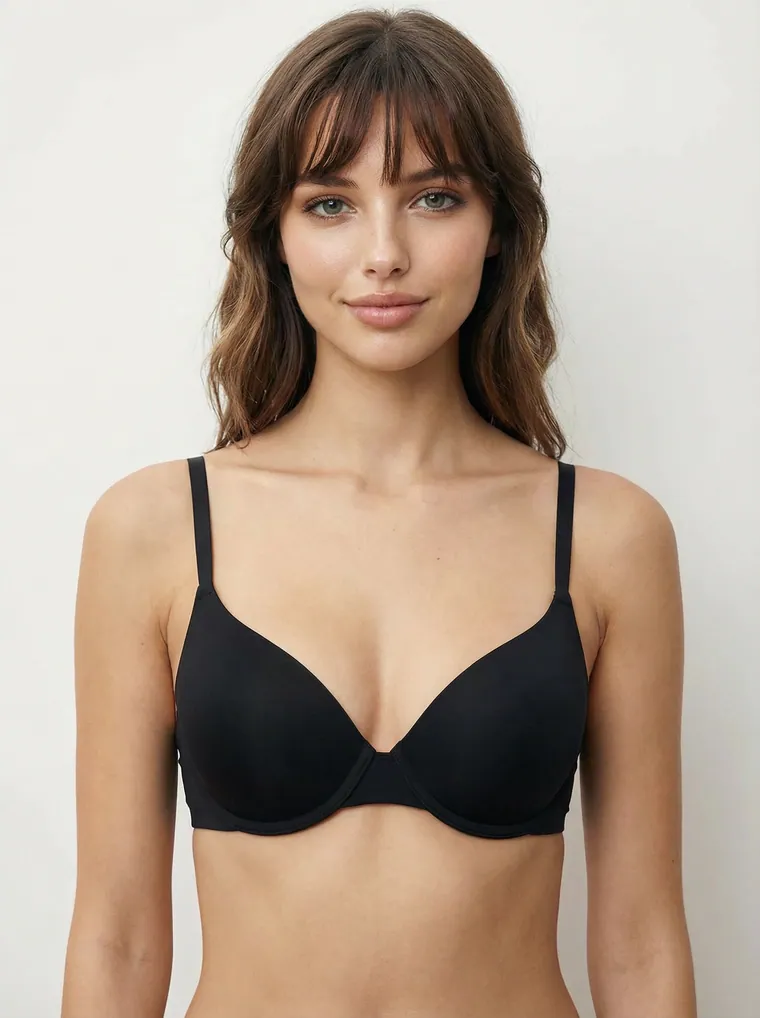
Anchor casting direction with a selected or uploaded model reference.
Define whether a garment stays loose, tucks, layers, or remains open.
Direct body geometry separately from angle, distance, and framing.
Production context
References stay attached
Garment
Model

Setting
Ready for direction
3 referencesWhy this workflow matters
Garment identity, wearing logic, model scale, pose, camera distance, and contact shadows all affect whether an on-model image feels believable. Keeping them separate makes the result easier to direct and review.
Built for real outputs
Add an on-model view beside the original product image.
Explore model direction before committing to a campaign set.
Reuse the same model and camera logic across garments.
Workflow
Keep each decision visible, change one variable at a time, and compare the output with the original garment before approval.
Use a clear view of shape, color, pattern, and construction.
Add casting, pose, camera, and setting references for the intended channel.
Compare color, texture, seams, layering, hands, feet, and grounding.
Quick answers
Yes. You can provide a garment image and combine it with model, environment, pose, camera, and style references to generate a new on-model image.
No. Generated images are creative product visuals, not measurements, tailoring simulations, or guarantees of how a garment will fit a specific shopper.
Start with a clear product reference, avoid conflicting instructions, state the wearing logic, and review distinctive construction details instead of judging only the overall aesthetic.
Continue exploring