Product-led source
Start with an isolated garment or hollow mannequin image.
Use an existing ghost mannequin or isolated garment image as the product reference, then add model, pose, camera, and setting direction for the next stage of your catalog.
AI fashion imagery should be reviewed against the physical product before publishing.
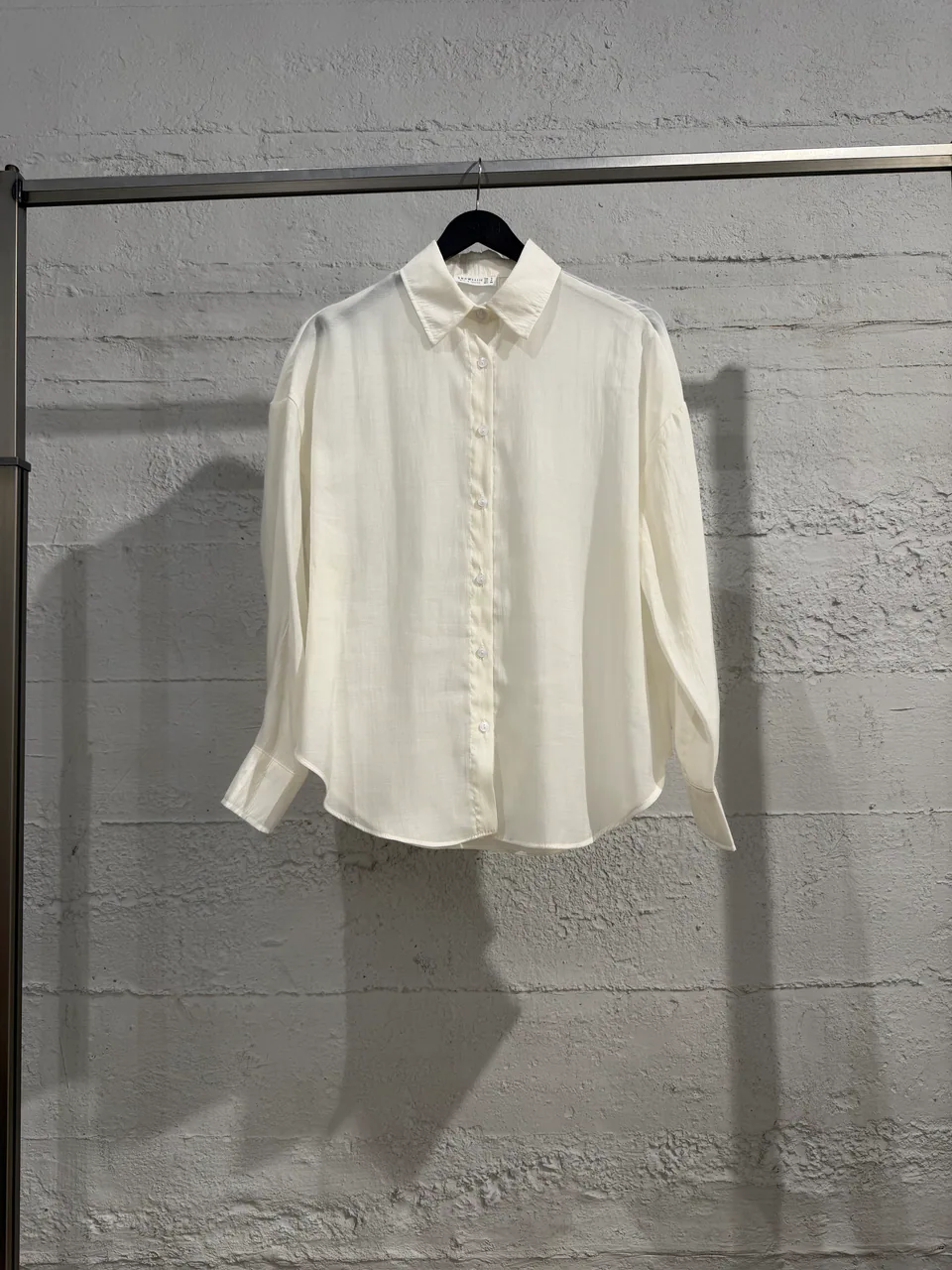 Before · product
 After · on model
Start with an isolated garment or hollow mannequin image.
Define how the garment sits, layers, opens, or tucks on the model.
Choose clean ecommerce framing or a richer editorial setting.
Production context
References stay attached
Garment
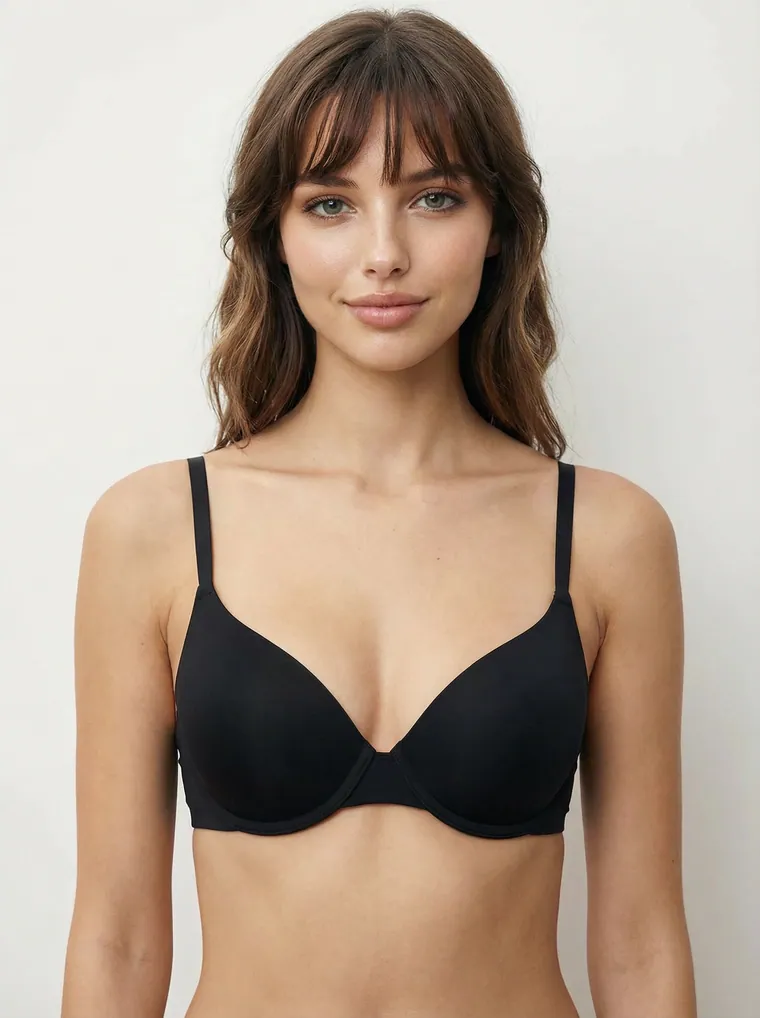
Model

Setting
Ready for direction
3 referencesWhy this workflow matters
Ghost mannequin photography is useful for showing construction. On-model imagery adds body, styling, and context. The conversion should preserve the garment as the source of truth while introducing a believable wearing logic.
Built for real outputs
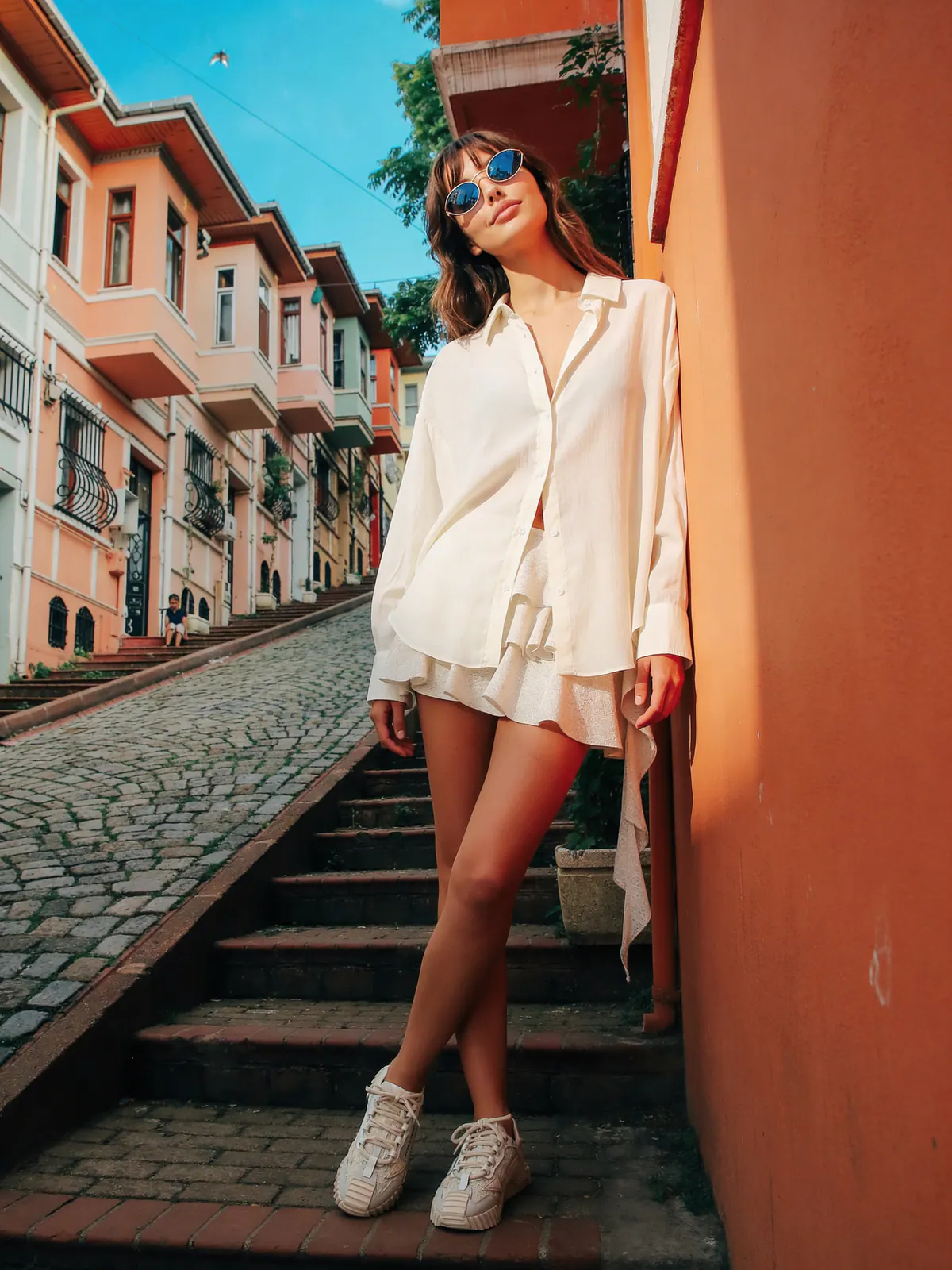
Add on-model context beside ghost mannequin images.
Prepare product-led imagery for channel-specific crops.
Turn a basic product asset into a richer creative starting point.
Workflow
Keep each decision visible, change one variable at a time, and compare the output with the original garment before approval.
Confirm silhouette, closures, sleeves, hem, and visible construction.
Choose model, pose, camera, and garment behavior.
Review the generated result beside the real product reference.
Quick answers
Yes. The isolated or hollow garment photo can act as the product reference while model, pose, camera, and setting references direct the new image.
Generated images should always be compared with the physical product. Clear source images and explicit wearing logic improve the result, but generation is not a substitute for product review.
Use a centered, well-lit image where the silhouette, openings, sleeves, hem, color, and distinctive construction are visible.
Continue exploring