Plan Your Fashion AI Benchmark
Design a small, useful fashion-image evaluation with representative garments, fixed briefs, product-first review and honest cost records before generating a large set.
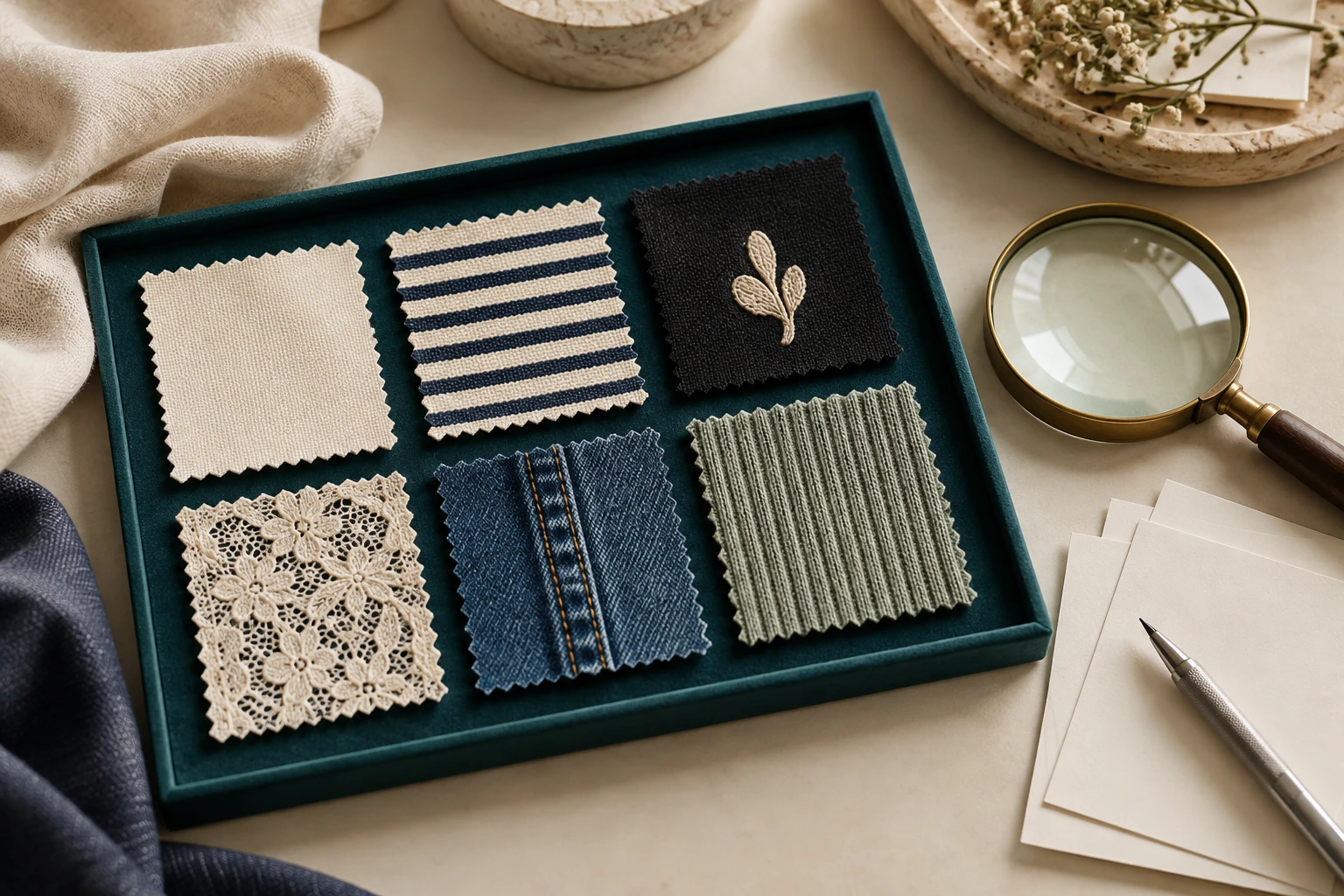
A benchmark is useful when it answers a production decision. A gallery of attractive outputs may show creative possibilities without showing whether the garment stayed correct or how much work approval required. Before spending credits, write the question, choose representative products and decide what would count as usable. This article describes an evaluation plan for fashion teams considering Seedream 4.5, Seedream 5.0 Pro, GPT Image or Nano Banana workflows. It contains no generated comparison results, measured ranking or assumed prices. The proposed procedure is a planning framework; it should not be mistaken for a benchmark already conducted by Studiola.
Ask One Production Question
- Production question
- Intended placement · Approval owners
- Representative products
- Visible product evidence · Known reference limits
- Freeze the brief
- Record the setup · Define the attempt allowance
Choose a narrow question such as: which available workflow can create the required front-view campaign image while preserving this garment’s artwork? A different question—how easily an operator can prepare a repeated scene—needs a workflow evaluation, not an isolated image-model claim. Write the actual decision you will make from the evidence before choosing the candidate tools.
Define the intended placement and the people who will approve it. A product gallery may prioritize visible construction; a campaign banner may allow a different crop while still requiring the correct item. Avoid a vague goal such as best fashion AI. Without a specific decision, the evaluation can expand indefinitely and reward whichever output looks most impressive to the last person who sees it.
Select Products with Real Risks
Representative products
Visible product evidence
Two views of the same editorial photograph, not a model comparison.
Build the candidate product set from the garments you actually sell, not only easy plain T-shirts. Include the relevant mix of construction, texture and branding: a stripe, a small mark, a structured closure, fine knit or another detail your team routinely needs to preserve. These are proposed categories, not a claim that every model fails on each one.
Keep a clean source packet for each product and exact variant. Document what the reference does and does not show. If a back view is missing, do not use imagined back details as a secret scoring requirement. Separate a tool’s inability to preserve visible evidence from an input packet that never supplied the evidence. The goal is a representative challenge with inspectable facts, not a trick request or a collection of impossible hidden expectations.
Record the Brief and Setup
Freeze the brief
Keep product facts and deliverable requirements stable.
Record the setup
Identify the actual version and interface rather than only a family nickname.
Define the attempt allowance
Set a limit and correction rule as a planning choice, not a performance promise.
Use equivalent sources, deliverables and review rules wherever the interfaces permit. Record the displayed model or variant, application, date, crop requirements and reference roles. Official descriptions of Seedream, GPT Image and Nano Banana help identify capabilities to investigate; they do not make every app configuration equivalent. If a host adds extra controls or preprocessing, keep that difference visible.
Set a proposed generation allowance before beginning and decide how corrections will be handled. The same rule should apply to each comparable route. Do not keep refining one candidate until it succeeds while judging another only on its first result. If the task changes midway, preserve the earlier record and label the new round as a revised brief. A reproducible decision requires a clear account of what you actually asked, not only what you finally liked.
Review Product Correctness First
- Product rejection rules
- Separate creative preference · Concrete observations
- Actual spend
- All correction work · Approved deliverables
- Publish the scope
- Show the limits · Choose the next production action
Write hard rejection conditions before viewing candidates. They may include changed physical lettering, wrong colorway, missing fastenings or an altered silhouette that misrepresents the item. Then define creative preferences such as background atmosphere and expression. Review the product gate first so an attractive scene cannot quietly compensate for the wrong garment.
Where practical, hide the tool label during the initial visual review and preserve the original source beside each candidate. This is a proposed way to reduce preference based on names, not a guarantee of impartiality. Record concrete observations rather than inflated precision. “Logo characters differ” is a useful finding; a confidence score invented from a quick glance is not. Keep aesthetic selection separate so the team can see why a commercially correct image was preferred or rejected.
Calculate Cost per Approved Image
Actual spend
Use charges or credit use from the workflow that was actually run.
All correction work
Include the effort needed to reach approval.
Approved deliverables
Name the placement and keep unsuccessful attempts in the record.
Track actual generation charges or credits consumed, correction attempts, review work and retouching work. Use the billing evidence for the workflow you ran; do not substitute an advertised starting rate from another platform. If subscriptions or shared tools contribute to the production budget, state how you allocated them. Any illustrative budget should be labeled as such and kept separate from the observed record.
Divide the recorded production cost by the number of images actually approved for the stated placement. Keep attempted, generated and approved counts distinct. An attractive file that fails the product gate is still part of the effort, not an approved deliverable. If nothing passes, report that outcome rather than hiding it inside a cost-per-image figure. This makes the evaluation useful for budgeting without pretending that one production run establishes a universal model price.
Publish Results with Limits
Spend credits only after the question, product gate and reporting rules are clear.
Report the garment set, source conditions, dates, available controls, review rules and number of candidates. Show representative failures as well as successes when you have permission to publish them. State which workflow the evidence supports for the narrow brief, and which questions remain untested. A small collection of examples cannot establish universal rankings, exact fit prediction or performance on unseen product categories.
If the evaluation is really about setup decisions, include a scene-led route such as Studiola’s model, own product and ready Lookbook scene. Compare the handoff and approval process within that clearly defined scope. Your final decision might be to improve references, simplify art direction or keep different workflows for different jobs. A good benchmark plan leaves room for those useful answers instead of requiring a winner in advance.
Sources, method & questions
Published · By Studiola Editorial Team
Frequently asked questions
Does this article contain benchmark results?
No. It describes an evaluation plan. No comparative images, scores, success rates or measured costs are presented as findings.
Can one garment establish the best model for a whole catalog?
It can inform that garment and brief, but broader claims require representative products, repeatable conditions and clearly reported limits.
How this guide was researched
An editorial guide based on official sources. No generation benchmark or model ranking was performed. Proposed review steps are a working method, not a measured performance claim.
Sources & further reading
- 01Seedream 5.0 Pro — documented editing capabilities
ByteDance Seed · Primary source · Checked
- 02GPT Image — official capabilities and limitations
OpenAI · Primary source · Checked
- 03Nano Banana — official image generation guidance
Google · Primary source · Checked
- 04Google Merchant Center — exact product and variant imagery
Google · Primary source · Checked
Prepare a scene with your product
In Studiola, select a model when needed, add your own product and choose a ready Lookbook scene. Review the output against the product reference.