Flat Lay or On-Model Photos?
The useful choice starts with what a shopper needs to understand, then assigns a format to that question.
A garment reference table
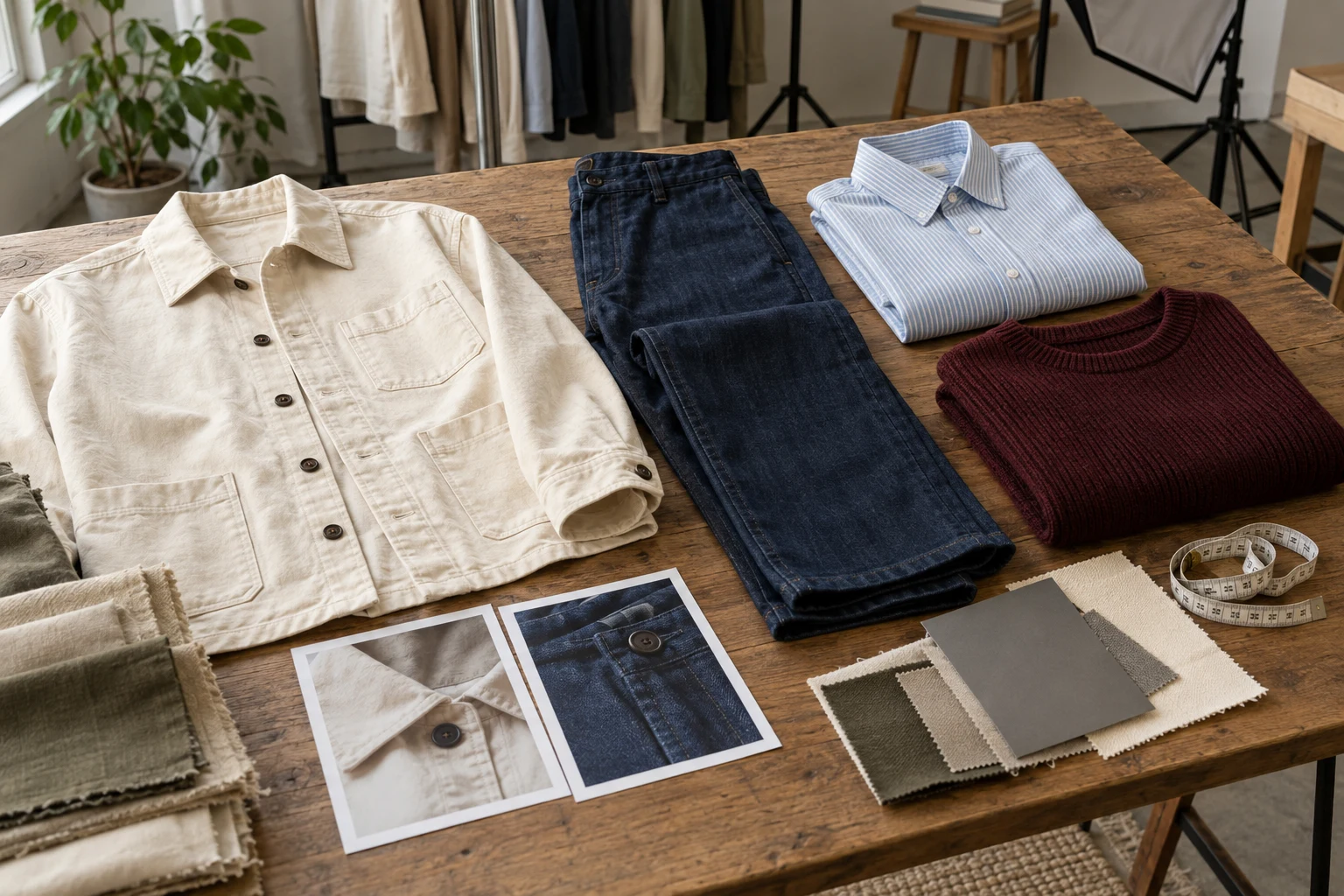
A flat lay and an on-model image answer different questions. The first can make a garment’s visible construction easy to inspect; the second adds body context, styling and proportion. Neither automatically supplies every fact a shopper needs. Build the image sequence around missing information rather than choosing a universal winner.
One retailer on Reddit described hiring a photographer for flat lays while expecting the appearance of a mannequin catalogue. That is a useful briefing problem, not evidence that either format performs better. Before commissioning or generating images, write down the desired angle, material treatment, background and intended destination.
Choose the Channel’s Lead Image
- Flat lay
- Construction and visible surface
- On model
- Styling and visual proportions
- Detail
- Small features and materials
- Sequence
- Give each image one job
For a product listing, the first image should identify the item quickly. Consider the silhouette, background separation and recognizable variant at thumbnail size. A patterned shirt may read clearly laid flat; a draped dress may need body context. Keep the choice consistent within a product family while allowing a documented exception.
Shopify distinguishes flat lay, model or mannequin, and lifestyle approaches in its clothing guide. Treat those as tools in one library. A social campaign can lead with atmosphere, whereas a product gallery must also resolve practical questions. Reusing a campaign photograph does not remove the need for an unambiguous garment view.
Prepare Complementary References
Outline
Outline
Keep collar, sleeves and hem readable before adding styling or a stronger environment.
Construction
Construction
Record closures, back panels and features hidden by the main source angle.
Material
Material
Use a close reference when texture or a small print cannot be judged at full length.
Before making the on-model variation, preserve a source photograph that clearly shows the real garment. Add the back where construction differs, then a close view for a feature that disappears at full length. Do not assume a model image will faithfully invent an unseen pocket or an interior neckline.
For a flat lay, arrange sleeves and hems so the outline remains readable. For the on-model brief, state the wearing arrangement separately: open jacket, untucked top, or layered knit. This keeps styling direction from quietly changing the product. A detail view should answer one specific question rather than repeat the cover at a tighter crop.
Order the Product Gallery
- Identify
- Choose the actual SKU
- Explain
- Show the garment clearly
- Context
- Add a wearable direction
- Deliver
- Review the final channel crop
A useful proposed sequence is identification, wearing context, back view and decisive detail. The exact count depends on the garment and destination; it is not a conversion formula. Remove an image when it adds no new information, and add one when a shopper would otherwise have to guess.
Label the role internally so reviewers understand why each frame exists. For example, an overshirt’s flat lay can establish pocket placement, while its on-model view explains an open layered outfit. Keep the source SKU attached to both. If they disagree on button count or colour, stop the sequence and resolve the mismatch.
Keep the Product Consistent
Read the whole garment
Inspect a closer detail
Consistency means preserving the same product while keeping a deliberate visual system. Matching background colours alone is insufficient if the garments occupy different amounts of the frame or appear to be different variants. Compare the outline and important features before judging whether the images look like a collection.
Shopify’s media documentation recommends consistent aspect ratios for featured images displayed together. That is a presentation consideration, not a requirement to force every garment into an identical tight crop. Leave enough room for long sleeves, skirts and trousers; use a separate closer view when detail needs more space.
Use the Reference Kit
Choose
Select the SKU and the question the image must answer.
Prepare
Keep clear garment, back and important detail references.
Direct
Choose flat lay or on-model context for that role.
Approve
Compare the product and then the delivery crop.
In Studiola, prepare the garment references before exploring a model, scene or composition. Use Flat Lay for a product-centred arrangement and the image workspace for an on-model direction. The useful connection is the shared brief: the same SKU, protected details and channel purpose should travel between those decisions.
Set up one representative item before extending the method to a collection. Save the chosen direction and the reason it was approved, then reuse that context for related products. This can reduce repeated briefing decisions, but no fixed time saving or success rate follows from the workflow. Count only images that meet the intended job.
Hand Over a Clear Set
Identity
Every file points to the intended SKU and variant.
Coverage
The set answers front, back, wearing and detail questions as needed.
Agreement
The product remains consistent across flat and on-model views.
Destination
The final crop preserves the feature that justified each image.
Deliver a small manifest with the SKU, image role, variant and approved crop for every file. A buyer, merchandiser or agency should understand which image is the product reference and which adds styling. Avoid filenames that describe everything as a hero; that forces the next person to reconstruct the brief.
When the product changes, revisit the entire set rather than replacing only the most attractive photograph. The final selection should tell one coherent story about one actual item. Physical product photographs remain the reference for construction and material claims; AI illustrations can support a visual direction without becoming proof of exact fit.
Sources, method & questions
Published · By Studiola Editorial Team
Frequently asked questions
Which format sells clothing better?
There is no universal result established here. Choose a sequence that answers your audience’s product questions, then evaluate its actual performance for the intended channel.
Can I use both formats on one product page?
Yes. Give each frame a distinct purpose and keep product identity, variant and presentation consistent.
Does an AI on-model image prove fit?
No. It is visual content and should not replace garment measurements, real fit evidence or an appropriate size guide.
How this guide was researched
Researched from the linked primary sources on October 23, 2026. Community posts identify questions, not representative findings. Recommendations are editorial workflows; images are AI illustrations and diagrams, not tested Studiola outputs.
Sources & further reading
- 01Clothing Photography: How To Photograph Clothes
Shopify · Primary source · Checked
- 02Product media types
Shopify Help Center · Primary source · Checked
- 03Flat-lay brief and photography expectations
Reddit · r/AskPhotography · Community question · Checked
Give your next image one clear job
Prepare a flat-lay direction from the same garment references you will use for a coordinated on-model image.