AI Shoe Photos: Keep the Details
A convincing sneaker still needs the right sole, toe and lace construction. Follow the product from clean references to an on-foot scene.
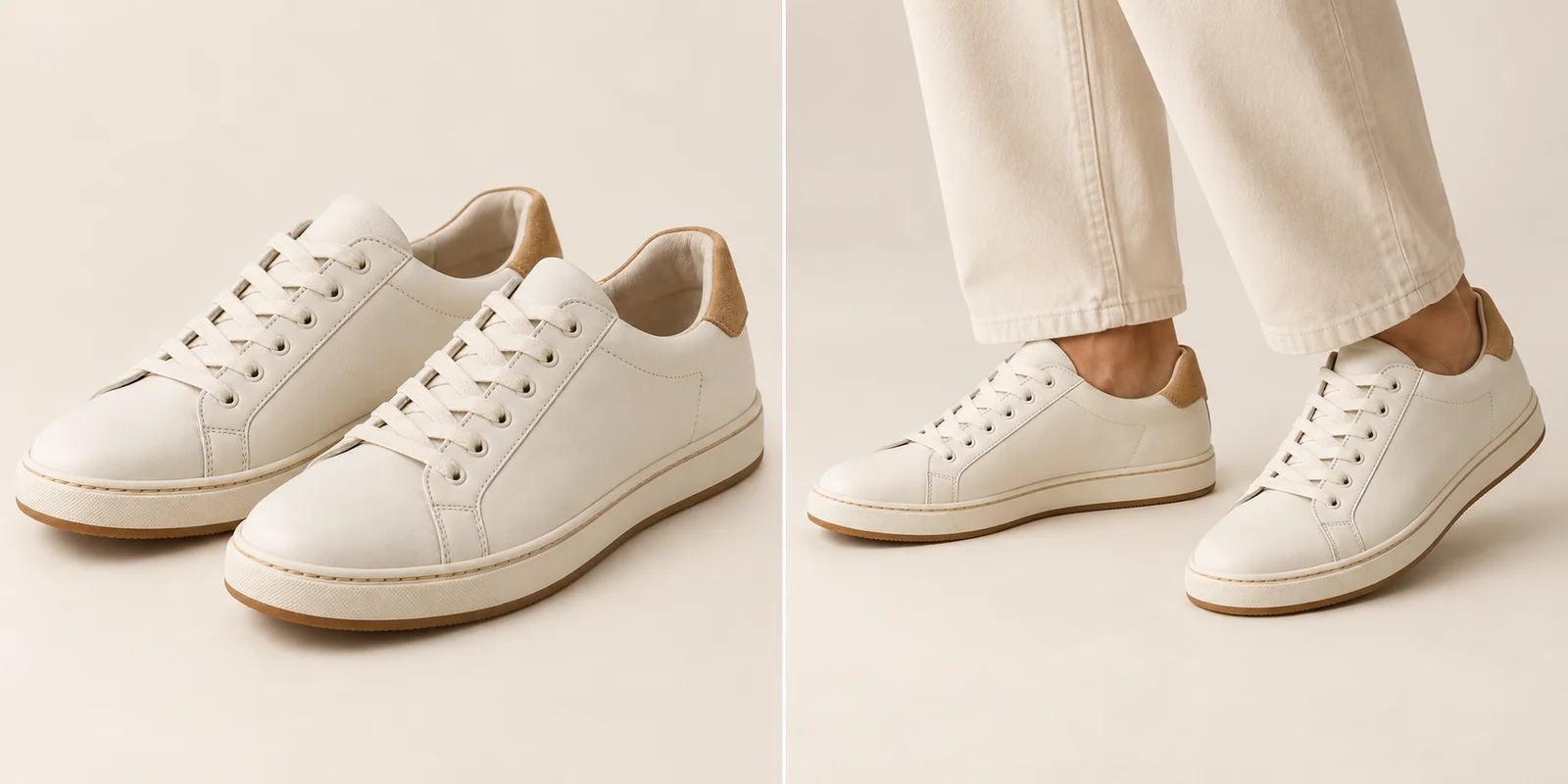
A stylish footwear image can still show a different product.
For AI shoe product photography, preserve the shoe’s shape, construction and material before choosing an impressive scene. A thicker sole, rounder toe or different lace arrangement changes what the image says about the product. Start with approved photographs of the exact style and colorway, including both shoes when the pair matters. Keep those sources beside the image you are considering.
This guide moves from the reference set to the toe, heel, sole and on-foot presentation. The photographs are AI-created editorial illustrations, not measured application results or verified product reproductions. Use them to understand which details deserve a closer look. A strong lifestyle image should add useful wearing context while leaving the shoe recognizable as the item being sold.
Show the Useful Angles
Give the profile, pair and outsole their own view.
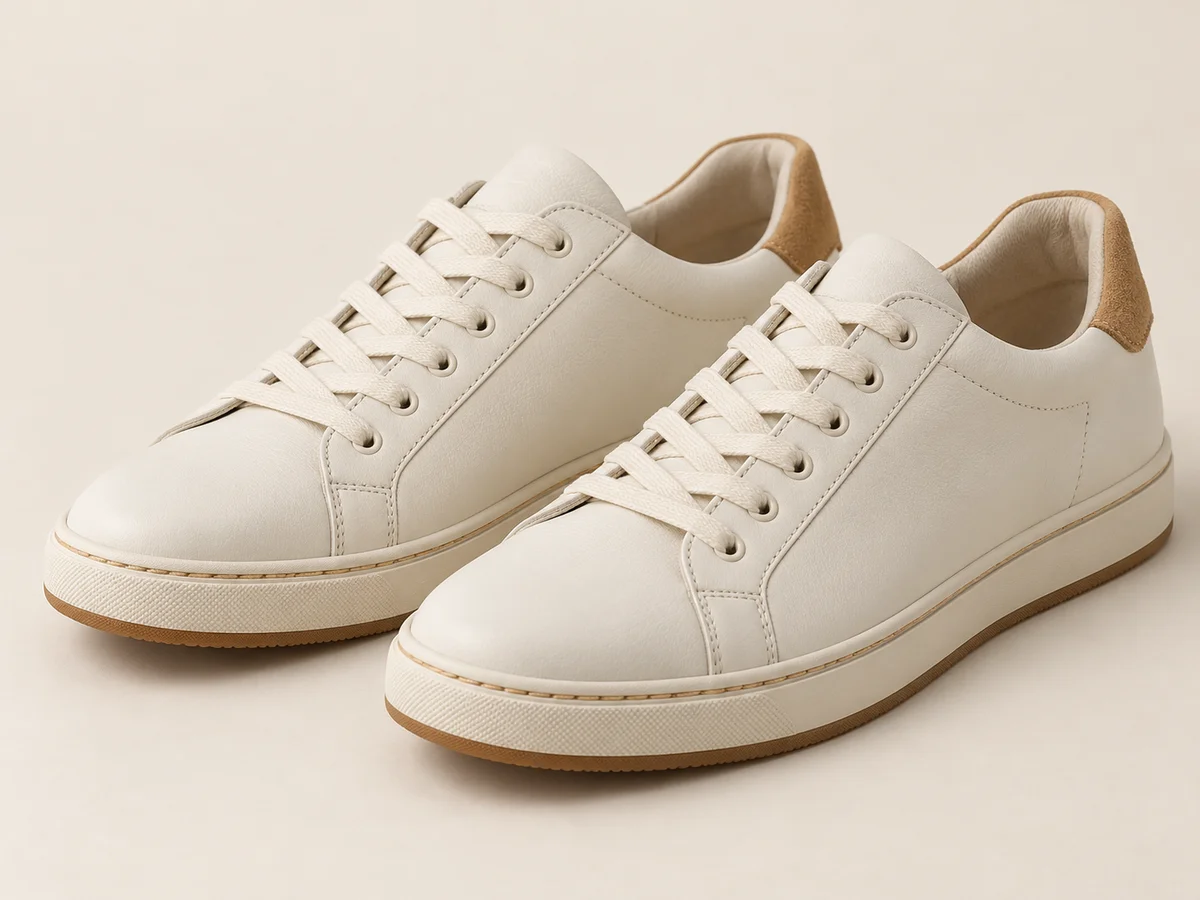
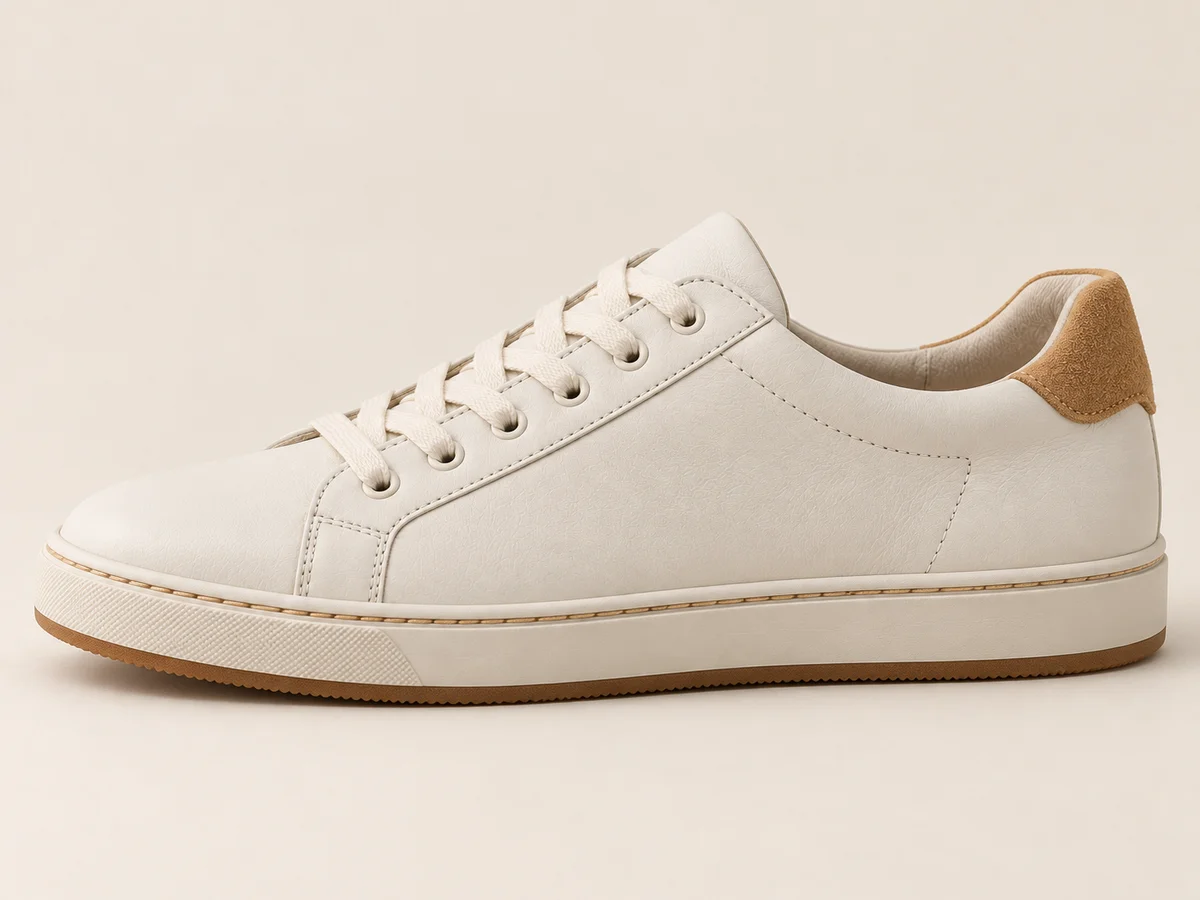
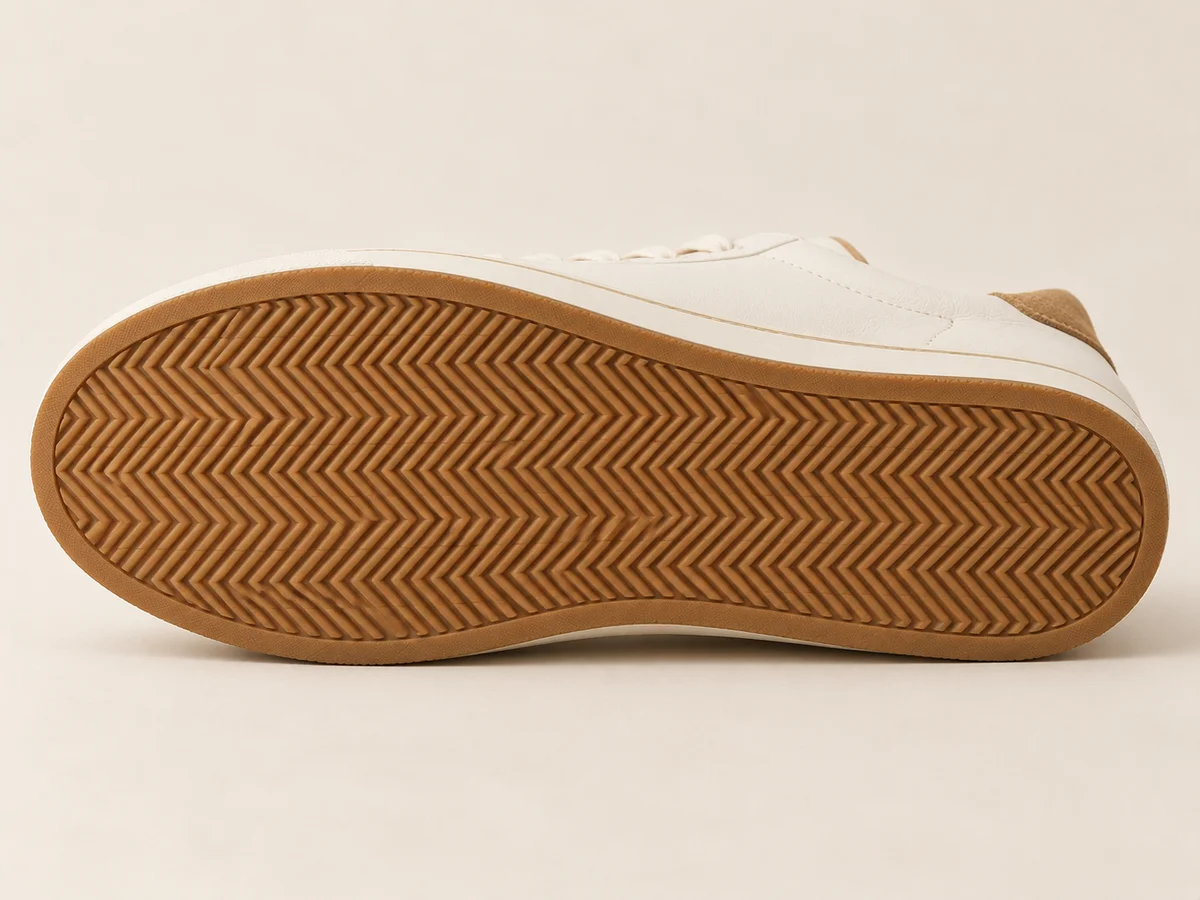
Prepare a readable three-quarter view, a clean side profile and an outsole photograph. Add the back or top when the design depends on those surfaces. Shopify’s shoe-photography guide recommends varying the angles rather than relying on a single attractive view. A sole image answers a different visual question from a front view; neither should be guessed from the other.
Keep the product name, colorway and view together when organizing references. Check that the pair contains the intended left and right shoes, rather than two views of the same side presented as a pair. A hidden inner panel may differ from the outer panel. When that distinction matters, supply the missing view instead of describing an unseen surface as though it were established fact.
Follow the Silhouette
Read the toe and heel before admiring the background.
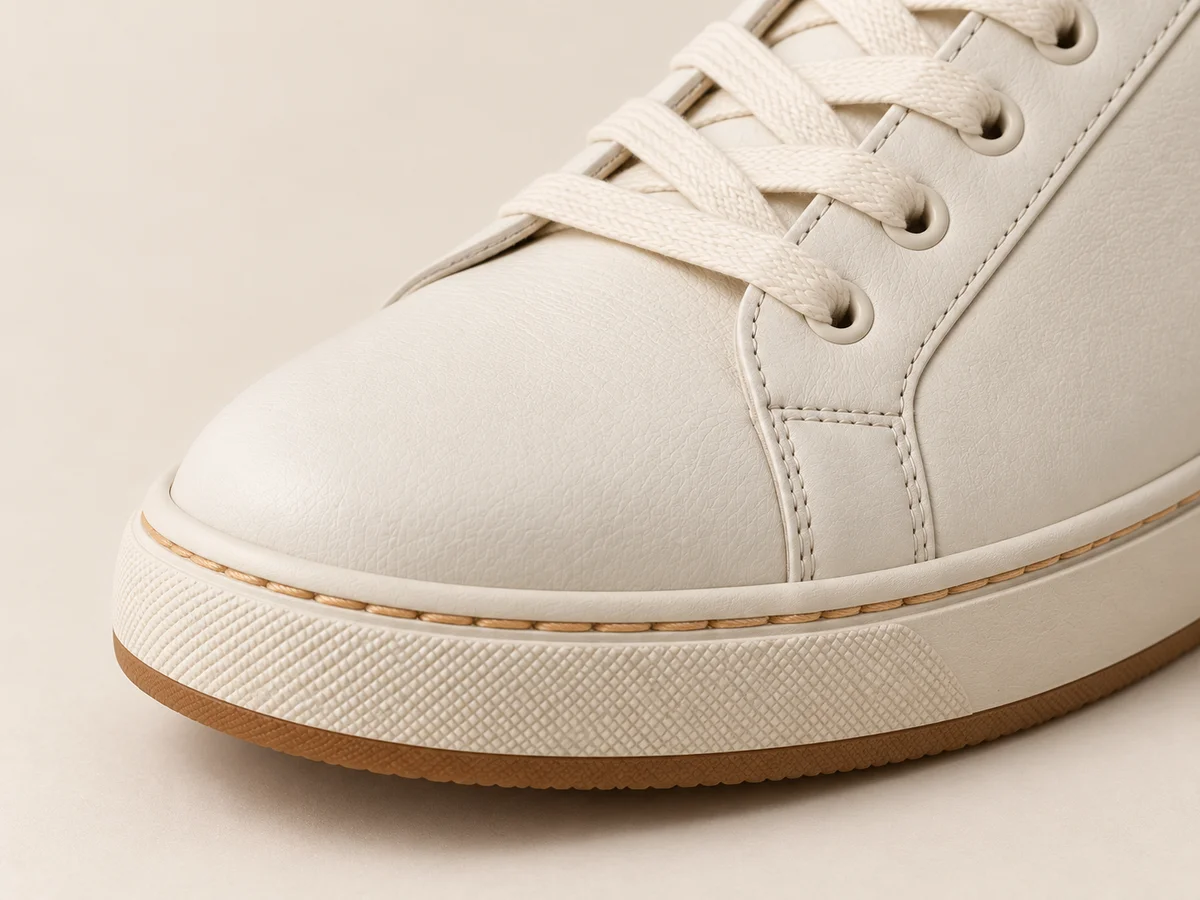
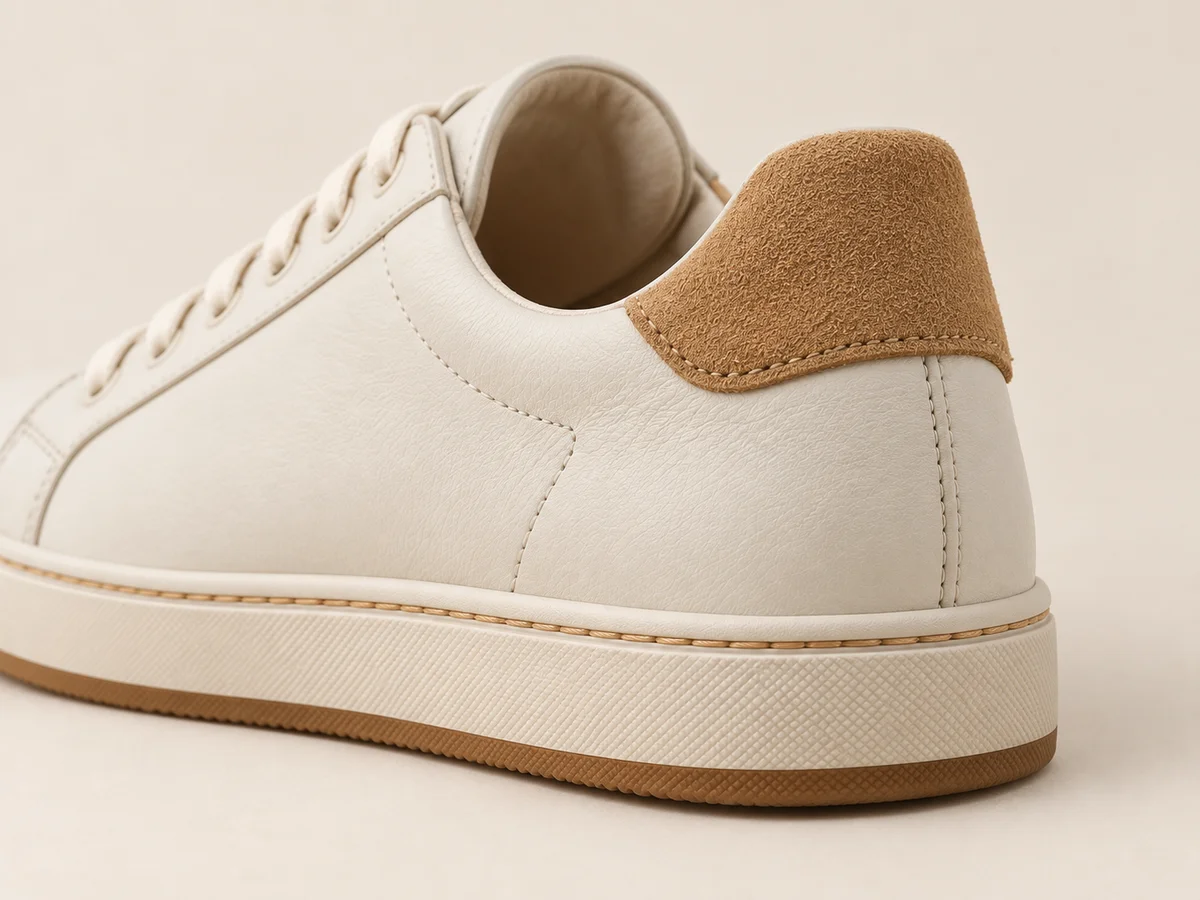
Compare the toe-box outline, opening, heel counter and sole profile against the reference. Use similar angles where possible: a low side view and an overhead view naturally describe the shoe differently. Look for changes that suggest another style, such as a narrower toe, taller heel section or altered relationship between the upper and sole. Name the specific difference rather than calling the whole image unrealistic.
Then compare the two shoes in context. They should belong to the same style while remaining a plausible left and right pair. Perspective can make the nearer shoe look larger, so identical image widths are not the goal. Check the intended shape, panel relationships and supporting sole. A convincing foot position does not make a redesigned shoe construction accurate.
Trace Laces and Soles
Small connections explain how the shoe is built.
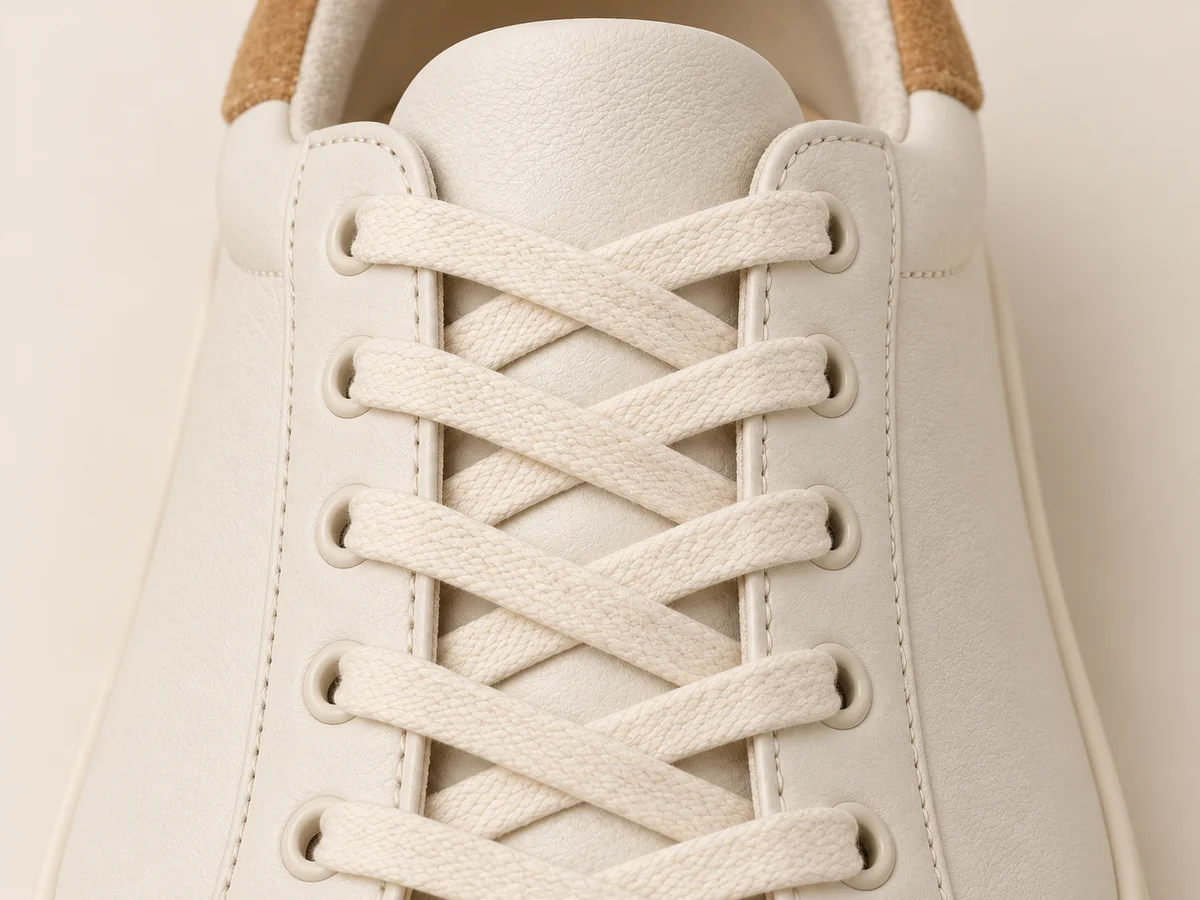
Follow each lace through the visible eyelets and across the tongue. Look for continuous routes, consistent lace material and the intended closure type. Compare straps, buckles or elastic sections separately when the product uses them. A plausible generic lacing pattern is still a different detail if it replaces a distinctive reference. Choose another angle when a hand or trouser hem hides the connection you need.
At the base, separate the outsole pattern from the sidewall and any decorative stripe. A lifestyle view rarely reveals the complete tread, so keep a dedicated outsole photograph in the set. The tread image describes visible construction; it does not independently prove traction, comfort or durability. Those product claims need their own evidence. Use imagery to show the supplied design clearly rather than imply an unmeasured performance result.
Keep Each Surface Distinct
Leather grain, suede nap and rubber should remain different.
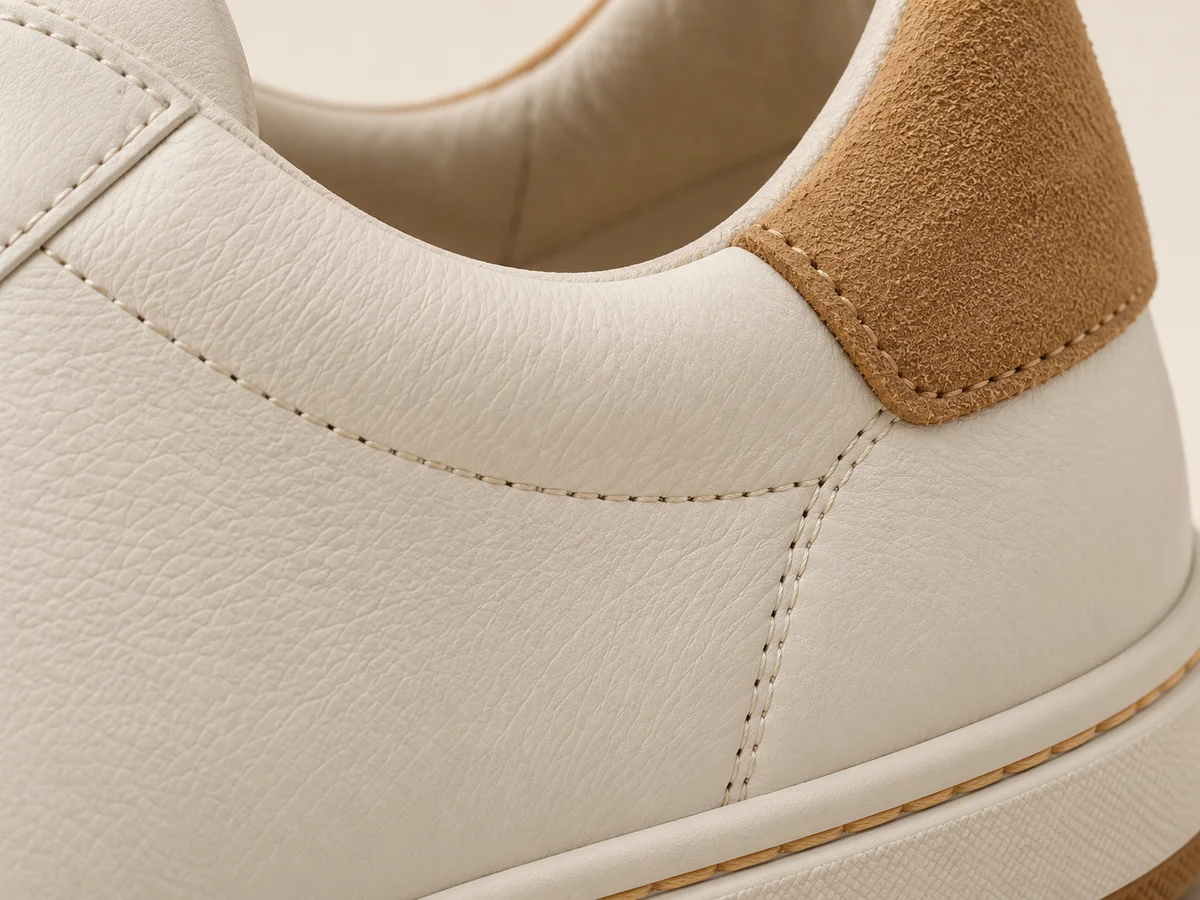
Inspect the upper, overlays, heel tab and sole as separate surfaces. Smooth leather should not silently become knit fabric, and a suede panel should not turn into polished plastic. Shopify notes that footwear materials respond differently to light. Start with readable product references that distinguish those finishes, then compare whether the same differences remain visible in the scene you have chosen.
Adobe’s product-photography guidance describes simple backgrounds and diffused lighting as useful ways to reveal products clearly. Apply that idea when selecting a scene: a dramatic shadow can hide the texture you need to communicate. Reflections and folds may change with the angle, but material identity should remain grounded in the source. A newly invented sharp grain is not automatically a faithful version of the original finish.
Add Wearing Context
Show the shoe on a foot without losing the product view.
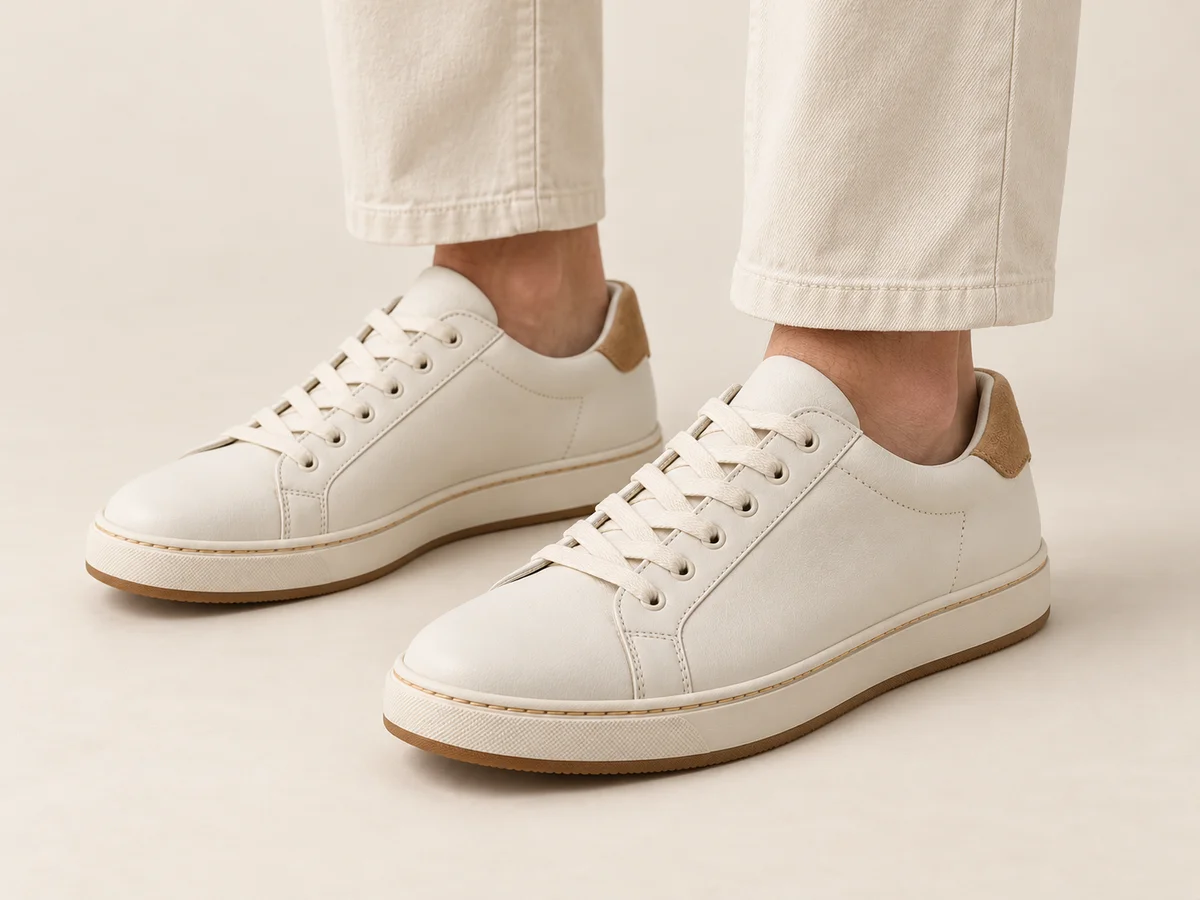
Choose an on-foot pose that leaves the useful profile, toe and heel visible. A long trouser hem, crossed legs or a shoe angled away from the camera can hide the feature the photograph is meant to explain. Keep the entire shoe inside at least one useful frame. For sandals or boots, give strap placement or shaft shape the same attention you would give a sneaker’s lace area.
Treat the wearing image as context rather than a measurement. A generated foot is not a calibrated sizing reference, and the image cannot establish comfort or how a size will fit an individual buyer. Keep the actual sizing information and clean product photographs with the listing. Google Merchant Center’s image guidance requires imagery to represent the product and its variant accurately; a persuasive scene still needs the correct shoe.
Take the Pair into Lookbook
Start with a visible direction and review the footwear details.
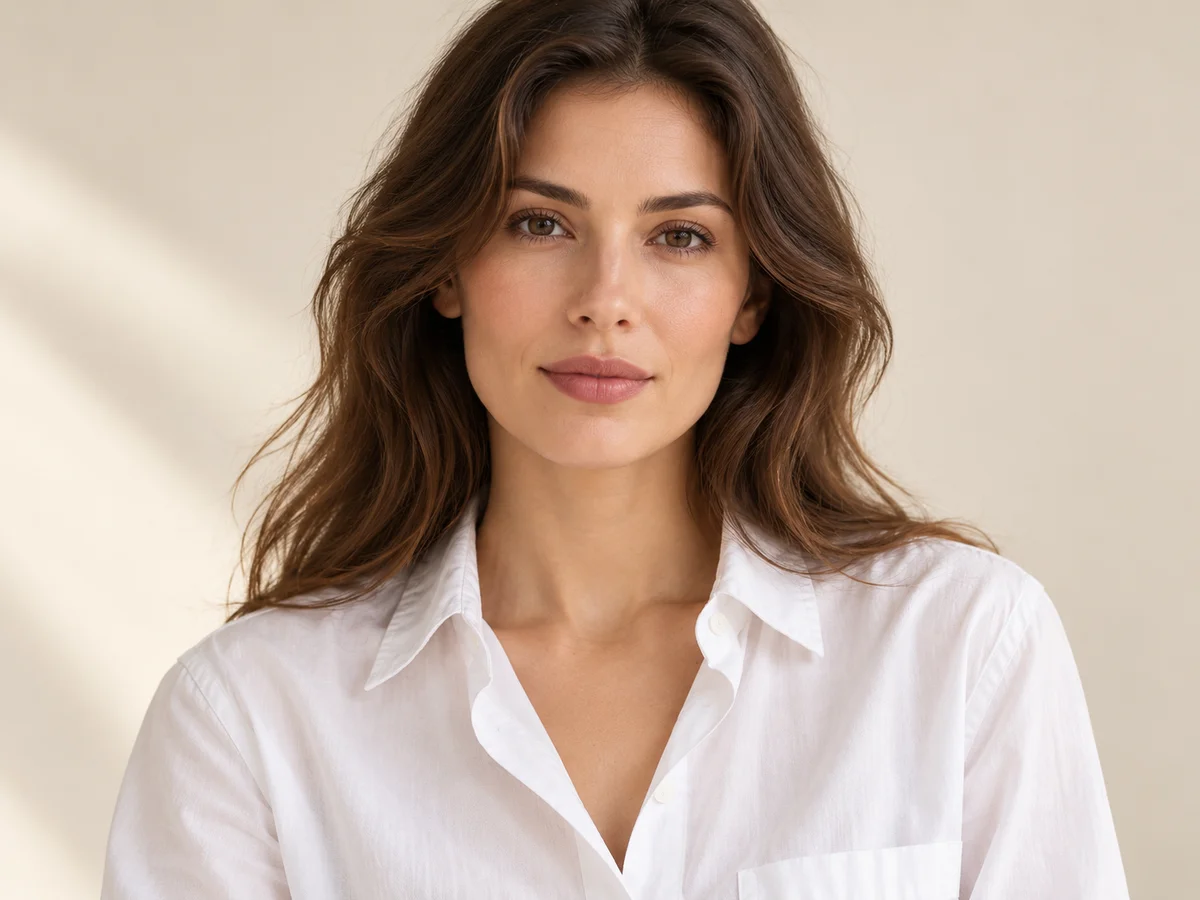
Model · choose Your product · add 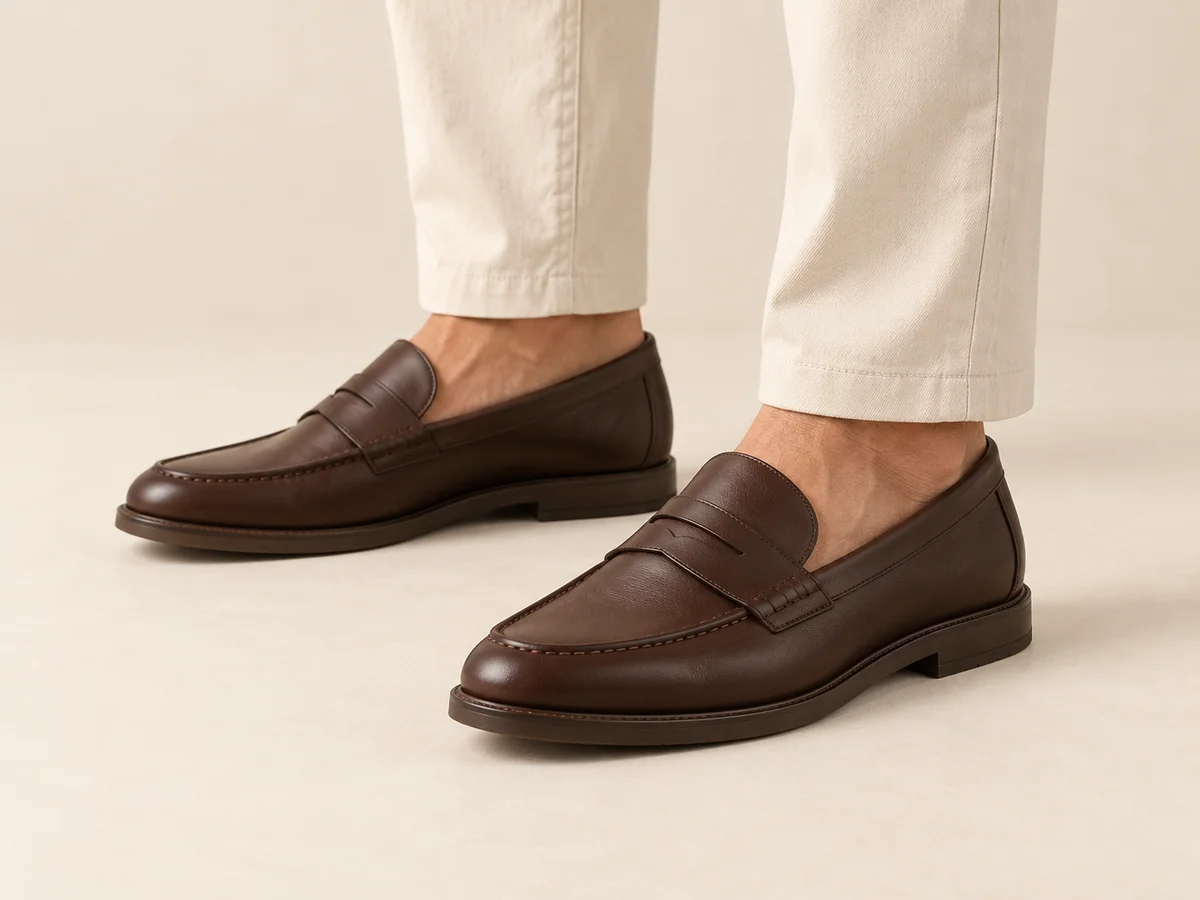
Ready scene · choose Result · review the details
In Studiola, choose a model when needed, add your own product and select a ready Lookbook scene. The selected direction makes the pose, light and framing visible before generation. The basic workflow does not require writing a prompt. That reduces the setup work of collecting references and explaining a shoot from scratch, while letting your team choose the view that makes the shoe useful to inspect.
Select the scene for the product feature you need to show, then generate and compare the result with the approved sources. Keep the profile, toe, closure, sole and materials in that final decision. A prepared scene provides direction rather than a guarantee that every detail will survive unchanged. Retain the clean reference views alongside the lifestyle image, with each export attached to its exact style and colorway.
Sources & quick answers
Published · By Studiola Editorial Team
Frequently asked questions
Can one side photo describe the whole shoe?
It can support a side-facing presentation. Add views of the outsole, back, inner side or closure when those features matter and the first photograph does not reveal them.
Should both shoes look identical in an on-foot image?
They should represent the same style and colorway while forming the correct left and right pair. Perspective and pose can change apparent size and visibility without changing the product.
Can an AI shoe image demonstrate fit or grip?
No. Use actual size information and evidence for performance claims. The image can explain visible shape and styling, but generated feet and surfaces are not a fit or traction test.
How this guide was researched
Source-based editorial guide researched on October 25, 2026. Images are AI-created conceptual illustrations, not verified product reproductions, screenshots or measured Studiola results. The proposed detail checks are editorial practices, not a model benchmark, fit prediction or material certification. Studiola publishes this guide and provides the described Lookbook workflow.
Sources & further reading
- 01How to Take Pictures of Shoes: 10 Steps
Shopify · Primary source · Checked
- 02What is product photography and how do you do it?
Adobe · Primary source · Checked
- 03Image link [image_link]
Google Merchant Center · Primary source · Checked
Build a Scene Around Your Product
Add your product, choose a ready scene and keep its defining details in view.