AI Satin Photos: Keep the Sheen
Satin needs more than a glossy surface. Let the highlights follow the real folds while the dress keeps its neckline, seams and silhouette.
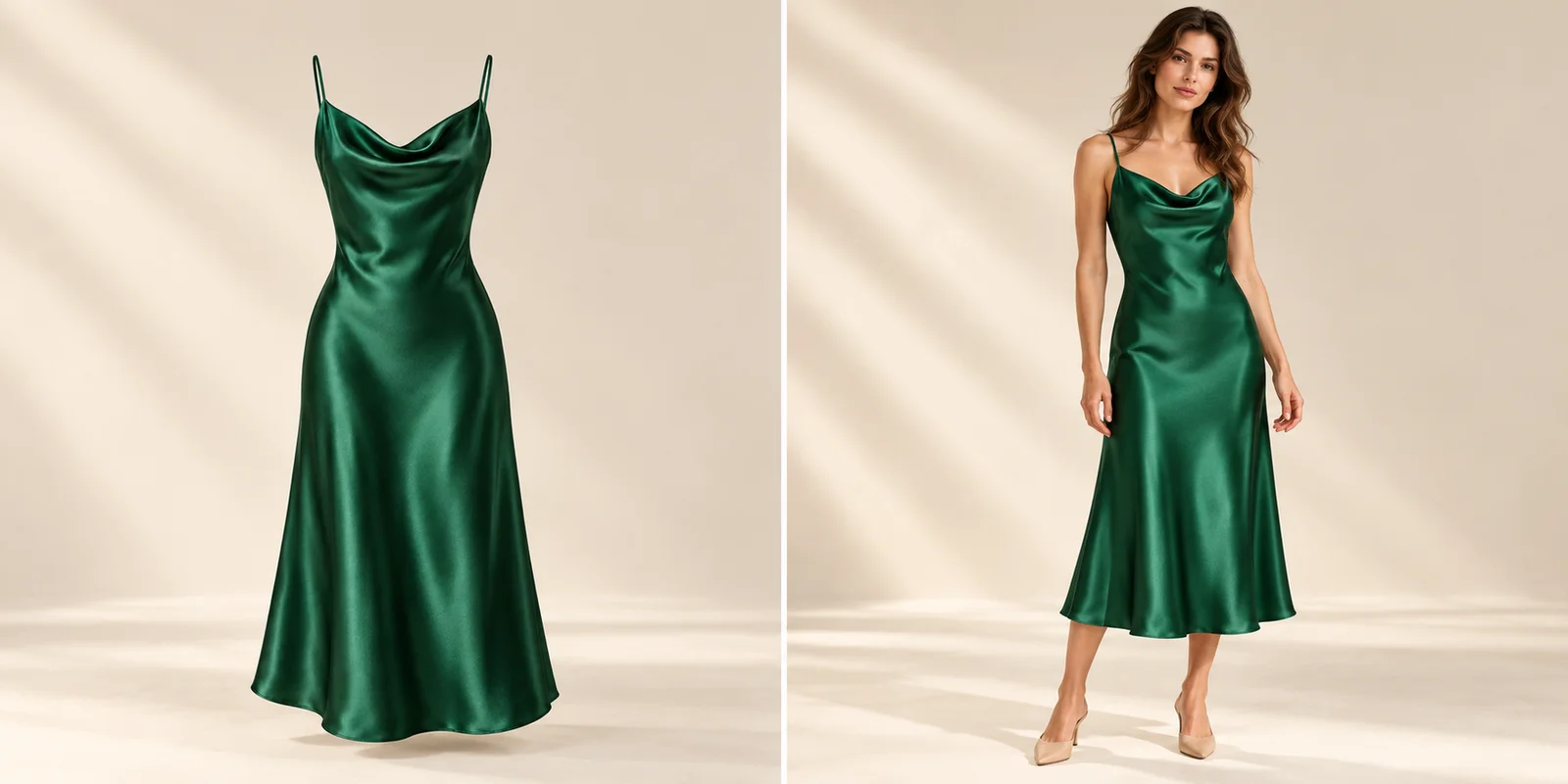
A glossy dress can look polished while showing the wrong material.
For AI satin dress photography, keep the sheen, construction and drape connected to the actual product. Adding bright white streaks to a green dress does not establish a satin appearance. The highlights should describe the folds rather than resemble painted stripes or metallic foil. At the same time, the neckline, straps, skirt shape and hem still need to represent the garment the customer is choosing.
The images in this guide use one fictional emerald dress to separate those decisions. Begin with the complete reference, move closer to the light on its surface and finish with the garment in a wearing context. All photographs and altered-surface comparisons are AI-created editorial illustrations. They are intended to explain visible checks, not present verified product reproductions, material tests or measured Studiola results.
Show the Dress and Its Surface
Give the cut, the back and the finish enough evidence before choosing a scene.
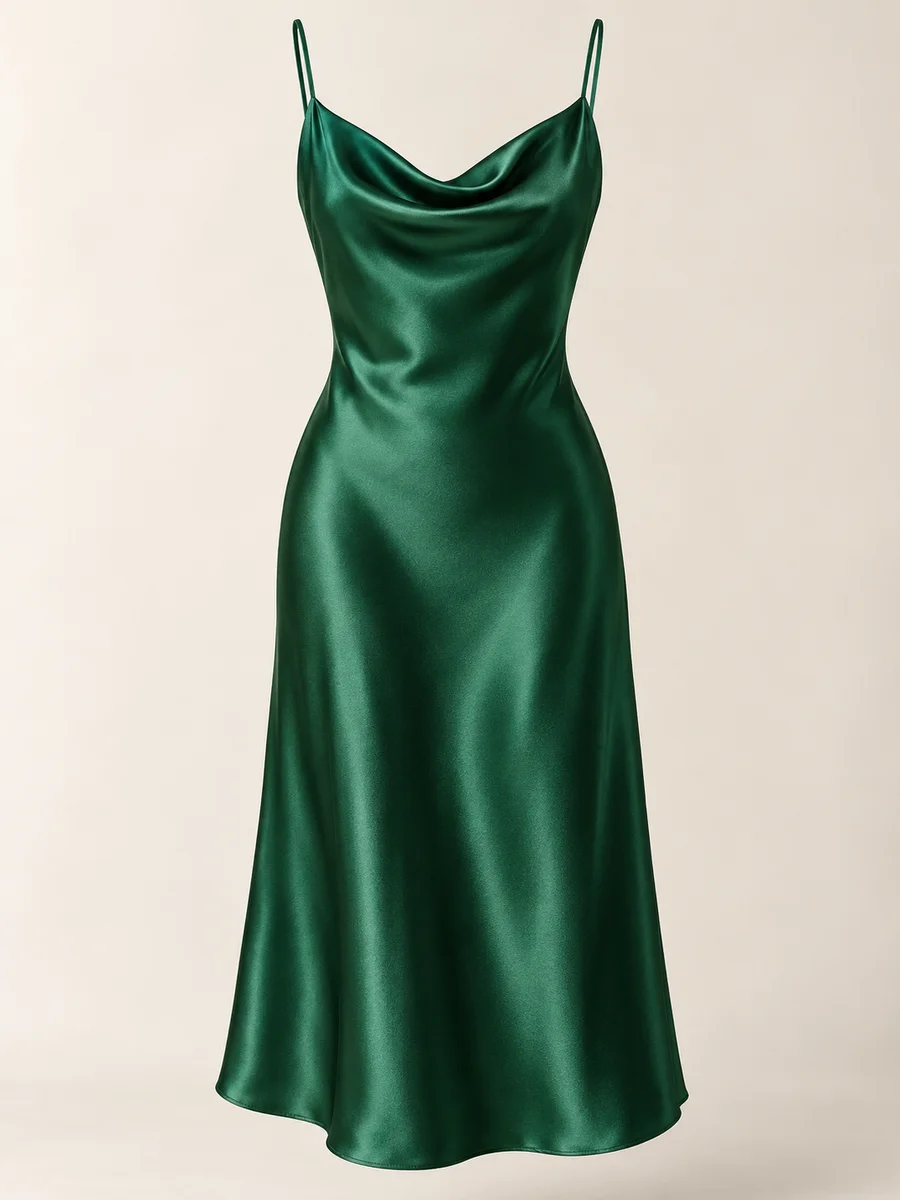
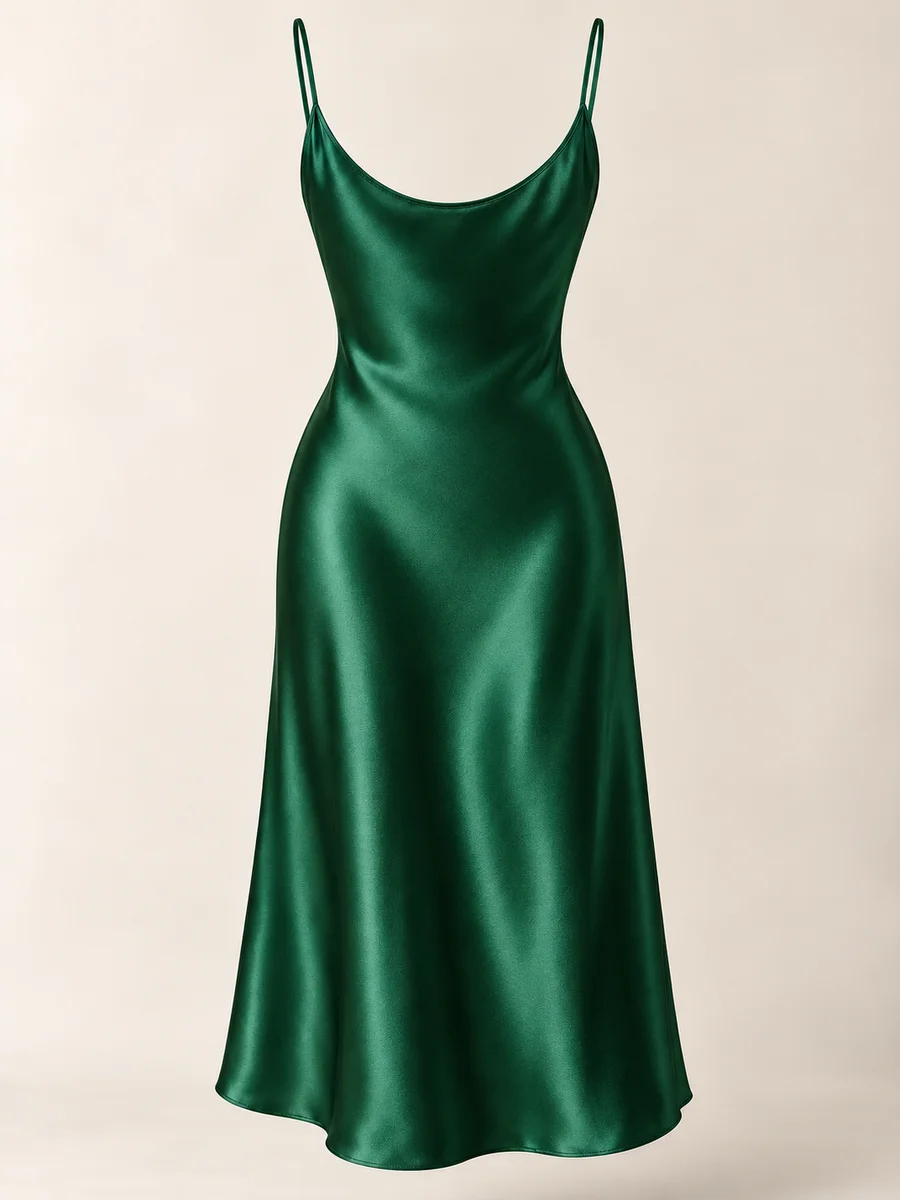
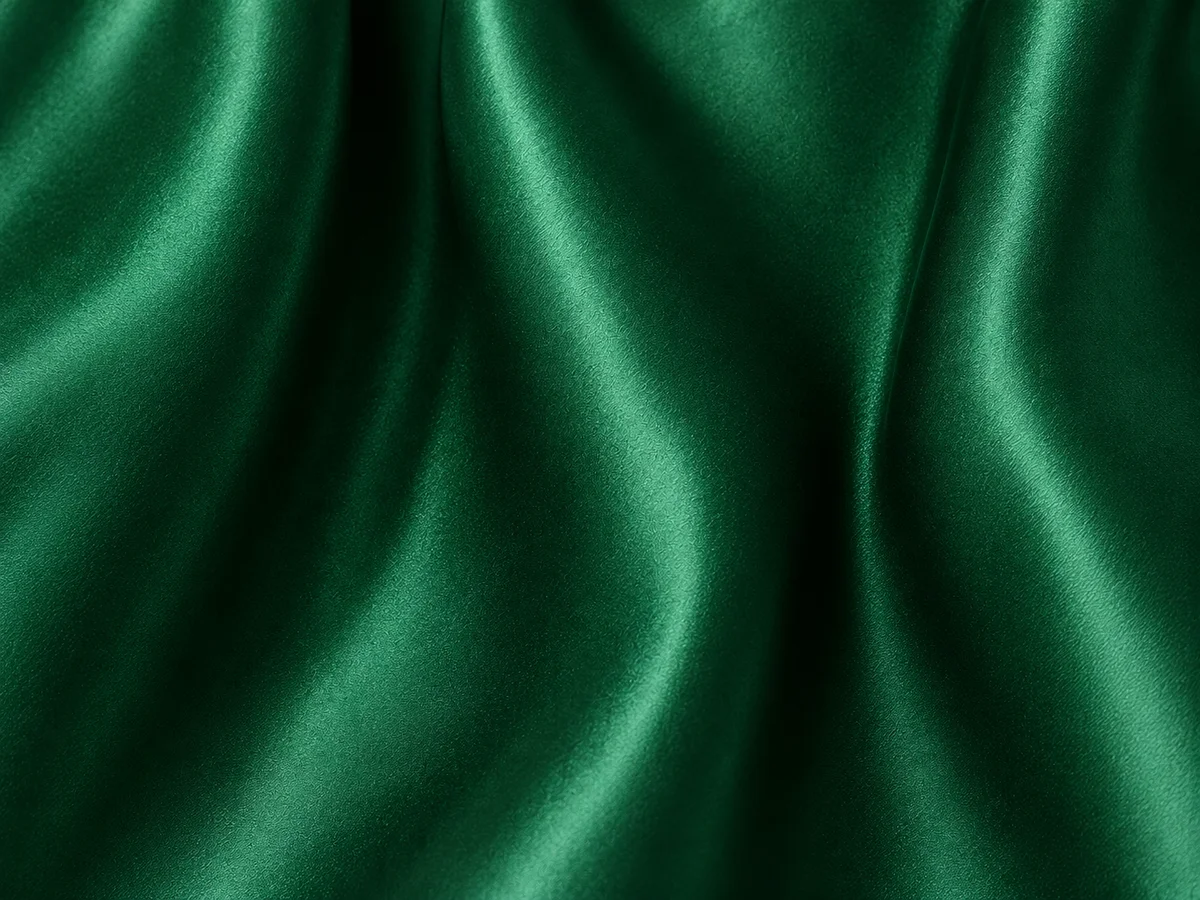
Prepare an unobstructed front view of the correct dress and color, with the full straps and hem visible. Add a back view so the rear neckline, closures and seams are not guessed from the front. Include a close-up that shows the fabric under readable light. A reference with a blown-out chest panel or a skirt hidden in shadow leaves important information unresolved before the new scene begins.
Shopify’s clothing-photography guide recommends multiple views and close-ups of fabric and construction. Use those views as a compact reference set, rather than trying to describe unseen details with more adjectives. Keep the same variant across the photographs, and name each by product, color and angle. Retain the clean product views alongside expressive images so someone can still inspect what is being sold.
Let Highlights Follow the Folds
Look for a soft transition across each ridge, not a layer of shine painted on top.
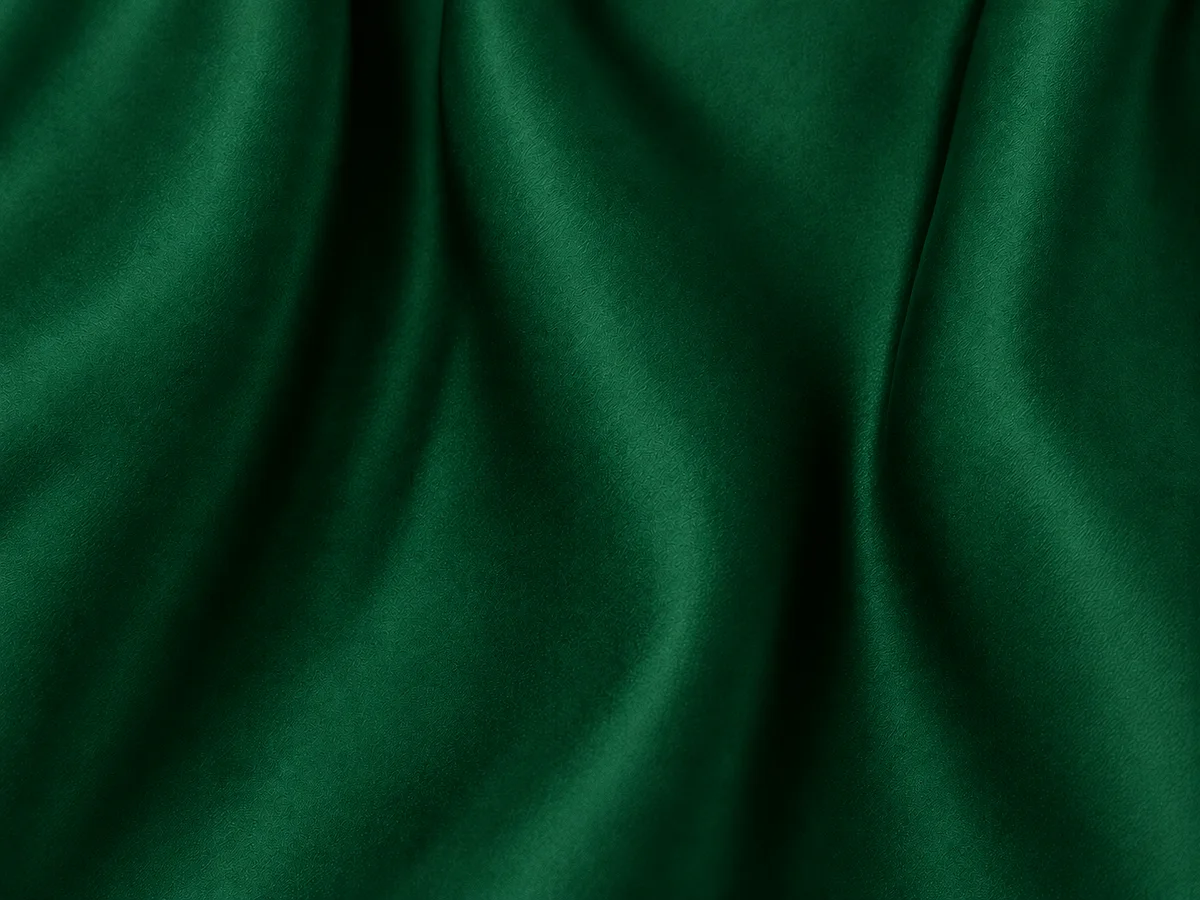
Follow a fold from its bright side into its darker trough. The transition should help explain the surface turning through the light. CottonWorks describes satin weaves as using long yarn floats that contribute to a smooth, lustrous face. Use the real reference to judge the strength and softness of that effect: not every satin finish needs the same intensity, and a photograph does not identify the fiber composition by itself.
The altered example below deliberately flattens the sheen while retaining the folds. That makes the role of the surface easier to see. The opposite change can also matter: hard scattered white patches may make soft satin read as foil. Adobe’s product-photography guidance favors controlled lighting that reveals the item clearly. Choose the scene for readable fabric, then compare the whole range of tones rather than approving only the brightest highlight.
Preserve the Small Joins
The straps, side seam and hem belong to the dress just as much as its shine.
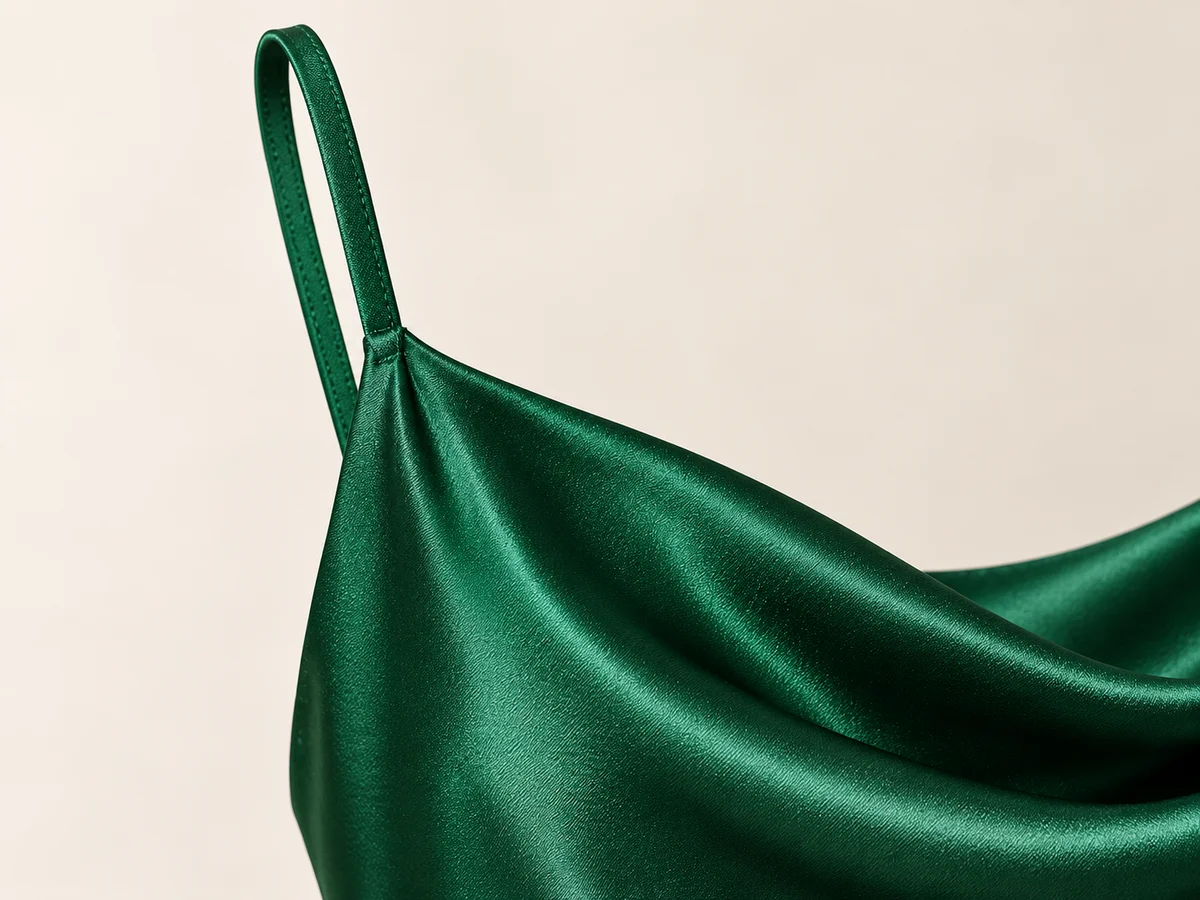
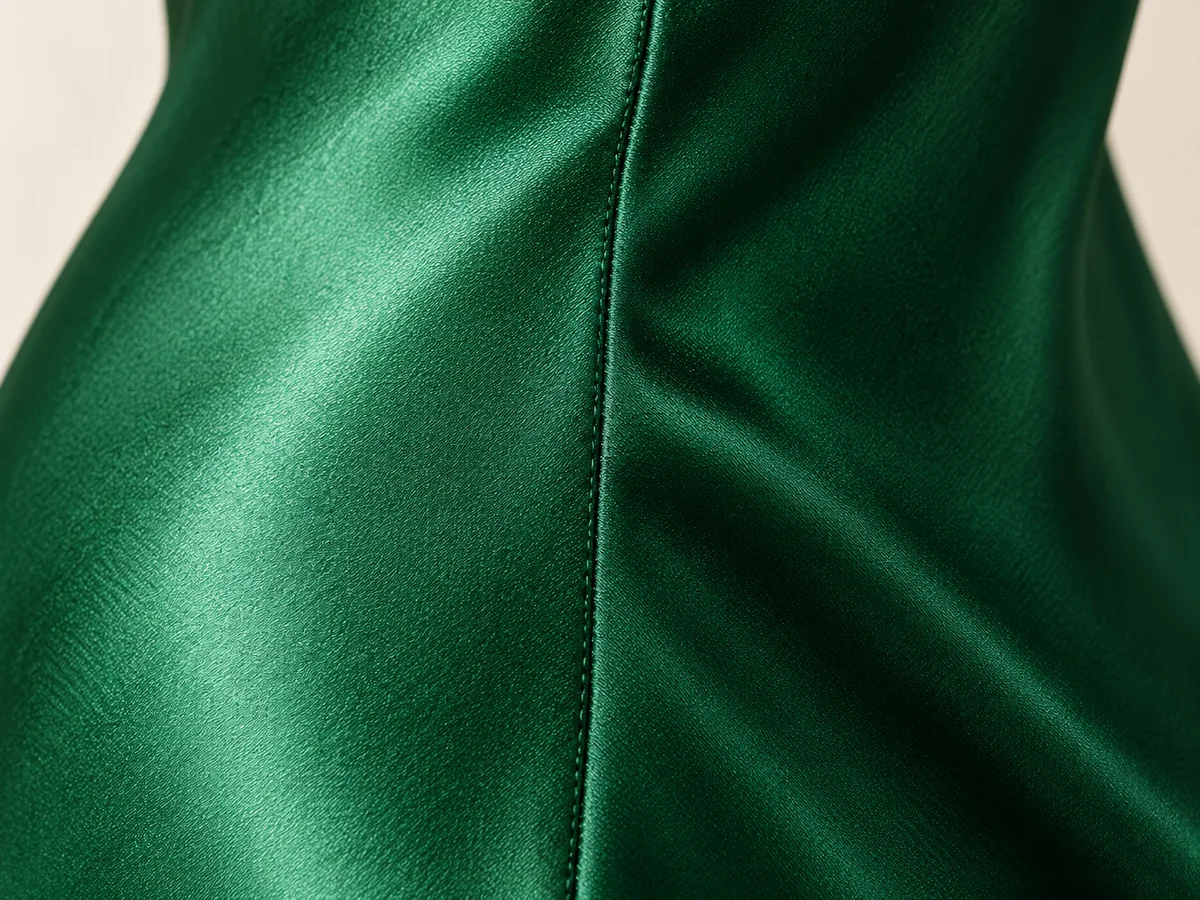
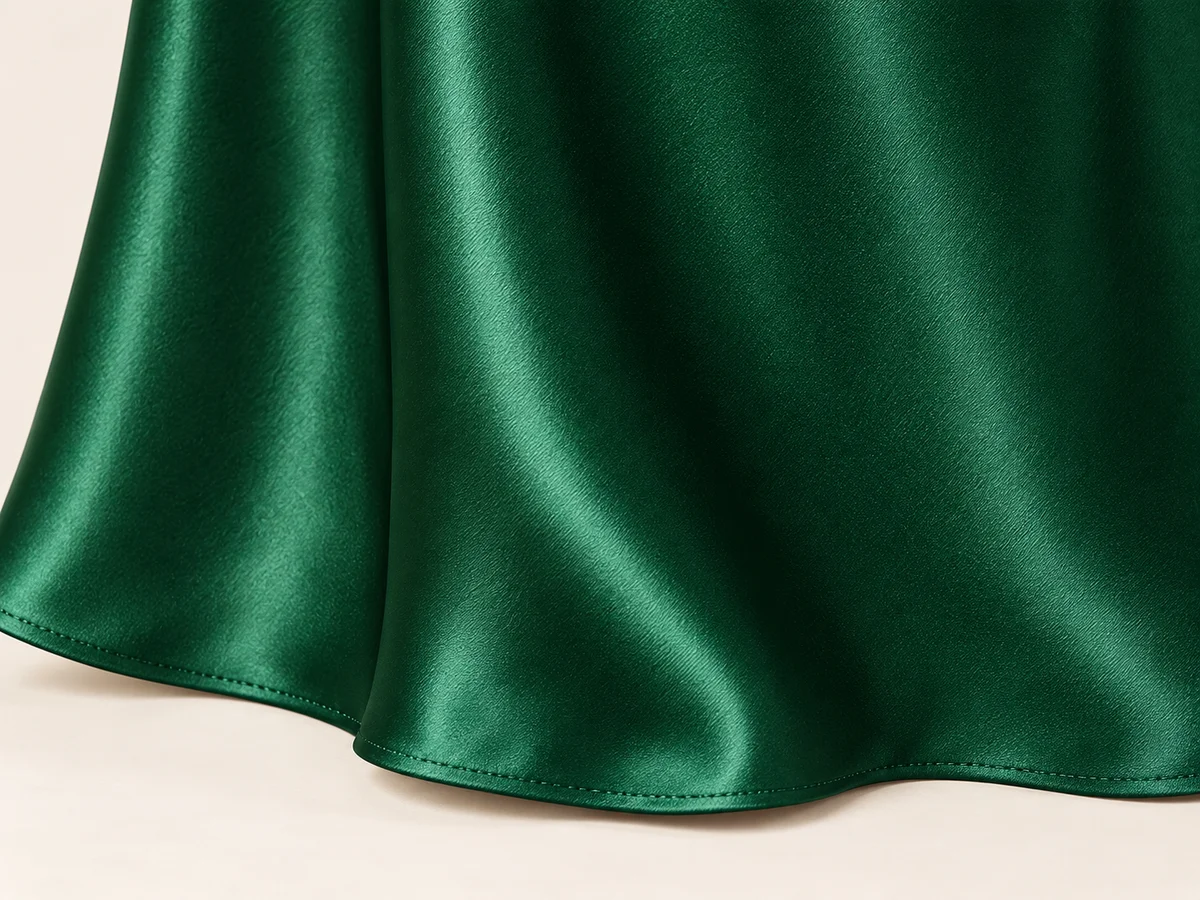
Start at the straps and follow their attachment into the neckline. A narrow spaghetti strap should not become a wide band, an extra crossover or an ornamental chain. Compare how the cowl edge is finished and where it joins the body. Then trace the side seam through the skirt, checking that the candidate has not introduced an unsupported waist seam, slit, buckle or decorative detail to make the scene more interesting.
Finish at the hem. Keep a sewn edge distinct from a raw or frayed edge, and check that a pose has not hidden the part needed for the product view. Small changes in stitching can be difficult to judge from a distant full-body frame. Keep the approved detail reference available and choose a closer view when the construction matters. A generally plausible slip dress is not automatically the same design.
Read the Skirt in Context
A change in posture can move the folds without changing the garment’s construction.
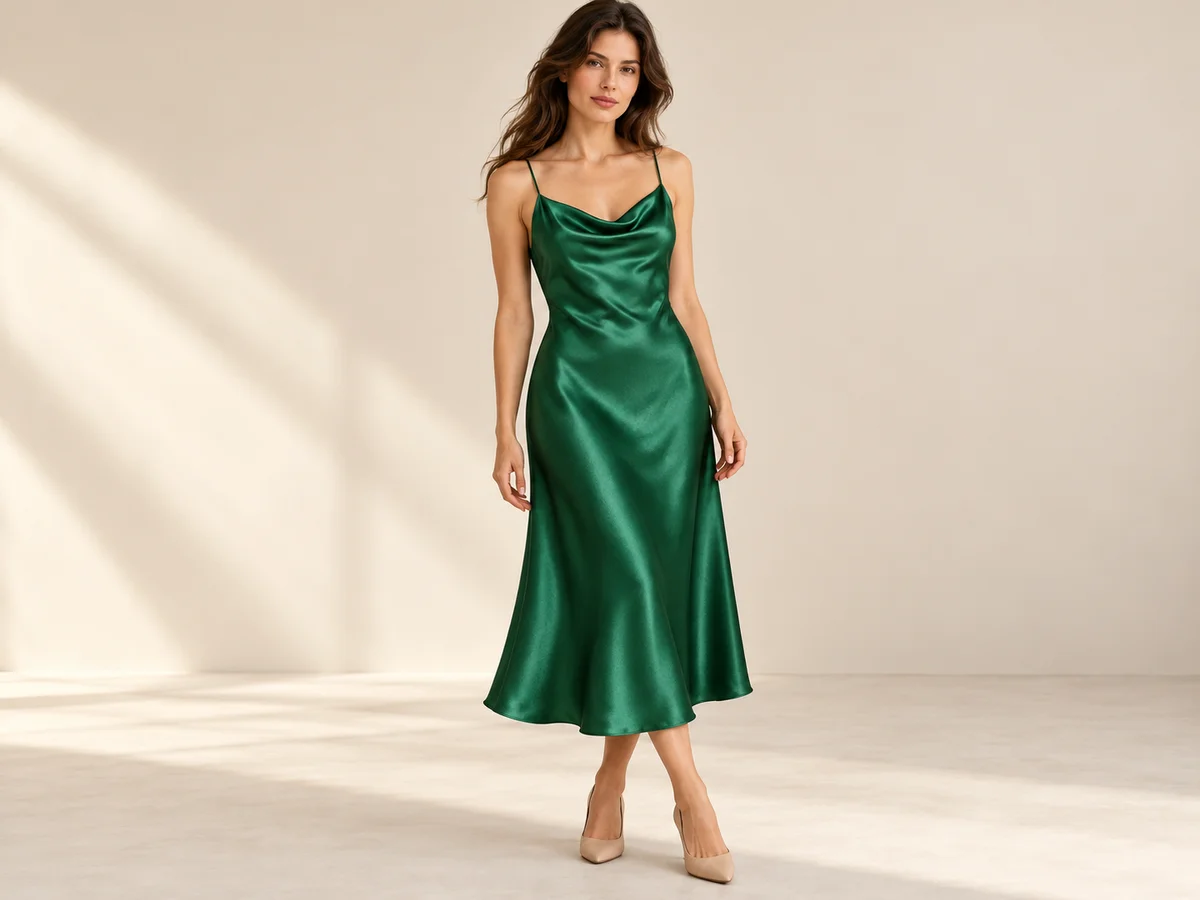
Compare how the skirt hangs from the waist and hips, then follow the fabric to the hem. A standing body can create folds that differ from an invisible-form reference. Look for a believable version of the same silhouette: a fluid midi skirt should not suddenly become a rigid bell shape or a fitted pencil skirt. Give the fabric room to hang instead of judging it only where an arm or prop presses against it.
Treat visible drape as a useful presentation cue, not a measurement of stretch, weight or fit. Keep the garment’s actual composition and dimensions in its product information. Do not add a fabric claim because a generated surface appears soft or luxurious. When the image makes the skirt shape ambiguous, pair it with a calmer front view and a close detail that explains the real edge and seam relationships.
Keep the Key Edges Visible
Choose the pose for the detail that the picture needs to show.
For a cowl neckline, keep hair and hands away from the straps and upper edge. For the skirt, leave enough room around the legs and include the actual hem. A seated or tightly cropped campaign frame can be attractive, but it may not explain the full silhouette. Give every photograph a role: neckline detail, fabric close-up, complete standing view or expressive styling context. The set can do more than one job.
Inspect the delivered crop, not only the uncropped scene. A small change at the top can remove a strap attachment, and a bottom crop can turn a midi dress into an uncertain length. Google Merchant Center’s image guidance asks the image to match the actual item and its variant, including finish and material. Keep a readable view of the correct dress available when a more artistic image leaves those details out.
Choose the Satin Scene
Start with visible lighting and framing, then keep the product reference close.
Model · choose Your product · add 
Ready scene · choose Result · review the details
In Studiola, choose a model when needed, add your own dress and select a ready Lookbook scene. The scene makes the intended pose, light and framing visible before generation. The basic workflow does not require writing a prompt. That shortens the preparation involved in assembling references and describing a shoot repeatedly, while letting your team choose a direction that keeps the neckline and skirt useful to the viewer.
Generate, then compare the dress with its approved references: sheen, neckline, straps, seam and hem. A prepared scene gives the work a clearer starting point; it does not guarantee that every fold or surface detail remains accurate. Keep the correct color variant with the exported file. Use lifestyle imagery to add context and retain straightforward product photographs where customers need an unobstructed view of the garment and its finish.
Sources & quick answers
Published · By Studiola Editorial Team
Frequently asked questions
Does more shine make an AI dress photo more accurate?
Not necessarily. Compare the actual reference. Excessive hard highlights can change the apparent surface, while flattened lighting can remove the satin character the product really has.
Must the folds match exactly in every pose?
Folds can move as the garment is worn. Check that the same neckline, seams, silhouette and finish remain recognizable instead of demanding identical pixels across different positions.
Can a satin-looking image prove that a dress is silk?
No. Use the product’s verified composition. A generated photograph can illustrate a surface appearance, but it does not determine the garment’s fibers or physical properties.
How this guide was researched
Editorial guidance researched from the cited primary sources on October 25, 2026. Photographs and altered-sheen comparisons are conceptual AI illustrations, not verified garment reproductions, textile tests, fit predictions or measured application results. The review practices are proposed editorial methods, not a model ranking. Studiola publishes this guide and provides the Lookbook workflow described.
Sources & further reading
- 01Weaving 101 — Satin Weaves
CottonWorks / Cotton Incorporated · Primary source · Checked
- 02Clothing Photography: How To Photograph Clothes
Shopify · Primary source · Checked
- 03Product photography: Tips and techniques
Adobe · Primary source · Checked
- 04Image link [image_link]
Google Merchant Center · Primary source · Checked
Build a Scene Around Your Product
Add your product, choose a ready scene and keep its defining details in view.