AI Jewelry Photos: Keep the Piece
Sparkle is only one part of the picture. Keep the setting, chain and clasp recognizable when a jewelry piece moves from reference to wearing context.
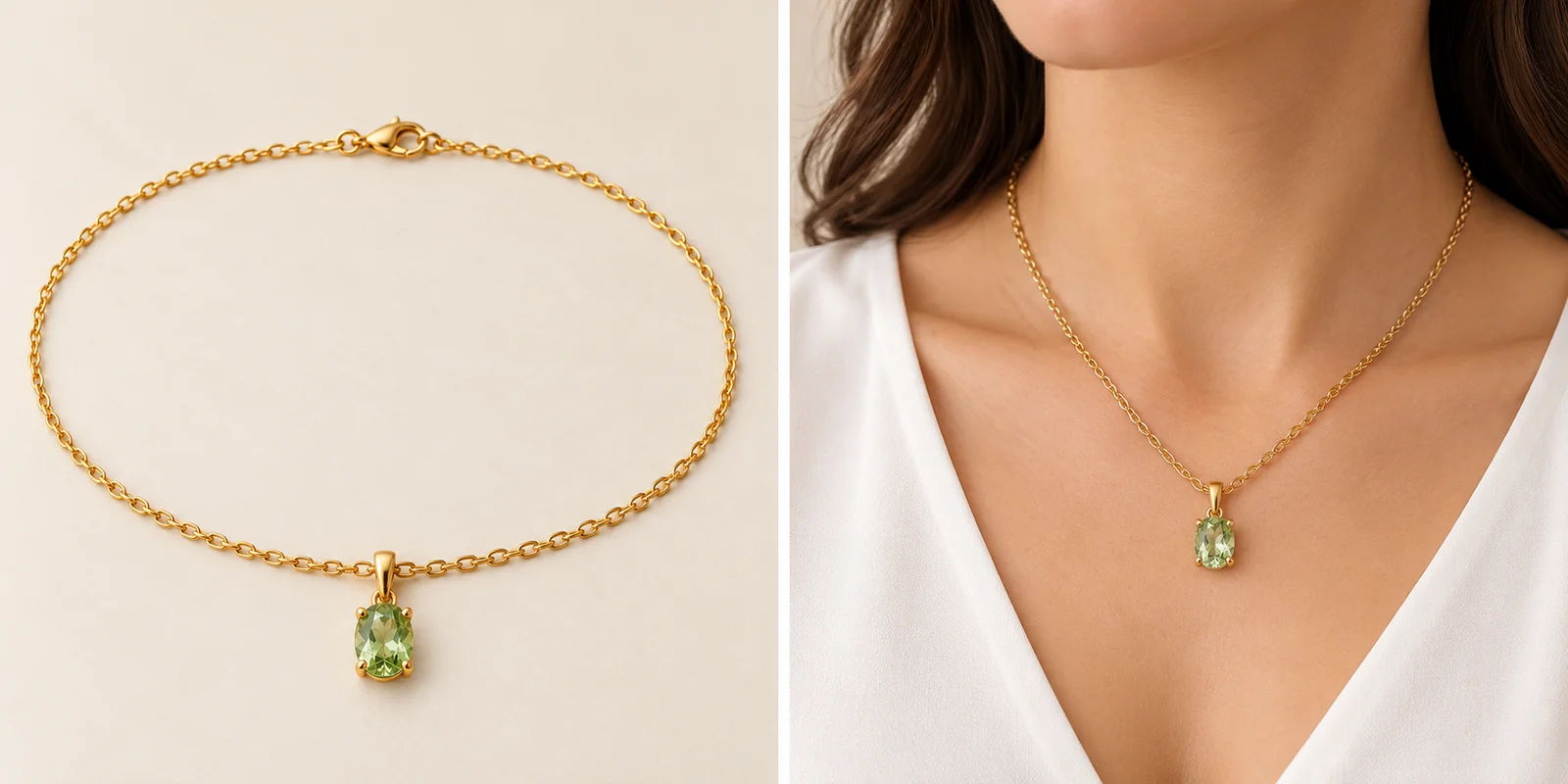
A beautiful sparkle can hide a different construction.
For AI jewelry product photography, begin with the piece’s visible construction: stone outline, setting, connecting links and fastening. A convincing gold-colored shape is not enough if the pendant, chain or clasp changes. Use approved photographs of the exact item and variant, then keep those sources beside the image you are considering. The useful question is whether the new scene still represents the same piece.
This guide follows a fictional necklace through clear references, setting details, chain connections, light and wearing context. Its photographs are AI-created editorial illustrations, not verified product reproductions or measured application results. They show where to look rather than prove what a real material is. Keep the physical product, dimensions and material documentation as the source of truth throughout the process.
Build the Reference Set
Show the whole piece and the details that define it.
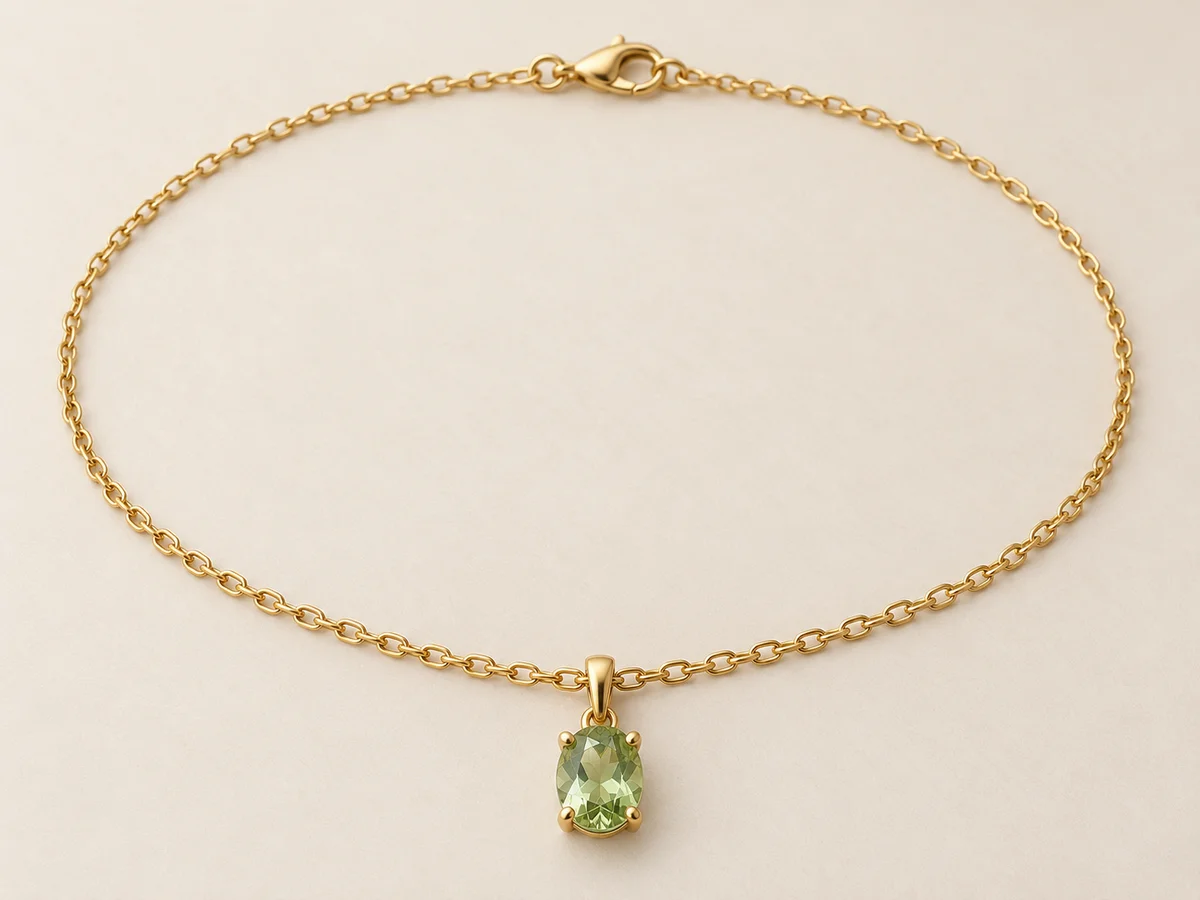
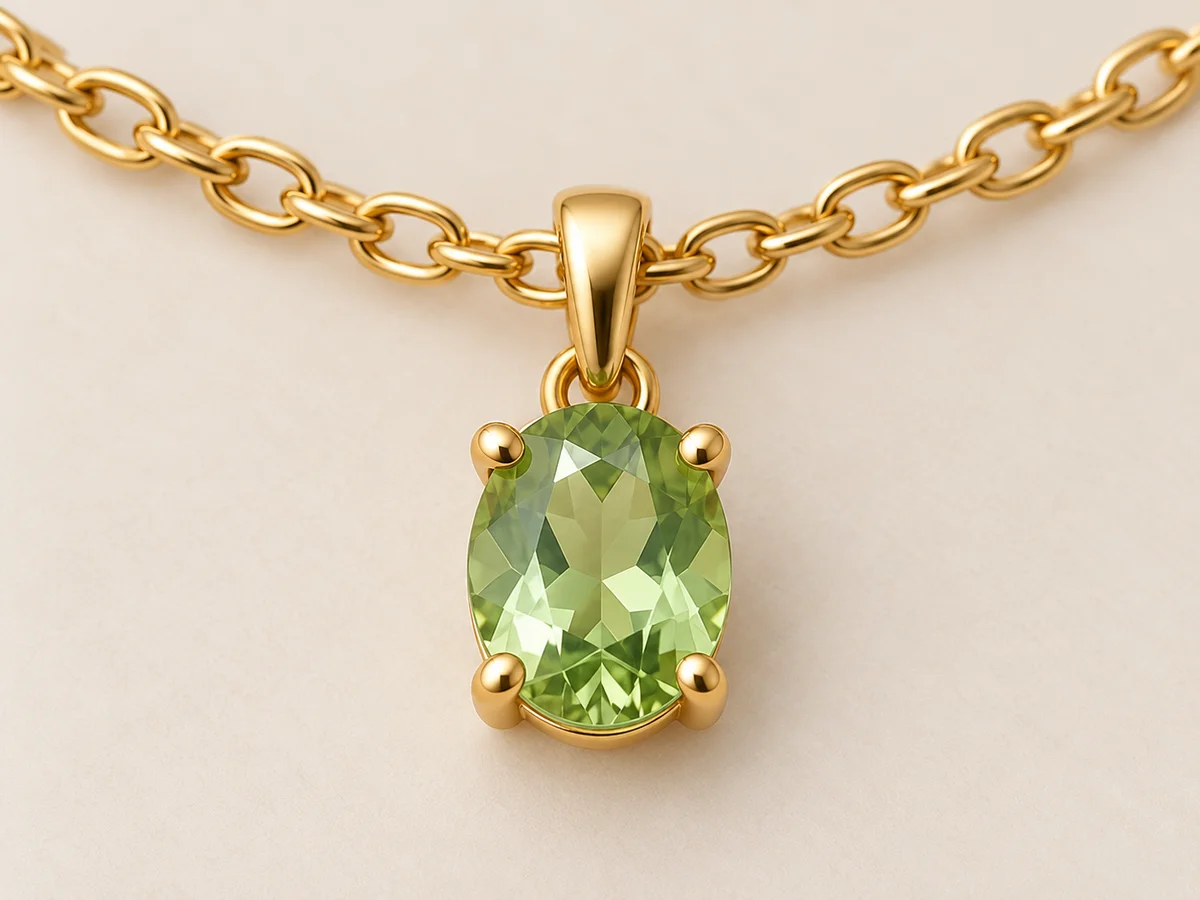
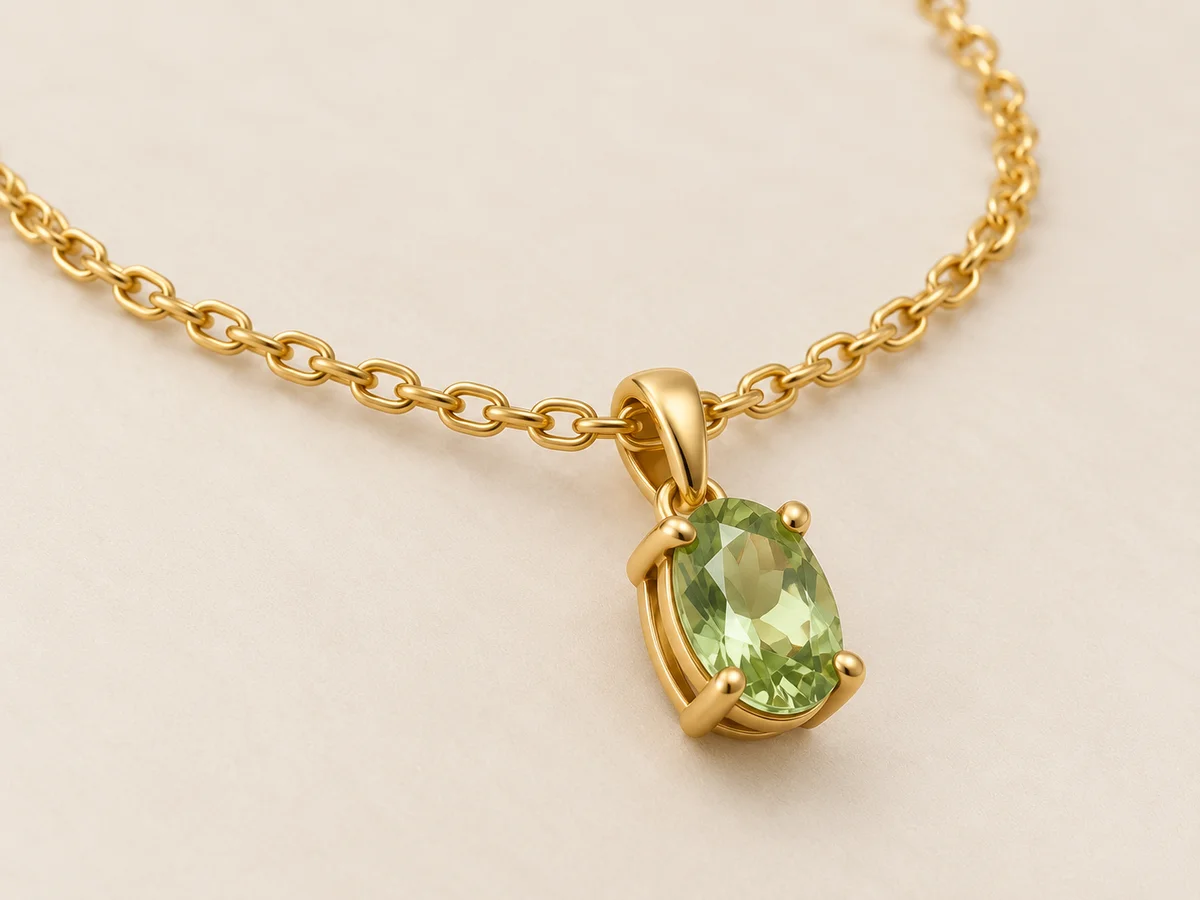
Start with an unobstructed product view showing the full route of the chain and the pendant. Add a close front view and a side view of the setting. Include the fastening even when it sits at the back during wear. Shopify’s jewelry-photography guide recommends multiple angles and detailed views; those photographs answer different questions about the design rather than merely fill a gallery.
Keep each reference attached to the correct piece, finish and stone-color variant. A photograph of another chain length or a similar pendant is a different brief, even when the overall style matches. Use readable focus and lighting, with dust or background clutter removed before capture. If the back or connection is important but missing, photograph it instead of asking a generated scene to supply an unknown construction.
Inspect the Setting
Follow the stone outline, prongs and connection to the chain.
Compare the visible stone shape, orientation and relationship to the surrounding metal. Then follow each visible prong or rim into the setting. Check the bail or connecting ring rather than treating the pendant as a floating decorative shape. A neat extra halo, larger center or invented side stone changes the design even if the whole piece looks desirable. Compare similar angles before deciding that a hidden part is missing.
Use the side view to understand the setting’s depth and where components join. Perspective can hide a prong, and reflection can erase its apparent edge, so another clear angle may be more useful than a stronger instruction. A close-up should explain what is there. It should not replace an unclear detail with a sharp-looking invention or imply a gemstone identification from appearance alone.
Trace Links and Fastenings
Small connections keep the necklace physically believable.
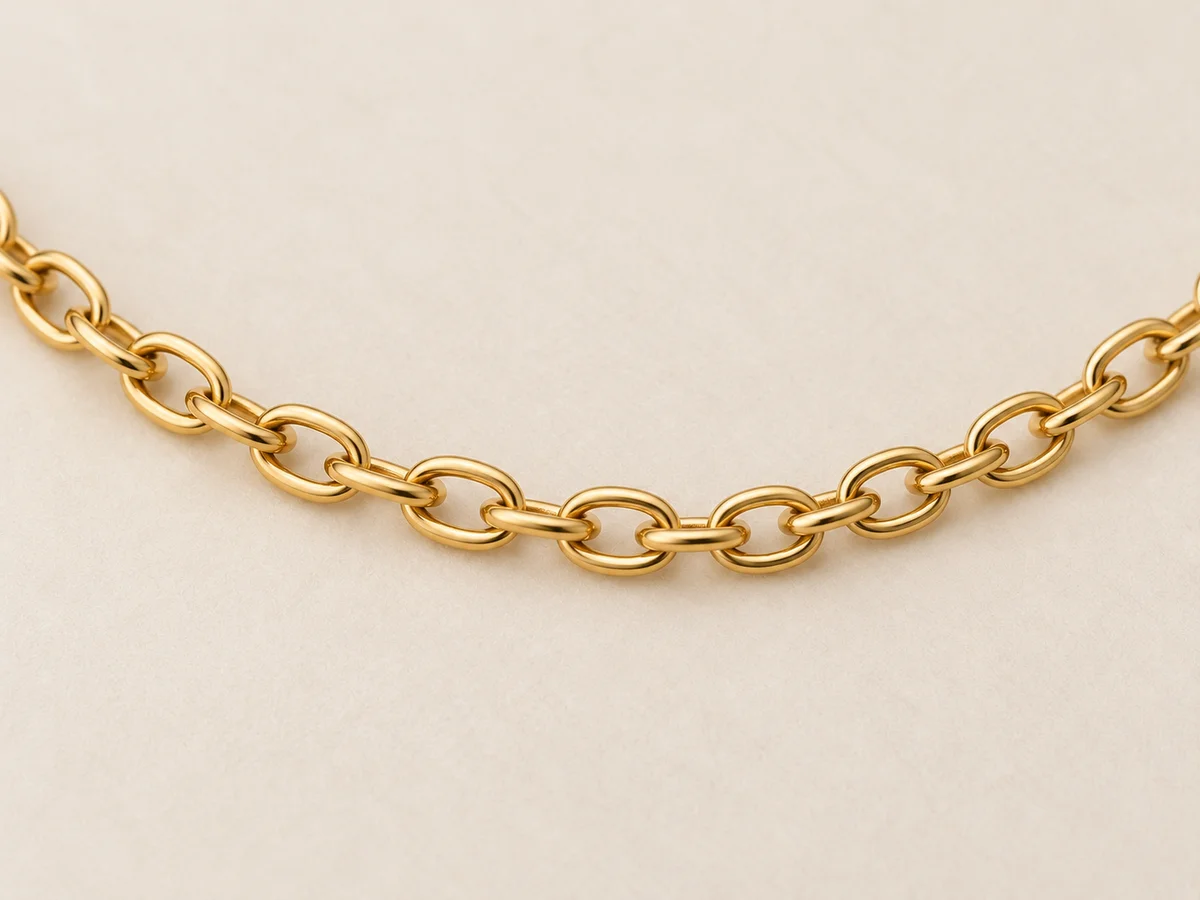
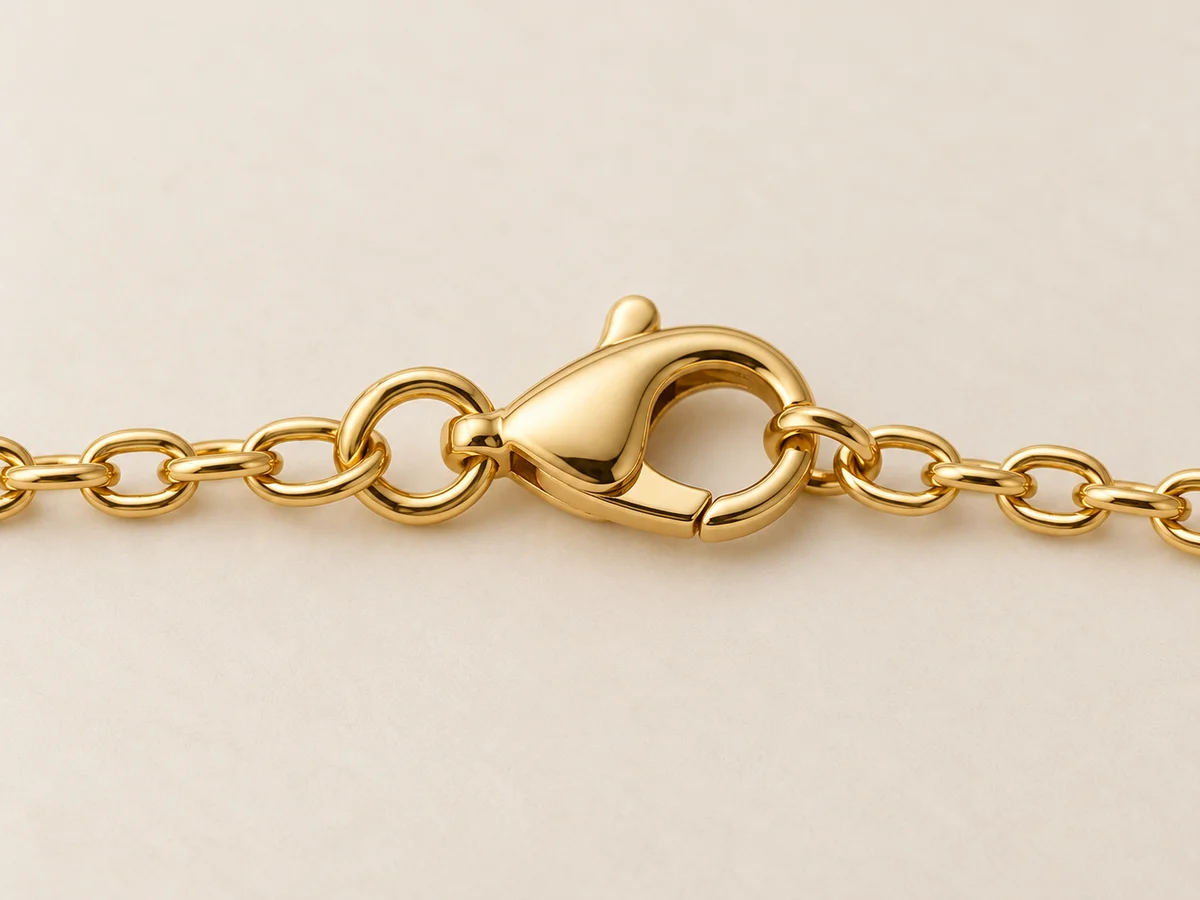
Follow the chain from the pendant toward both ends. The link type, thickness and continuity should remain grounded in the reference. Fine oval links should not turn into a rope chain simply because it reads more clearly at a distance. Look closely where hair, clothing or the neck hides the route. Occlusion is not automatically an error, but it can prevent a useful judgment of the connection.
At the ends, compare the clasp type, jump rings and any extension chain actually supplied with the piece. Avoid adding a larger decorative closure to make the photograph more attractive. A dedicated fastening photograph can explain what the wearing view cannot show. Keep the clasp decision separate from the front pendant decision so a successful centerpiece does not distract from a changed or disconnected chain.
Make Reflections Useful
The light should reveal edges rather than replace them.
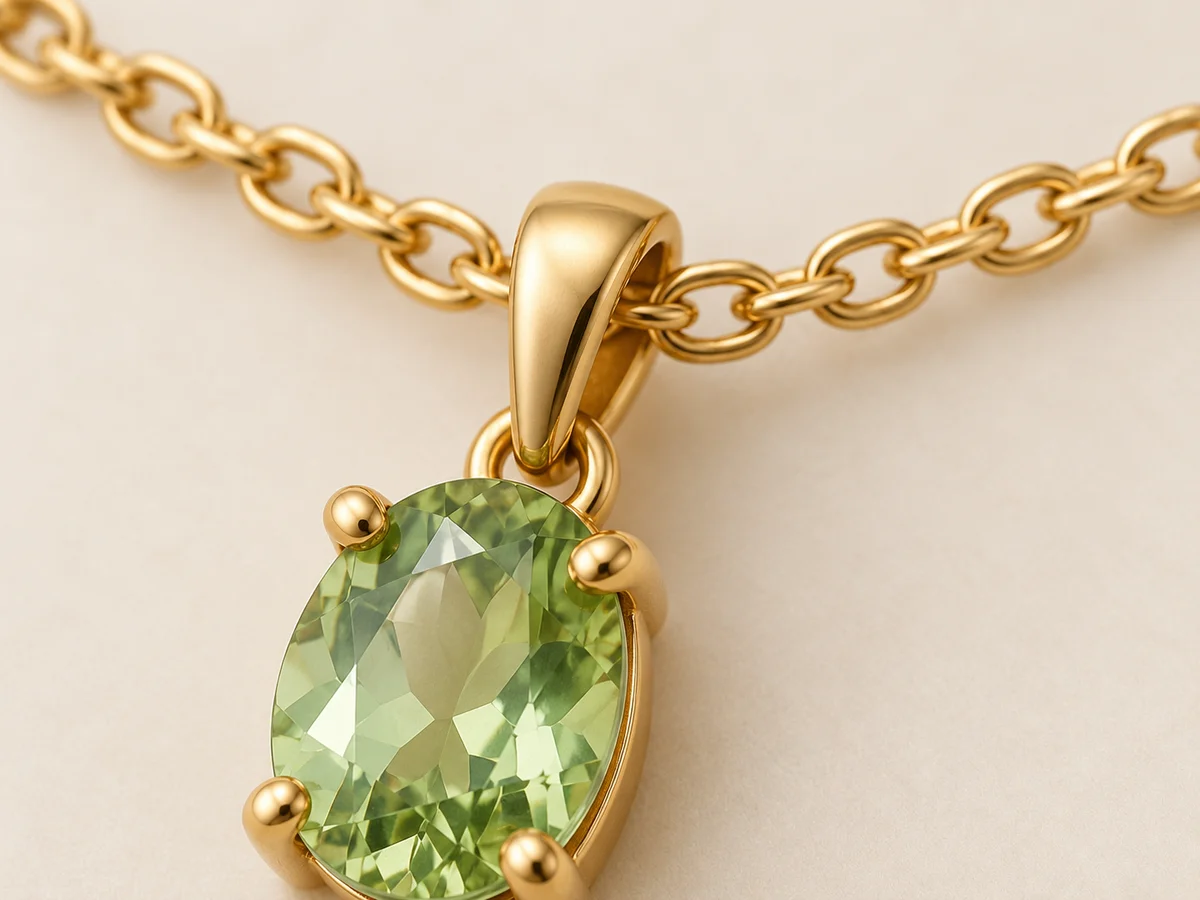
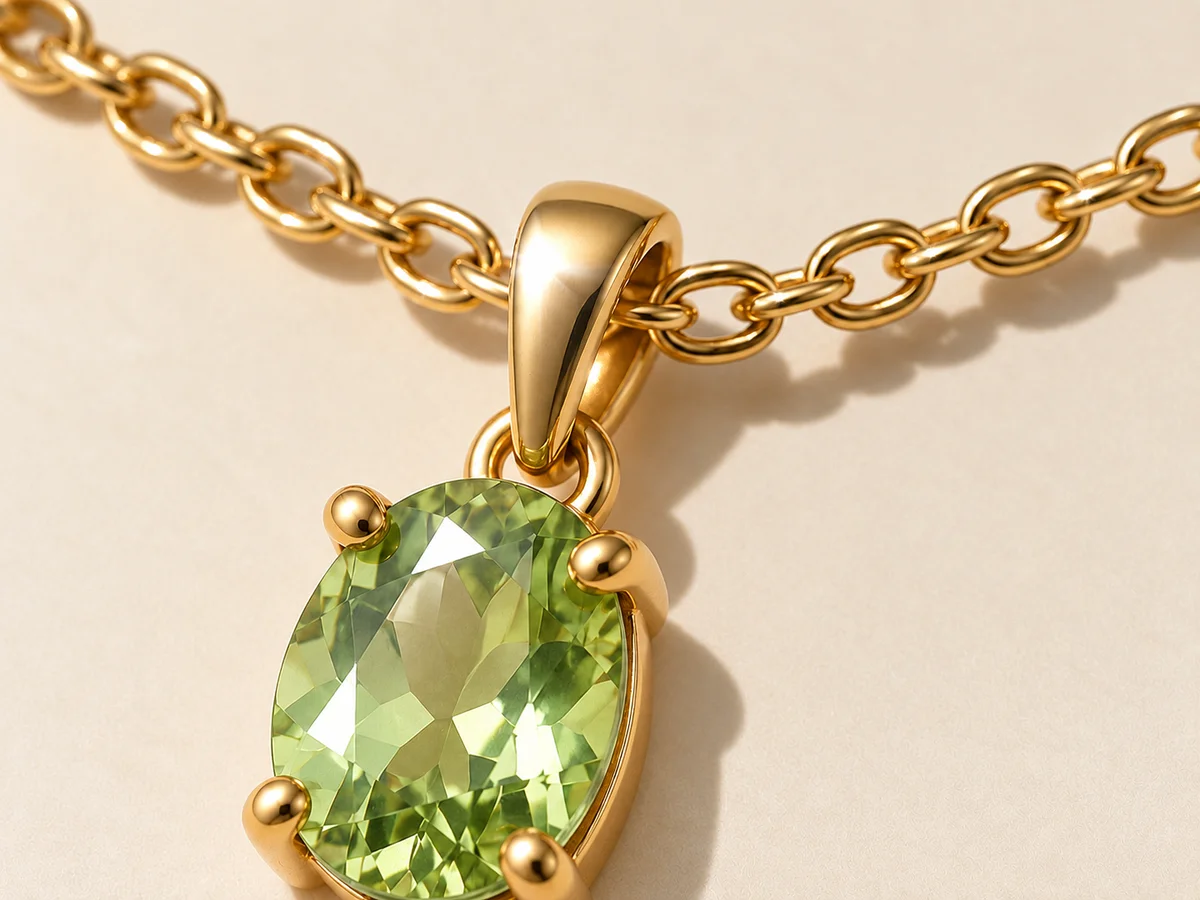
Polished metal reflects its surroundings, so a bright patch does not by itself mean the component changed. Check whether the setting edge and bail can still be followed around that highlight. GIA’s jewelry-photography guidance describes diffused lighting as useful for showing soft tonal transitions in polished metal. The goal is readable construction, with enough reflection to explain the surface without washing its shape away.
Gem appearance also changes with lighting and angle. GIA discusses the different effects of direct and diffused illumination on color and sparkle. Use a restrained, readable reference before exploring a more expressive scene. In the illustrative comparison, the geometry is held as the intended constant while glare changes its visibility. More sparkle is not evidence of higher quality, a different material or a better product match.
Add Honest Wearing Context
Show how the piece sits without treating the body as a ruler.
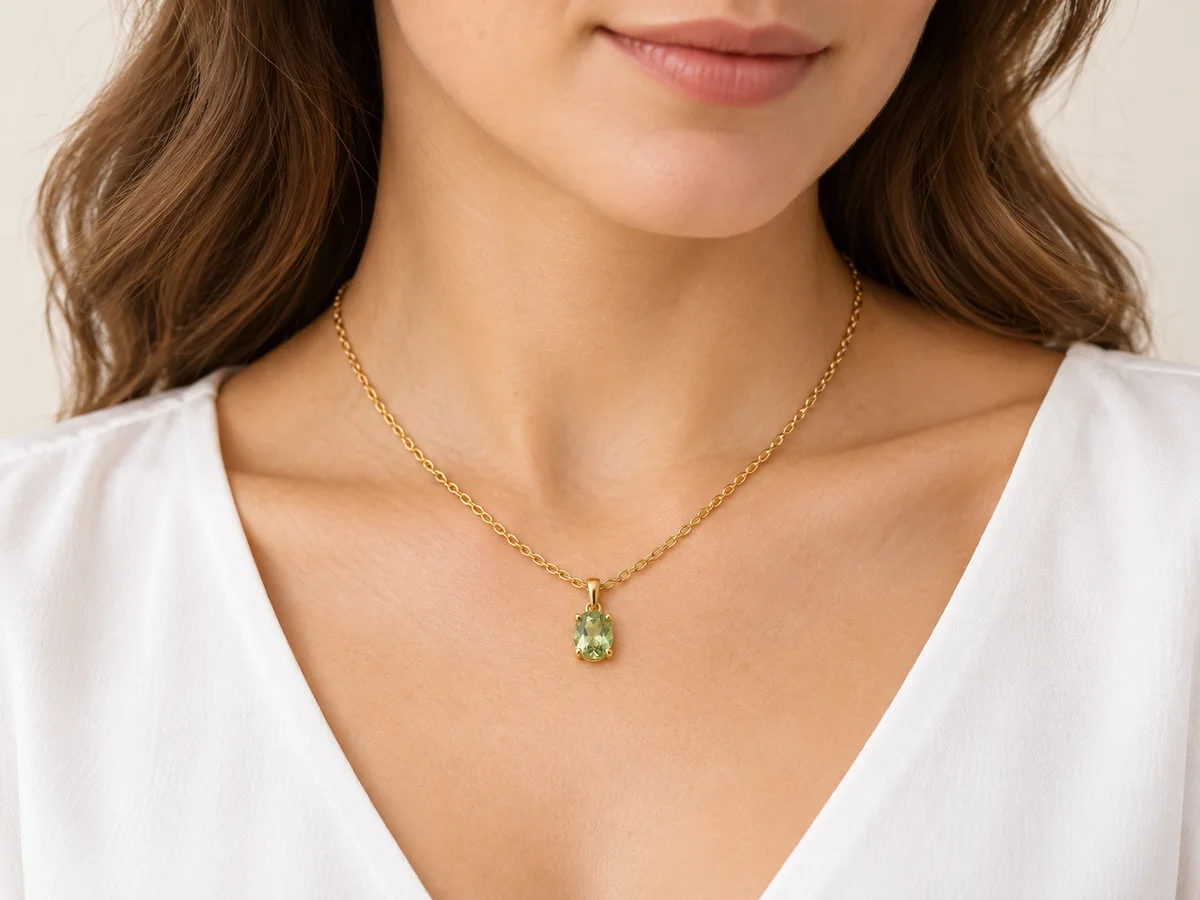
Choose a neckline and pose that leave the pendant and enough of the chain visible. Hair, fingers or another necklace can obscure the very detail the image needs to explain. Compare how the piece hangs against its approved product information and intended wearing position. Keep the complete standalone view alongside the on-body image, especially when the fastening or full chain cannot be seen during wear.
A generated body is not a calibrated scale reference. State actual pendant dimensions and chain length in the listing instead of deriving them from the photograph. The image also cannot certify metal purity, stone identity or treatment. GIA’s identification process includes physical measurements, microscopic examination and analytical testing. Use appropriate documentation for those claims; a polished illustration can add context but cannot provide that evidence.
Choose the Lookbook Direction
Keep the piece as the anchor while the scene supplies context.

Model · choose Your product · add 
Ready scene · choose Result · review the details
In Studiola, choose a model when needed, add your own product and select a ready Lookbook scene. The selected scene makes the pose, lighting and framing visible before generation. The basic flow does not require writing a prompt. This shortens the preparation involved in organizing references and describing a shoot from scratch, while giving you a clear direction for the wearing context you need.
Choose a scene that keeps the important outline and connections visible, then generate and compare the piece with its approved sources. Review the setting, chain, fastening and apparent scale before exporting. A prepared direction does not guarantee preservation of every small detail. Keep the product and variant attached to the export, and retain clear product views beside expressive lifestyle images. Google’s product-image guidance requires the actual item and variant to be represented accurately.
Sources & quick answers
Published · By Studiola Editorial Team
Frequently asked questions
Can AI jewelry photos establish gemstone or metal authenticity?
No. Use the physical product and appropriate documentation or examination for material claims. A generated image illustrates visible design and context; it cannot certify identity, purity, treatment or value.
Is a front pendant photo enough for a necklace?
Add setting, connection and fastening views when those features matter. A front photograph may not show the chain ends, clasp, setting depth or rear construction needed for a useful presentation.
Can a wearing image replace a dimension guide?
Keep the actual pendant dimensions and chain length in the listing. Wearing context helps communicate styling, but generated bodies and perspective are not reliable measuring references.
How this guide was researched
Source-based editorial guide researched on October 25, 2026. Images are AI-created conceptual illustrations, not verified product reproductions, screenshots or measured Studiola results. The proposed detail checks are editorial practices, not a model benchmark, fit prediction or material certification. Studiola publishes this guide and provides the described Lookbook workflow.
Sources & further reading
- 01Jewelry Photography: Step-by-Step Guide
Shopify · Primary source · Checked
- 02How to Photograph Gems & Jewelry
GIA · Primary source · Checked
- 03How GIA Identifies Colored Stones
GIA · Primary source · Checked
- 04Image link [image_link]
Google Merchant Center · Primary source · Checked
Build a Scene Around Your Product
Add your product, choose a ready scene and keep its defining details in view.