Keep Fashion Edits on Track
Manage revisions with clean source references, specific change notes and approved branches so an unnoticed garment error does not become the next edit’s starting point.
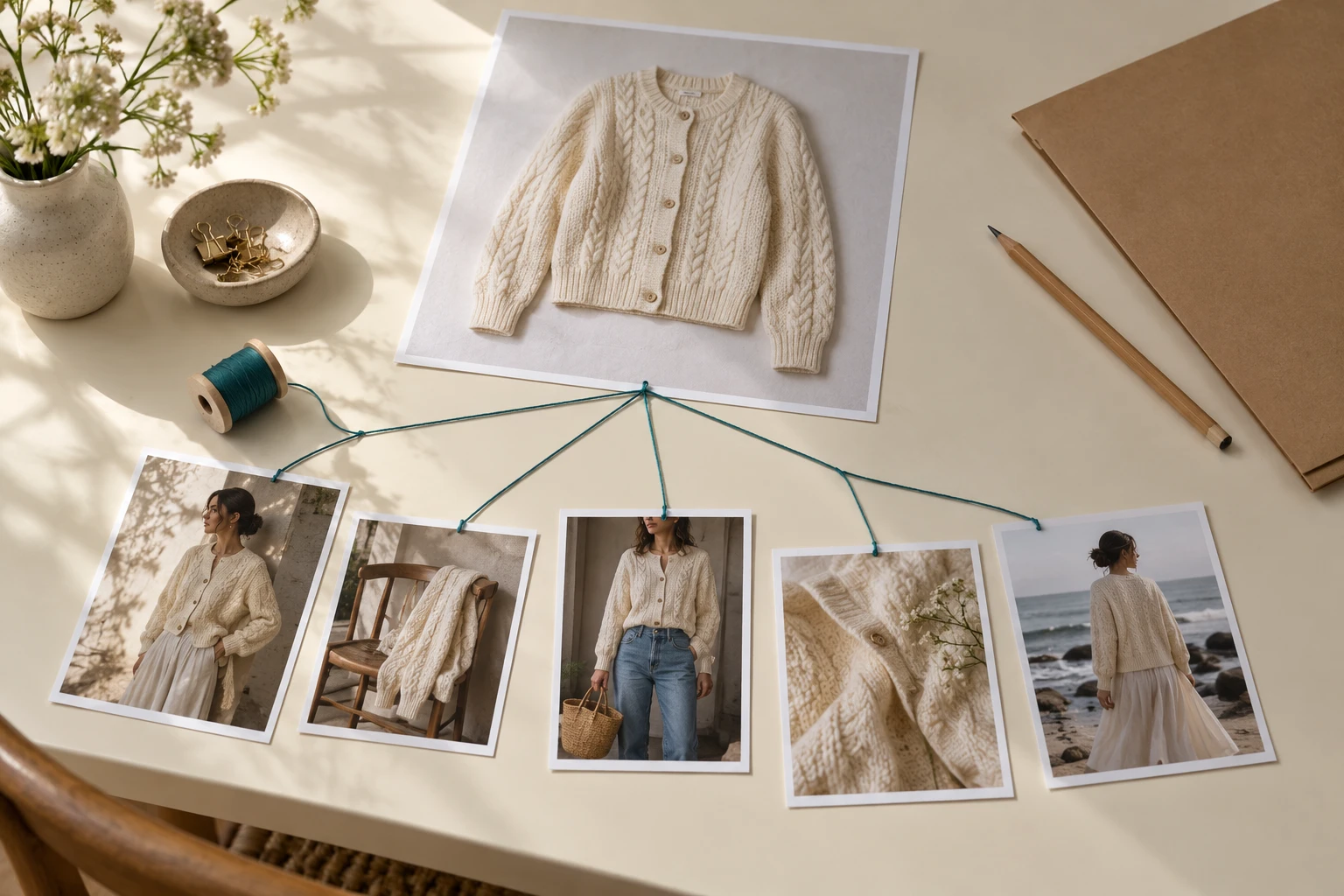
An image can improve aesthetically while moving away from the product. A later version has softer light and a better crop, but its pocket, neckline or print no longer matches the source. The production problem is not simply how many edits you made; it is whether the team noticed a deviation and allowed it to become the next starting point. This guide offers a practical way to manage fashion-image revisions with original references, approved branches and clear decisions. It reports no revision threshold or measured drift rate. Different models and interfaces behave differently, so judge the actual candidate rather than assuming every edit degrades it.
Protect the Original Source
- Protected product source
- Working candidate · Separate approval record
- Requested change
- Preserved elements · Reason for revision
- Choose the approved state
- Start a named branch · Carry the source forward
Create a protected reference packet for the actual product before making creative edits. It should include the correct variant, useful views and any close-up needed to verify physical branding or construction. Keep that packet distinct from generated candidates. The clean source remains the evidence for what the garment is, even when the campaign moves to a new scene.
An accepted creative image can become a useful composition reference, but it should not replace the product record. Imagine a jacket whose second edit loses a small fastening. If the next request uses only that candidate, the missing fastening may stop being visible as a change. Keeping the original packet alongside the working image makes the discrepancy observable. This is a workflow safeguard, not a claim about the internal process of a particular image model.
Write Each Revision Request
Requested change
Preserved elements
Two views of the same editorial photograph, not a model comparison.
Use a short note with three parts: the requested change, the elements to preserve and the reason for the edit. “Move the crop lower to include the hem; keep the approved person and jacket” is a reviewable request. “Improve it” is not. The note gives both the editor and the reviewer a target that can be assessed afterward.
When feedback contains several issues, separate them by decision type. A product mismatch, a camera-crop adjustment and a new background concept do not have the same acceptance criteria. Decide which one to solve first. This reduces confusion when an attractive result fixes the scene while leaving the original product issue unresolved. Keep the note connected to the specific candidate so nobody has to reconstruct the intent from a long conversation history.
Branch from the Approved State
Choose the approved state
Use actual approval rather than the highest file number.
Start a named branch
Separate alternative directions and specific correction attempts.
Carry the source forward
Keep product evidence available for each review.
A linear chain of numbered files makes the latest version look authoritative even when nobody approved it. Use branches that preserve the last accepted state and keep alternatives separate. One branch can explore a background; another can correct a sleeve. Each branch should still carry the original garment reference and the relevant change note.
Google documents iterative image editing, while OpenAI acknowledges that recurring characters and brand elements can remain challenging. Neither statement establishes a universal safe number of edits. Your practical decision is whether the current candidate is a sound starting point. If it already contains an unresolved product deviation, return to the clean source or last approved state instead of refining it further. Label an exploratory branch clearly so it does not enter the export folder by accident.
Compare Changed and Unchanged Areas
- Target area
- Unchanged product regions · Concrete difference note
- Defined correction
- Return to source · Clear release decision
- Accepted image
- Decision history · Next task
After a revision, review the target area first: did the requested adjustment happen? Then inspect product-defining regions outside it. A background edit does not excuse a changed collar. A crop adjustment should not silently become a different sleeve length. Where an interface supports a local selection, it can help communicate the intended area, but the exported image still needs review.
Use a concise difference note rather than a vague quality judgment. Write “crop now includes hem; chest lettering changed” so the next action is obvious. If the product is correct but the new scene is undesirable, keep the source and explore another branch. If the scene is good but the product is wrong, do not promote the candidate to approved just to save the creative direction. Preserve the useful decision without accepting the inaccurate asset.
Know When to Restart
Defined correction
Describe the local mismatch and the evidence available to fix it.
Return to source
Restart when the working candidate no longer provides a trustworthy base.
Clear release decision
Approve for the actual channel and crop, not for an abstract notion of quality.
Stopping is a production decision, not a model verdict. A candidate may be worth correcting when the mismatch is local, clearly described and within the team’s retouch workflow. It may be better to restart when several product identifiers are uncertain or the source view does not show the missing information. Do not keep requesting cosmetic improvements to avoid deciding whether the garment is still correct.
Create explicit outcomes: approved for a named placement, needs one defined correction, return to source, or reject. Retouch only with appropriate source material and review the result afterward. A missing physical detail should not be invented merely because it would complete the picture. Where the evidence is insufficient, obtain a better product reference or choose a view that does not rely on an unseen area.
Carry the Decisions Forward
Keep the original product as evidence, and make every revision earn its approval.
Archive the accepted image together with the source packet, change note and reason for approval. Keep useful rejected directions outside the cleared export set. That makes a later seasonal update easier: the operator can reuse a scene decision without inheriting a known garment defect. It also lets a product reviewer explain why two visually similar candidates received different outcomes.
A ready Lookbook scene in Studiola can reduce repeated decisions about pose, light and framing: select the model when needed, add your product and choose the scene. The same revision discipline still applies. If the product differs, return to the correct reference; if the creative direction changes, make that a new decision. A clean history turns revisions into understandable choices rather than a pile of increasingly polished files.
Sources, method & questions
Published · By Studiola Editorial Team
Frequently asked questions
Does every additional edit necessarily make a fashion image worse?
No. This guide gives no universal deterioration rule. Review each actual revision against its target and the unchanged product requirements.
Should the newest file always be the production master?
Use the last approved file as the master. A newer candidate can remain exploratory or contain an unresolved product mismatch.
How this guide was researched
An editorial guide based on official sources. No generation benchmark or model ranking was performed. Proposed review steps are a working method, not a measured performance claim.
Sources & further reading
- 01OpenAI — image edits and consistency limitations
OpenAI · Primary source · Checked
- 02Google — iterative image editing guidance
Google · Primary source · Checked
- 03FASHN — visible details and final image review
FASHN · Primary source · Checked
Prepare a scene with your product
In Studiola, select a model when needed, add your own product and choose a ready Lookbook scene. Review the output against the product reference.