Prepare AI Images for Google Shopping
A useful creative file still needs the right product, delivery format and provenance before it becomes a Shopping asset.
Illustrative clean product photograph
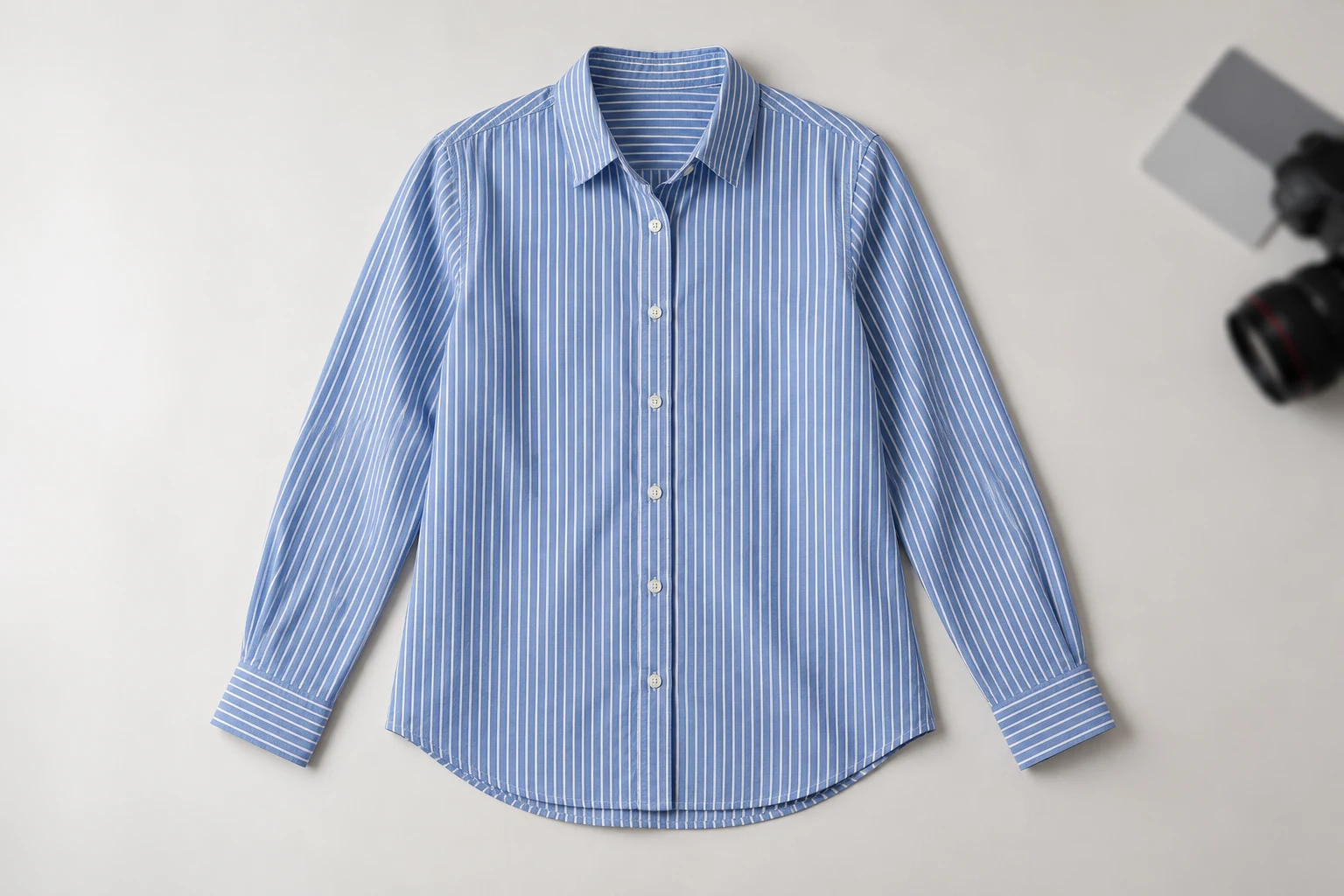
A Shopping image is part of a product listing, not an independent creative. Before submitting a generated clothing image, identify the exact item, colour and variant it represents. A polished shirt that changes the collar or print may still be an unsuitable representation of what the customer can actually buy.
A merchant’s Reddit account of image disapprovals shows the practical fear: a creative change can become a catalogue interruption. The poster’s explanation is not an authoritative interpretation of Google’s policy. Use it as a reason to keep a clean original, an explicit image role and the official requirements beside the production brief.
Understand AI Provenance Requirements
- Item
- The actual variant is clearly represented
- Image
- The file meets destination requirements
- Provenance
- AI-source metadata survives export
- Record
- Keep the final URL and approval owner
Google Merchant Center’s AI-generated-content guidance requires generative-AI images to contain metadata identifying their AI origin. It also tells merchants not to remove embedded DigitalSourceType information. The relevant provenance belongs in the delivered image file; writing AI in a filename or adding a page caption is not an equivalent replacement.
IPTC defines source-type vocabulary including trained algorithmic media and composite synthetic media. Select the appropriate provenance for the actual production method, and preserve it through subsequent exports. Do not claim that this article’s editorial illustrations have passed a Merchant Center review, or that any creative application automatically satisfies the complete submission process.
Accuracy, Presentation and Provenance
Product identity
Product identity
Confirm the actual SKU and variant before approving the generated appearance.
Clean main image
Clean main image
Keep post-production promotional messages and decorative overlays out of the primary product view.
Embedded provenance
Embedded provenance
Retain the appropriate AI-source metadata in the actual delivery file.
These are independent checks. Correct metadata cannot rescue a picture of the wrong variant. An accurate garment can still be presented with unsuitable promotional overlays. A clean-looking image can still lose required provenance during export. Assign each check to a named person instead of expecting visual review to cover invisible file information.
For apparel, compare product-defining features with the original photographs: colour, pattern, closures and silhouette. Use the real item as the reference when reviewing an on-model interpretation. Avoid recreating a supplier image from memory or assuming that a plausible generated texture is the fabric that the customer will receive.
Plan the Export Chain
- Prepare
- Preserve original product evidence
- Create
- Keep generation provenance
- Export
- Retain required embedded metadata
- Submit
- Match the final file to its variant
Write the intended path from source photographs to creative output, retouching, compression and delivery. Each stage can create a new file. Tell the people responsible for those stages which provenance must survive and where the final approved copy will be stored. A source file alone is not the submission asset.
Keep one authoritative product source and a separate approved output. Record the export format, file location and responsible owner. If an image changes after approval, replace the approval record as well. This makes a disputed collar, variant mismatch or missing metadata traceable without asking the whole team to reconstruct an editing session.
Apply the Image Requirements
Complete product view
Closer material view
Google’s image-link guidance covers readable actual products and excludes promotional overlays from the main image. Its page also announces a 500 by 500 minimum for all products from January 31, 2027 and recommends larger imagery. Keep that future effective date distinct from the requirements applying to your current submission.
Prepare a high-resolution source that can support the intended product view without clipping important features. Check the current destination documentation when delivering rather than assuming every ad, storefront and feed uses the same rule. The illustrative shirt shown here explains a composition; it is not an approved feed asset or a downloadable compliance template.
Clarify the Submission Responsibilities
Define
Identify the item, variant and primary-image role.
Create
Review the garment against its real source.
Export
Preserve appropriate embedded AI-source information.
Handoff
Provide the final file and its product mapping.
Studiola can help a team assemble garment, model and scene references while developing the image direction. That is the creative preparation stage. The merchant or publishing team still needs to manage variant mapping, export provenance and the destination’s current requirements. Do not imply that an attractive preview is already a live Shopping listing.
Make the handoff small enough to follow: approved file, exact variant, intended image role and provenance instruction. Keep a clean source available for corrections. A reusable brief can reduce repeated explanation across a collection, while the final acceptance decision remains specific to each item and destination.
Use a Delivery Checklist
Item
The file represents the specific item and variant being offered.
Image role
The primary view is clear and free of promotional overlays.
Provenance
Required AI-origin metadata is retained in the delivery copy.
Responsibility
The publisher knows which file and product record belong together.
Review the exact file being submitted, not merely the preview that the creative team saw. Confirm that a later resize or edit has not changed the product view or discarded information needed by the publishing workflow. Keep the owner of the product data involved when an image introduces a new variant interpretation.
This guide explains a production handoff; it does not certify policy acceptance or promise that a listing will be shown. Revisit the linked official documentation when requirements change. A clear product record and preserved provenance make the process easier to manage without confusing a creative result with platform approval.
Sources, method & questions
Published · By Studiola Editorial Team
Frequently asked questions
Are AI images automatically prohibited in Merchant Center?
Google documents their use and requires AI-origin metadata; the image must also satisfy the applicable product-image requirements.
Is a visible AI label enough?
It does not replace the embedded metadata required by the linked Merchant Center guidance.
Does this guide submit or approve my images?
No. It is an editorial workflow guide and does not perform a Merchant Center action or certify acceptance.
How this guide was researched
Researched from the linked primary sources on October 23, 2026. Community posts identify questions, not representative findings. Recommendations are editorial workflows; images are AI illustrations and diagrams, not tested Studiola outputs.
Sources & further reading
- 01AI-generated content
Google Merchant Center · Primary source · Checked
- 02Image link requirements
Google Merchant Center · Primary source · Checked
- 03Digital Source Type vocabulary
IPTC · Primary source · Checked
- 04Merchant image-disapproval workflow question
Reddit · r/dropshipping · Community question · Checked
Prepare the garment direction before the feed handoff
Organize clear product references and review the image, then give the publishing team its delivery requirements.