Plan a Cohesive Capsule Lookbook
A collection feels connected when shared decisions stay shared and each new frame adds a reason to keep looking.
An illustrative coordinated capsule collection
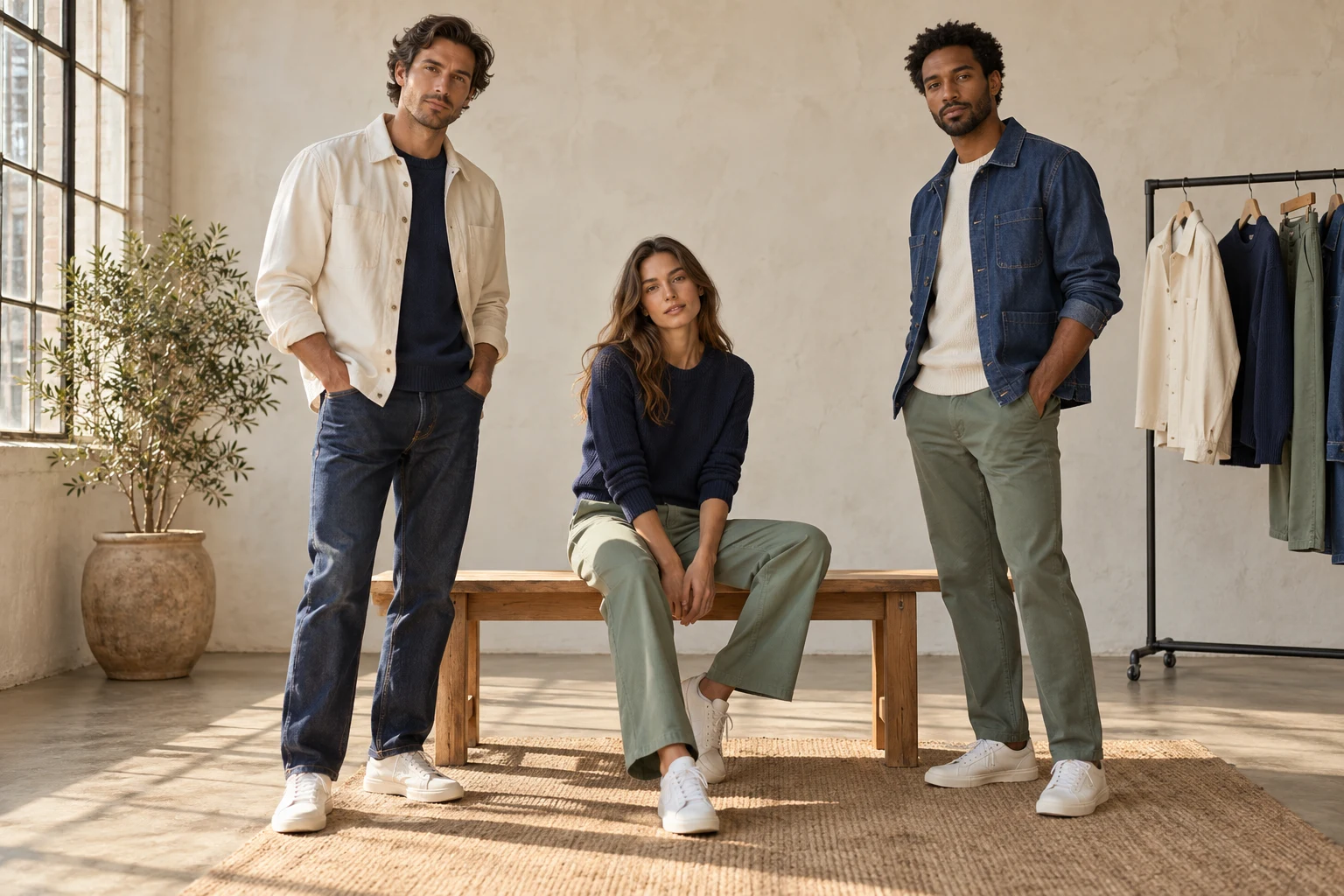
A capsule lookbook should explain how a small set of pieces belongs together. If every new frame starts with a fresh model, background and camera decision, the work becomes a series of unrelated experiments. Start with the collection story and decide which choices should remain stable before producing the first image.
A clothing founder on Reddit describes doing a lookbook shoot, editing and colour work alone. The example identifies a real workload, not a representative production budget. For a small team, the valuable question is which decisions can be made once and reused, while leaving enough room for the garments to have distinct roles.
Choose Audience and Output
- Collection
- The pieces and styling relationships
- Identity
- The intended casting and presentation
- Scene
- One coherent environment family
- Variation
- Planned angles with distinct roles
A wholesale presentation, a shoppable collection page and a social launch sequence need different information. Shopify’s lookbook guide makes this purpose-and-audience distinction. Write one sentence describing the intended reader and action, then list the product information that must remain accessible beside the editorial photographs.
For a capsule collection, create a look map linking each outfit to its component SKUs and variants. Mark the lead product for each frame. This prevents an attractive supporting item from quietly becoming the subject while the intended garment disappears under a jacket, a prop or an expressive pose.
Lock the Continuity Decisions
Shared setting
Shared setting
Choose an environment family that supports the whole capsule rather than a different story for every SKU.
Casting direction
Casting direction
Keep the intended model identity or casting rule explicit across the sequence.
Controlled variety
Controlled variety
Change a pose, distance or angle for a stated purpose while protecting the common direction.
Choose a casting direction, environment family, lighting character and framing range. These are the collection’s visual grammar. They do not mean that every photograph must be identical. They mean that the viewer can recognize a deliberate relationship between the opening image, the middle sequence and the final product detail.
Record the fixed choices separately from the controlled variations. A seated frame may vary the pose while keeping the environment and product identity stable. A closer frame may vary camera distance while preserving colour and styling. If several variables change at once, it becomes harder to know whether the new result still belongs.
Build a Short Shot Map
- Map
- List the looks and key products
- Lock
- Choose the shared visual decisions
- Sequence
- Give every frame a purpose
- Reuse
- Carry approved context forward
Adobe’s shot-list guidance emphasizes scannable planning and camera setups. Applied here as an editorial method, that suggests a compact map: opening look, product-led mid shot, alternate styling, back or detail, and closing frame. Adapt the sequence to the garments rather than copying a fixed number of pages.
Add the required product visibility beside each shot. A jacket frame may need the front closure readable; a trouser frame may need the full leg and hem. The map should help someone decide whether a result is useful. A long collection of adjectives cannot replace that practical acceptance condition.
Make Repetition Intentional
The shared visual setting
A closer styling relationship
Use recurring composition or colour as a connecting device, then introduce variety where it reveals a new styling relationship. Repeating the same outfit in nearly the same crop adds files without necessarily adding information. Conversely, changing everything to avoid repetition can make the collection lose its visual identity.
Read the sequence as a whole before adding more options. Are the important products represented? Does the same item change colour between pages? Are supporting looks available in the intended collection? Keep the product links or handoff list tied to the exact visible variants so editorial styling remains connected to what is offered.
Save the Approved Context
Select
Choose the scene family for the capsule’s purpose.
Prepare
Add the garments and intended model references.
Sequence
Create the next required role from the shot map.
Carry forward
Reuse approved context and review each new product.
In Studiola Lookbook, start from a scene that serves the intended series, then prepare the garment and model context for that direction. Keep the chosen references together so the next look does not begin with the same selection work again. The benefit is continuity of decisions, not a promise that every generated frame will be accepted.
Work through the shot map one role at a time. Keep a record of the chosen direction and the product checks that mattered. When a result fails, identify whether the problem concerns the garment, wearing arrangement or scene choice. Change the relevant part of the brief instead of abandoning all the decisions that were already useful.
Deliver an Adaptable Sequence
Coverage
The capsule’s important pieces and styling relationships are represented.
Continuity
Shared identity, setting and colour decisions remain coherent.
Purpose
Every selected frame earns its place in the sequence.
Maintenance
The order and exact product links can be updated later.
Hand over the final order, product mapping and approved files together. If a garment sells out or a new colour is introduced, the team should know which frame and product link need attention. Keep reusable layout and source decisions available for the next collection without treating an old creative approval as permanent approval for a changed item.
Measure the later collection response through the appropriate analytics rather than declaring that a coherent lookbook must improve sales. For production, the immediate outcome is simpler: fewer repeated decisions and a sequence in which each image has an identifiable role. Keep actual timings if you want to estimate what reuse saved your team.
Sources, method & questions
Published · By Studiola Editorial Team
Frequently asked questions
Does a lookbook need a different scene for every outfit?
No. One environment family can support a collection when purposeful pose, angle and distance changes provide variety.
How many images should a capsule lookbook contain?
Use the number needed to explain the collection and its destination. This guide does not prescribe a universal page count.
Can the same scene guarantee identical outputs?
No. Shared references organize direction, but every generated result still requires product and sequence review.
How this guide was researched
Researched from the linked primary sources on October 23, 2026. Community posts identify questions, not representative findings. Recommendations are editorial workflows; images are AI illustrations and diagrams, not tested Studiola outputs.
Sources & further reading
- 01Digital Lookbook: planning and product connections
Shopify · Primary source · Checked
- 02How to make a shot list
Adobe · Primary source · Checked
- 03A founder producing a collection lookbook alone
Reddit · r/GrowYourClothingBrand · Community question · Checked
Make the shared decisions once
Prepare a Lookbook direction around your capsule before moving through the planned sequence.