Best AI Try-On Apps
A buyer’s guide to four AI fashion workflows: choose by the photographs you already have, the creative decisions you want to make, and the images you need to deliver.
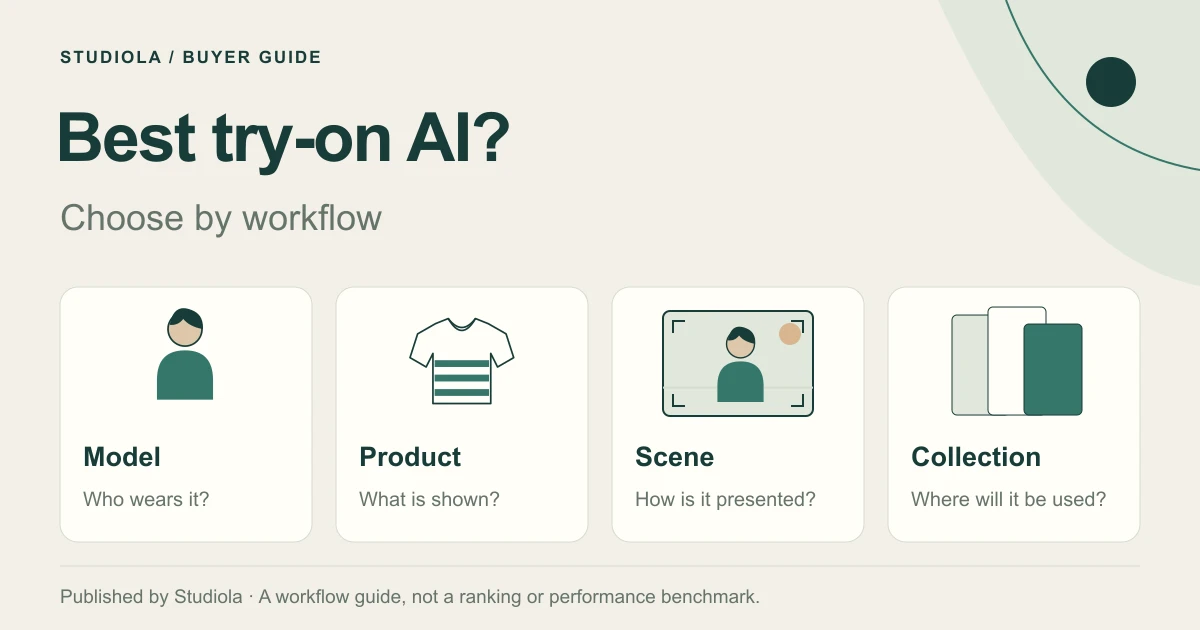
Choose by the Job
For ready-scene brand lookbooks, shortlist Studiola: add your product, choose a model when the scene needs one, and select a Lookbook scene with a visible direction. You can start the basic workflow without writing a prompt. For other starting materials or creative needs, compare the documented workflows of Photoroom, Botika, and FASHN below.
The best tryon app for your team depends on the job: putting a product on a particular person, updating existing on-model photography, or creating a coordinated collection. A useful shortlist starts with that distinction. This guide is published by Studiola’s editorial team, includes our product, and compares official workflow descriptions rather than declaring an independently tested winner.
Sources for this section: [1] Studiola
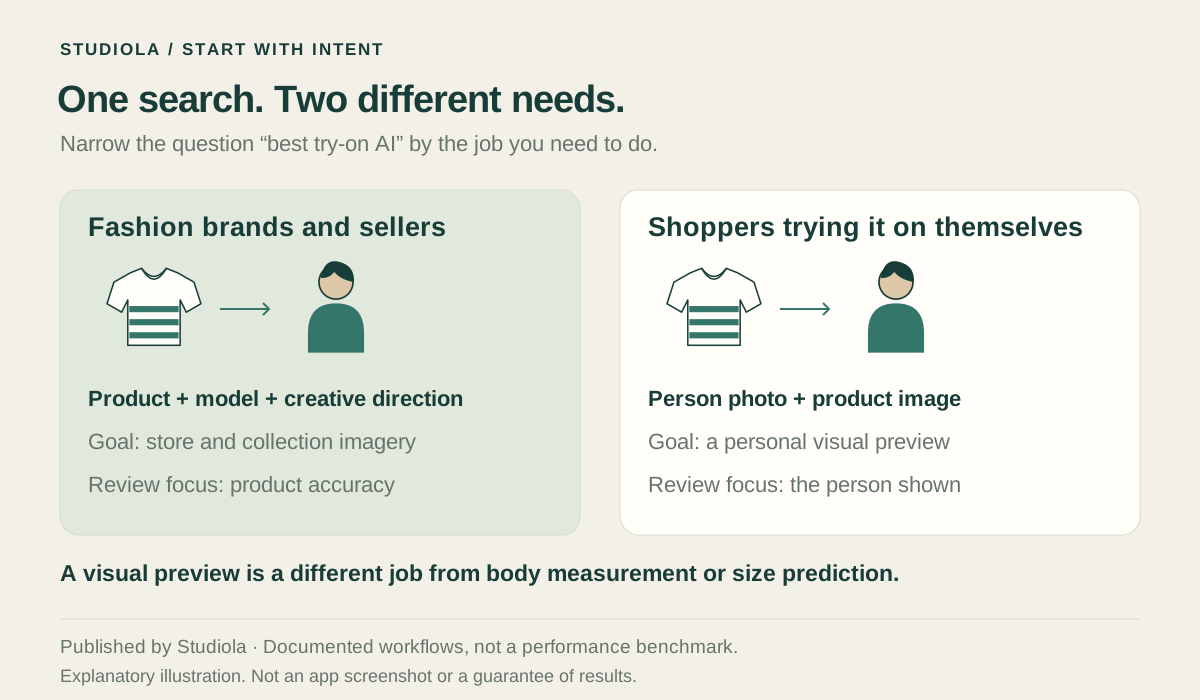
Photos or Shopper Try-On?
Seller imagery helps a brand create catalog, lookbook, campaign, or social visuals. A shopper preview shows an item on a particular person. Size prediction requires a separate basis for estimating physical fit. A generated image alone does not establish measurements, garment dimensions, comfort, or the correct size.
This guide focuses on brand content production. If the brief is “give these sweatshirts one coherent lookbook,” prioritize creative direction and product accuracy. If it is “show this garment on this person,” prioritize the person reference. If it is “recommend a size,” ask specifically how the service derives that recommendation.
Compare the Workflows
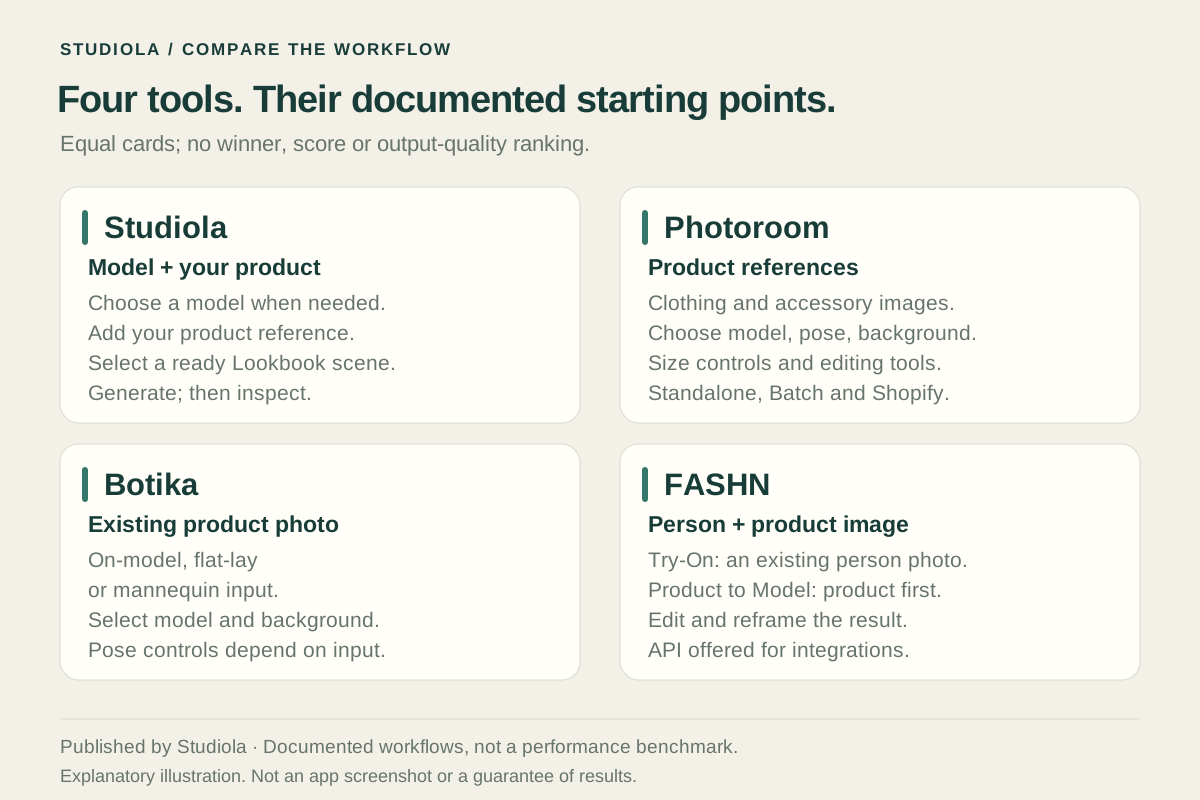
The table compares starting inputs and creative choices described by each product. It is a workflow shortlist, not a score for realism, garment accuracy, or speed. Confirm the available workflow and plan before choosing.
| App | Starting inputs | What you choose | When to shortlist |
|---|---|---|---|
| Studiola | Your product; a model when needed | Ready Lookbook scene; visible pose, lighting, and framing direction | A coordinated brand series with an established scene |
| Photoroom | Clothing or accessory reference images | Premade or custom model, background, pose, quality, and size; optional prompt | Selecting the individual elements of a fashion image |
| Botika | Existing on-model photo, or flat-lay/mannequin workflow | On-model: person/background changes while pose/body type stay; other workflows: model, pose, background | Matching the workflow to the source photo |
| FASHN | Person photo plus product photo for Virtual Try-On | Person reference; separate Product to Model creates a person/scene when absent | Dressing a selected person, or choosing a separate product-led workflow |
Sources for this section: [1] Studiola · [2] Photoroom Help Center · [3] Botika · [4] FASHN
Start with Your References
Inventory the references before subscribing. A clean garment image, an existing person wearing the item, and a mannequin photo contain different information. Decide whether the current pose should remain or whether a new composition is part of the brief.
Separate product facts from creative choices. The logo and stripe pattern belong to the product; the background and camera direction belong to the shoot. This makes it easier to ask a precise question during evaluation: can this workflow change the scene while keeping the required product details? Keep the answer tied to an actual garment.
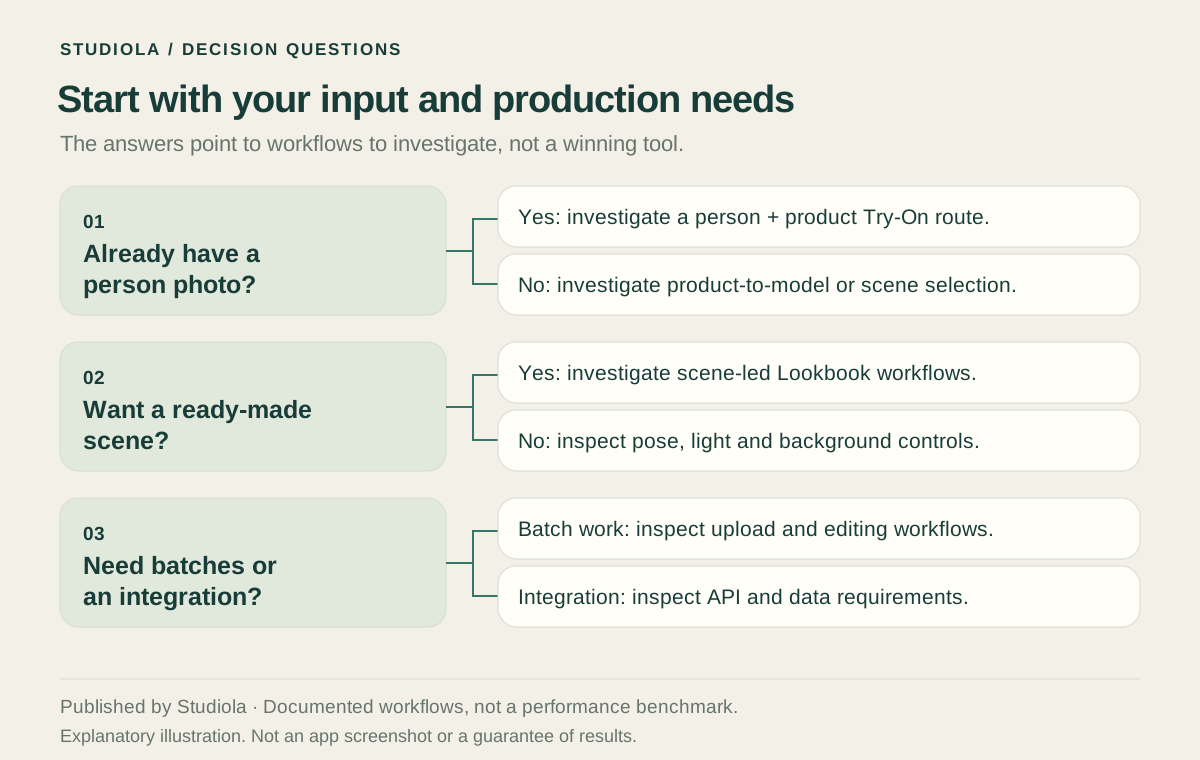
- Have a chosen person? Look for a workflow that explicitly accepts that person reference.
- Already have an on-model shot? Decide whether preserving its pose is helpful.
- Only have product photos? Decide whether you want a ready scene or more individual creative choices.
- Need a collection? Agree on a common scene and view list before producing the whole range.
A Ready Lookbook Direction
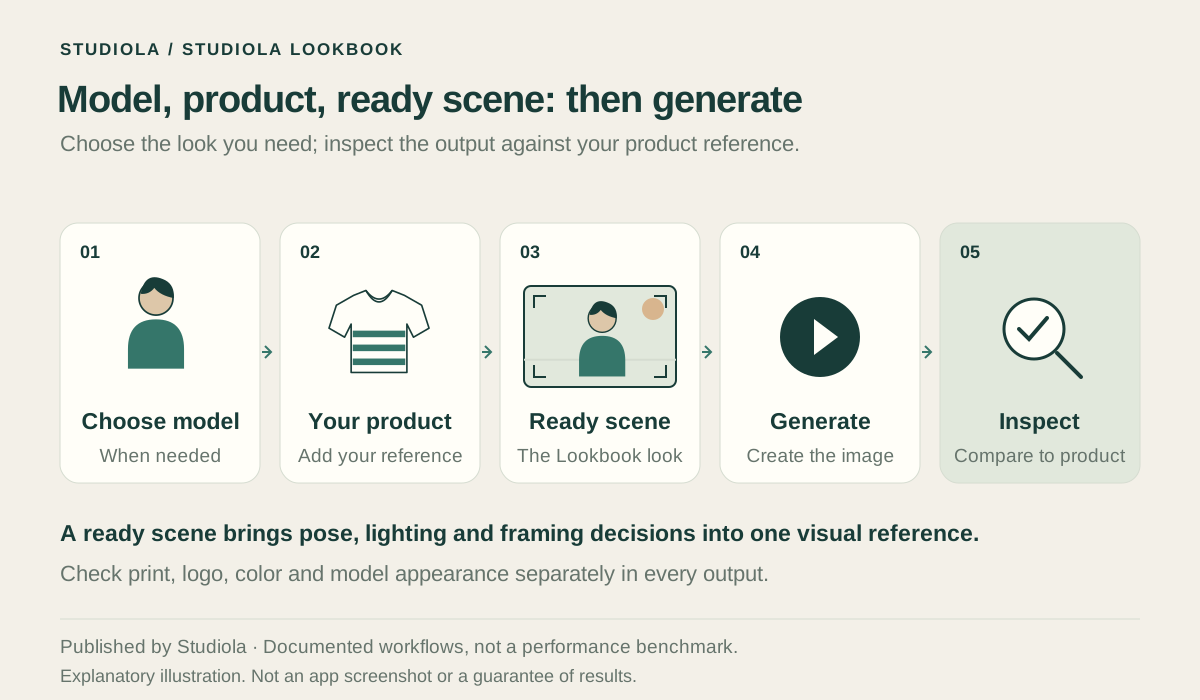
Studiola Lookbook is useful when a ready scene matches the visual direction of your collection. Choose the model when needed, add your own product, and select the scene. Pose, lighting, and framing are visible in that direction, so the team can agree on a starting point before generating.
For a striped sweatshirt range, choose the scene once, inspect the first product result, and carry the useful direction into the next item. This is designed to reduce setup decisions, without promising a fixed number of attempts. When the task calls for more open-ended exploration, Studiola TRY ON offers a different place to develop the idea.
Sources for this section: [1] Studiola
Before You Approve
Compare the product before judging the mood. Check neckline, seams, closures, sleeve shape, hem, color, logo, texture, and pattern. Use a close reference for commercially important details. Then inspect hands, body geometry, grounding, and crop.
Google Merchant Center calls for the actual product and accurate variant details, including color, pattern, and material; main product images must avoid promotional overlays. Keep the destination’s requirements in your brief. A strong campaign image and a compliant product-listing image may need different compositions.
Sources for this section: [5] Google Merchant Center
Make the Final Choice
Use a small set of representative products and the same written brief. Include the details that matter to your range, such as stripes, logos, lace, or layered garments. Record the setup required, changes requested, and deliverables approved. Keep unsuccessful results in the discussion as well as the strongest examples.
Evaluate the complete workflow: preparation, creative decisions, organization, revisions, and product checks. A low generation fee does not describe all that work. Our separate cost guide explains how to think about the production budget; start here by choosing the workflow that fits the job.
Frequently asked questions
What is the best tryon AI for a fashion brand?
For a ready-scene lookbook, shortlist Studiola. For another brief, compare the documented inputs and controls of Photoroom, Botika, and FASHN. There is no universal winner in this guide: choose by the source photographs, creative direction, and product requirements.
Can I generate a Lookbook image without writing a prompt?
Yes. In Studiola Lookbook, add your product, choose a model when needed, and select a ready scene. The scene provides a visible creative direction. Generate, then check the garment against the original photograph.
Does virtual try-on tell shoppers their correct size?
A generated garment preview alone does not establish physical fit or the correct size. If sizing is the goal, evaluate a service specifically designed to make that recommendation and ask what measurements and garment data it uses.
Was this guide based on an independent hands-on comparison?
No. It is a source-based workflow guide published by Studiola’s editorial team and includes our own product. Official sources are linked near the comparison. No output-quality ranking or measured speed advantage is claimed.
What matters most when choosing an AI clothing app?
Match the starting inputs to the intended image, then inspect product fidelity and the work required to approve it. Compare preparation, creative choices, revisions, and delivery requirements alongside price.
How this guide was researched
Published by the Studiola editorial team. This guide includes our own product and compares documented workflows using the linked official sources, reviewed October 23, 2026. It is not an independent hands-on benchmark or a universal quality ranking. Illustrations explain the buying decision and are not comparative output samples.
Sources & further reading
- 01Studiola Lookbook
Studiola · Primary source · Checked
- 02How to use AI Fashion Models
Photoroom Help Center · Primary source · Checked
- 03Frequently asked questions
Botika · Primary source · Checked
- 04Virtual Try-On
FASHN · Primary source · Checked
- 05Image link [image_link] — product image requirements
Google Merchant Center · Primary source · Checked
Continue the workflow
Start with a scene that fits your collection
Add your product, choose a model when needed, and select a ready Lookbook scene. Create a first image and review the garment.