AI Jeans Photos: Keep the Wash
The right shade of blue is only the start. Keep the fade pattern, fabric grain and construction recognizable when your jeans move into a new scene.
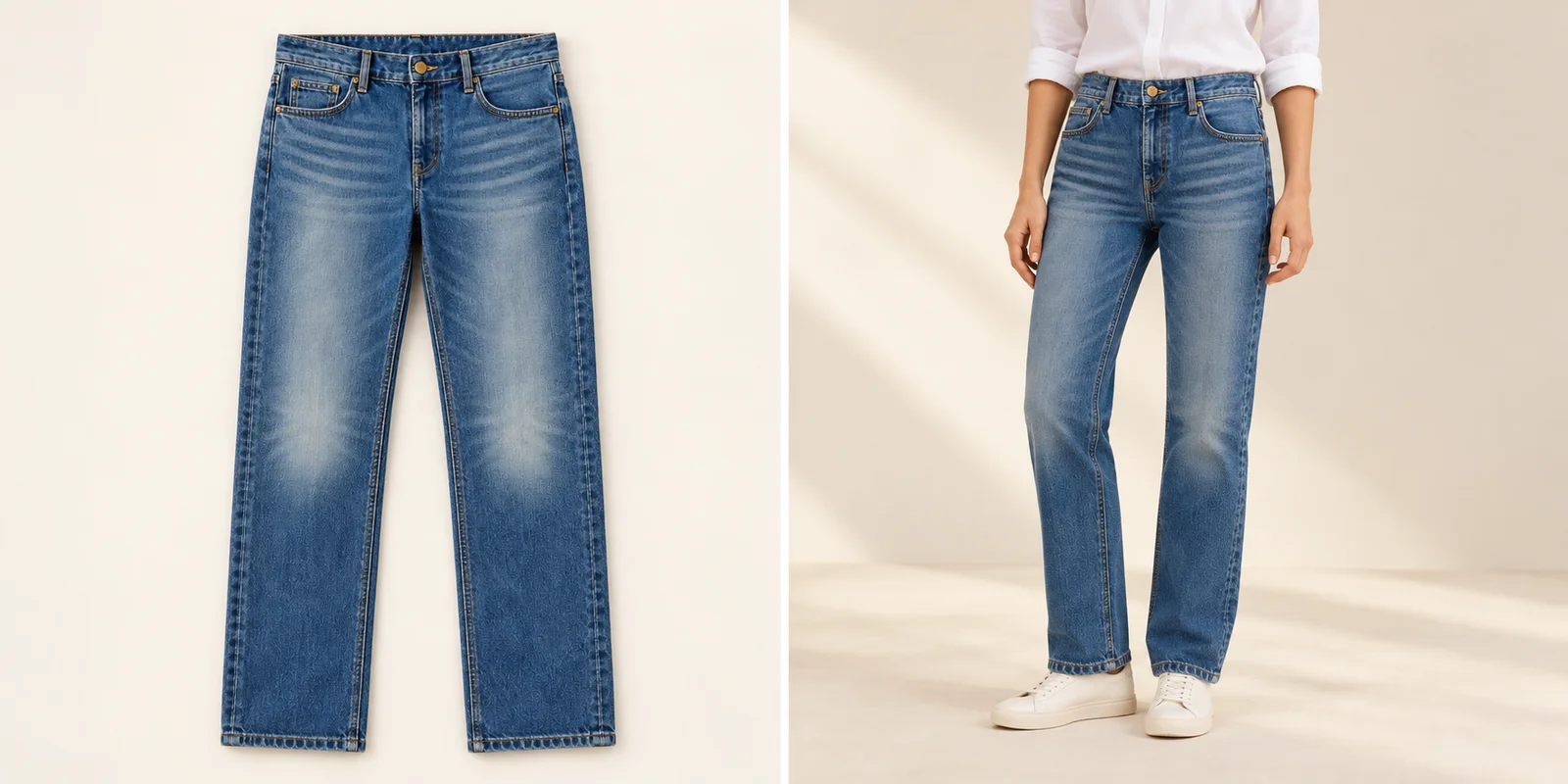
A convincing pair of blue jeans can still be the wrong pair.
For AI jeans product photography, start with the exact denim wash, then preserve its visible wear pattern and construction. Matching a general blue shade does not preserve the product. Pale thigh areas, crease-like fading, contrast stitching and pocket shapes all help identify a particular pair. A polished image that replaces those details with smooth, uniform fabric can describe a different finish.
Use the photographs below as a route through that decision: establish the reference, follow the faded areas, move closer for fabric and inspect the jeans on a model. Keep your approved product photograph beside the image you are considering. The visual examples are AI-created editorial illustrations; the comparisons explain what to look for rather than report measured application results.
Build the Denim Reference Set
Give the wash, the back and the small details their own view.
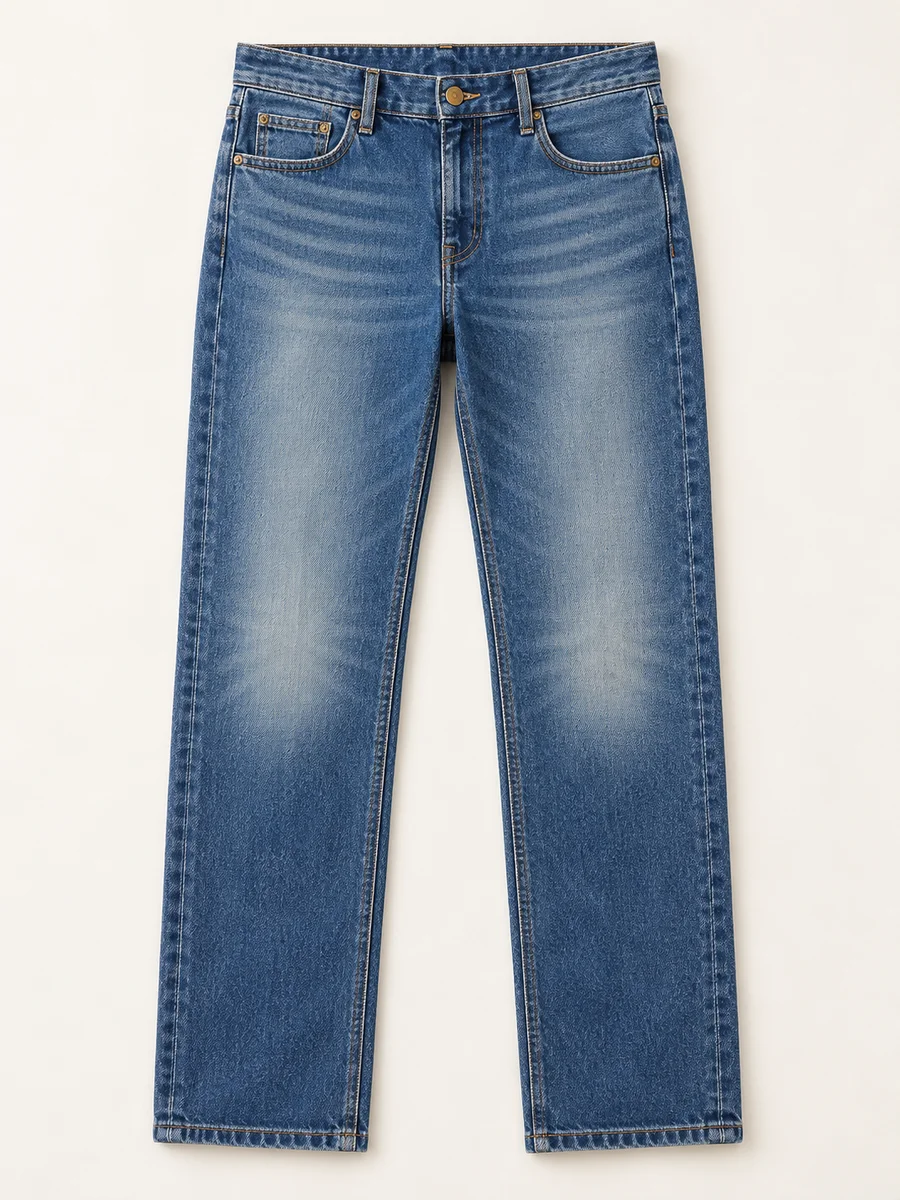
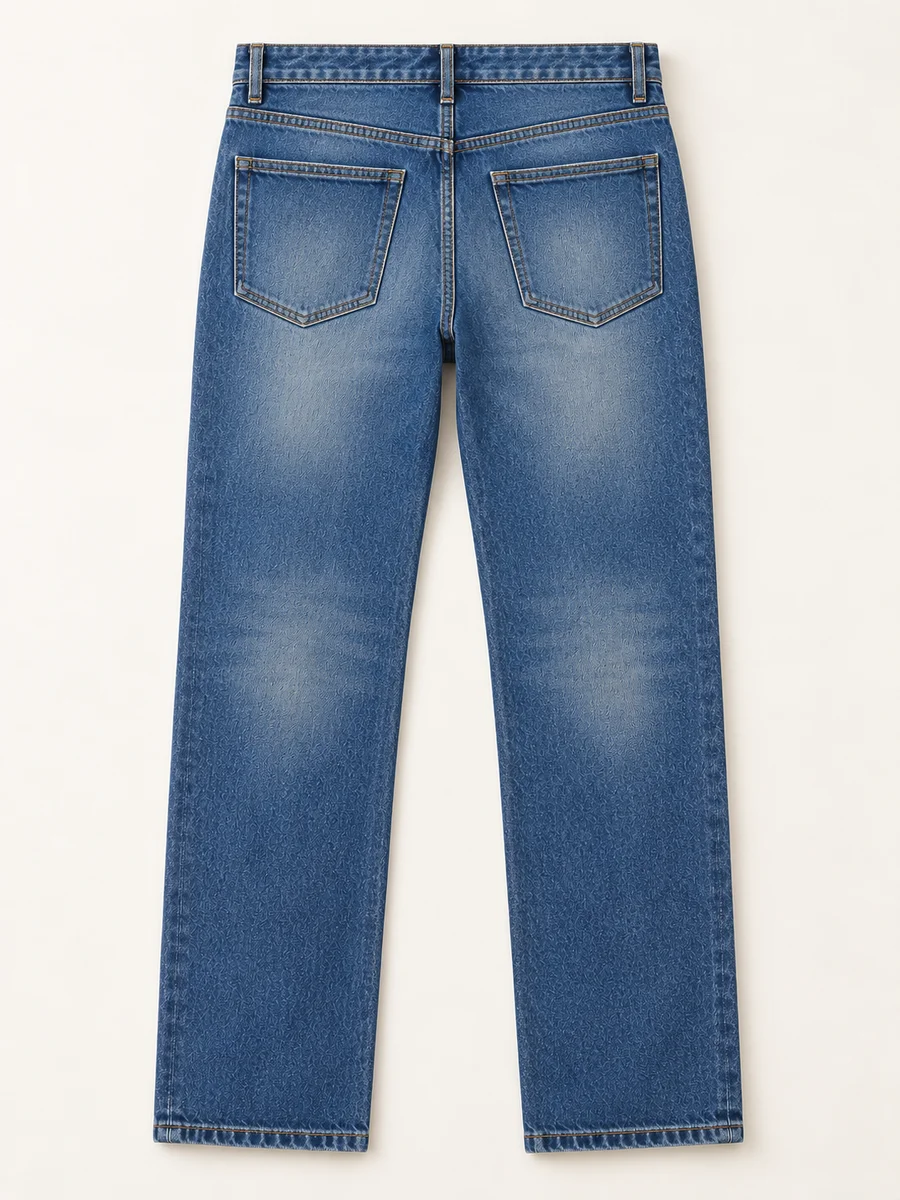
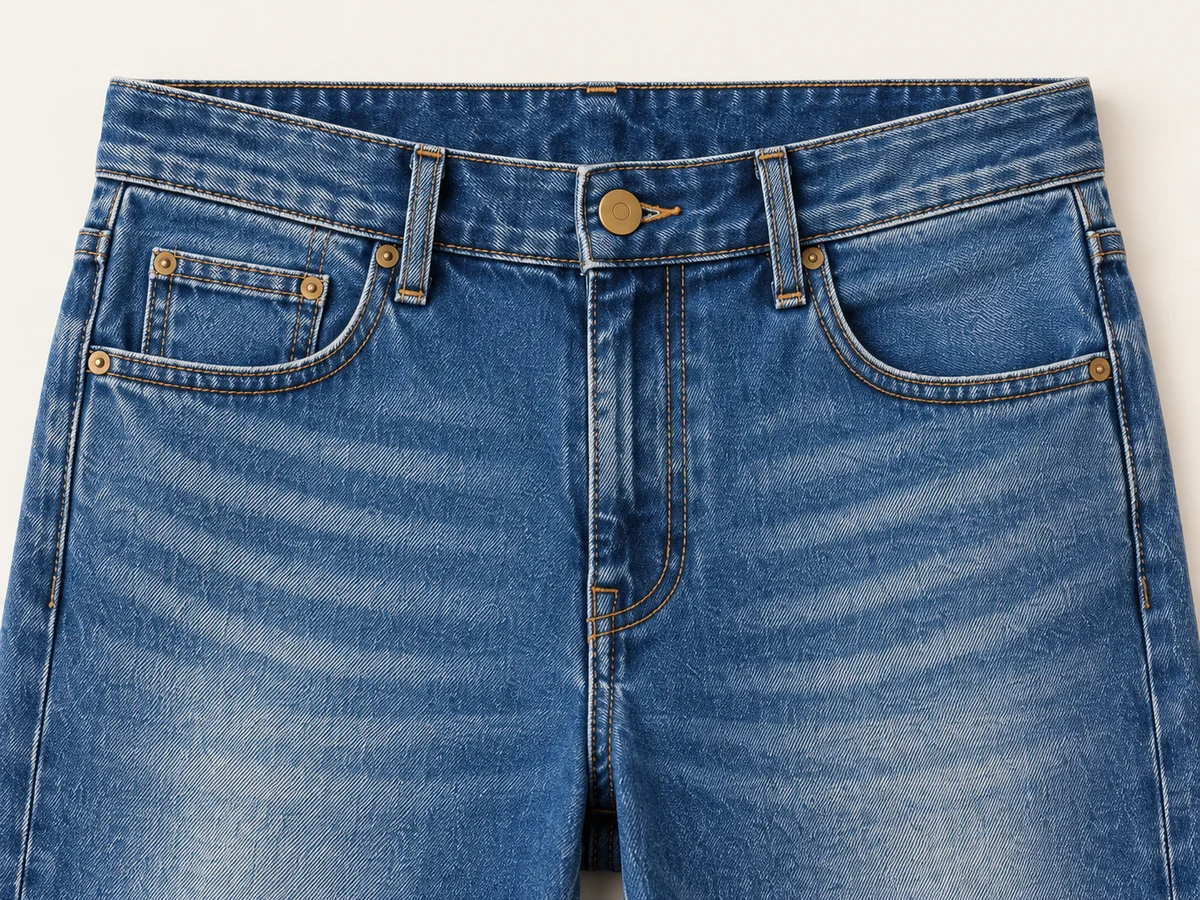
Start with an unobstructed front view of the correct product and wash. Add the back so the pocket placement, yoke seam and rear fading are visible. Include a close view of the waistband, closure and nearby fabric. Shopify’s clothing-photography guide recommends multiple angles and close-ups of fabric, stitching and pocket details; those views also make a useful starting kit for denim imagery.
Keep the references together under the same product and wash name. Two photographs of different blue variants are a conflicting brief, even when their cuts look identical. Use even, readable lighting and avoid filters that disguise the original finish. If a distinctive detail is missing from the photographs, capture it before asking a new scene to reveal it.
Follow the Fade Pattern
Compare where the denim changes, as well as how blue it looks.
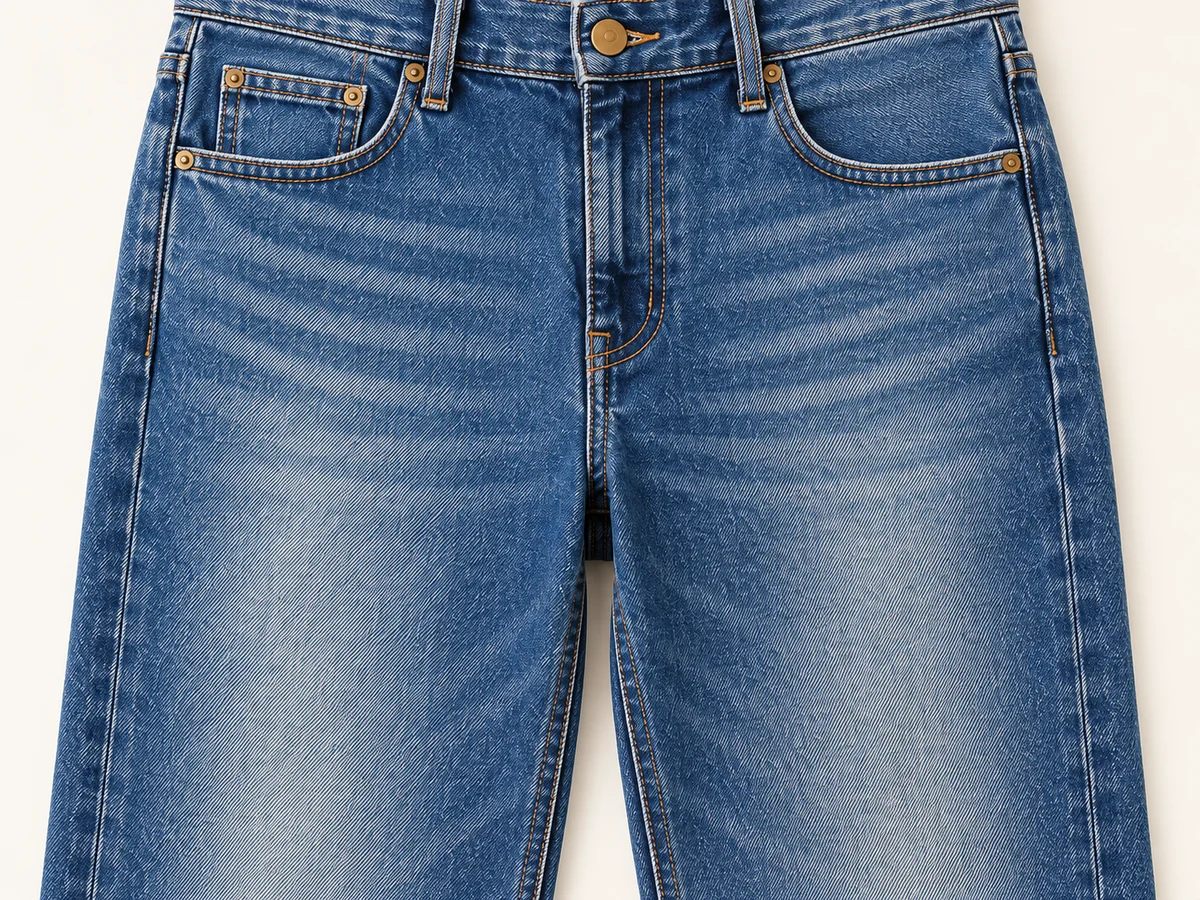
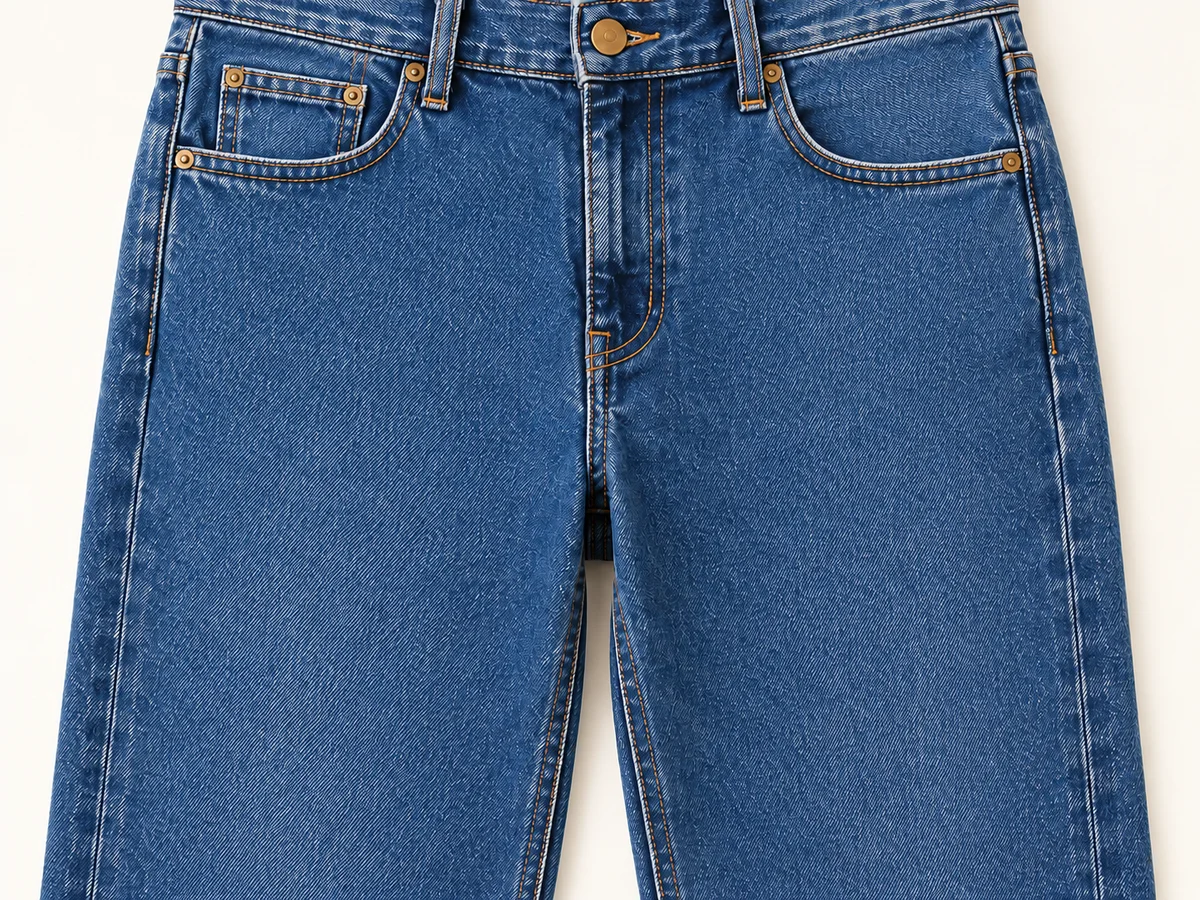
Read the wash as a map. Find the lighter thigh panels, darker seam edges and any intentional wear around the knees. Levi’s Denim Dictionary describes whiskering as subtle faded lines around thighs and other wear points. If those marks appear on your product, compare their location and direction with the source. A smooth replacement loses more than a little contrast: it changes the visible finish.
Separate lighting from a redesigned wash. A fold can create a dark patch, and a turned leg can hide part of a faded area. Compare similar angles before deciding that a mark has moved. Ask whether the same recognizable pattern remains across the visible fabric. Do not add distressing, torn knees or dramatic whiskers to a pair whose reference does not show them.
Show the Weave
Keep fabric grain distinct from the stitching laid over it.
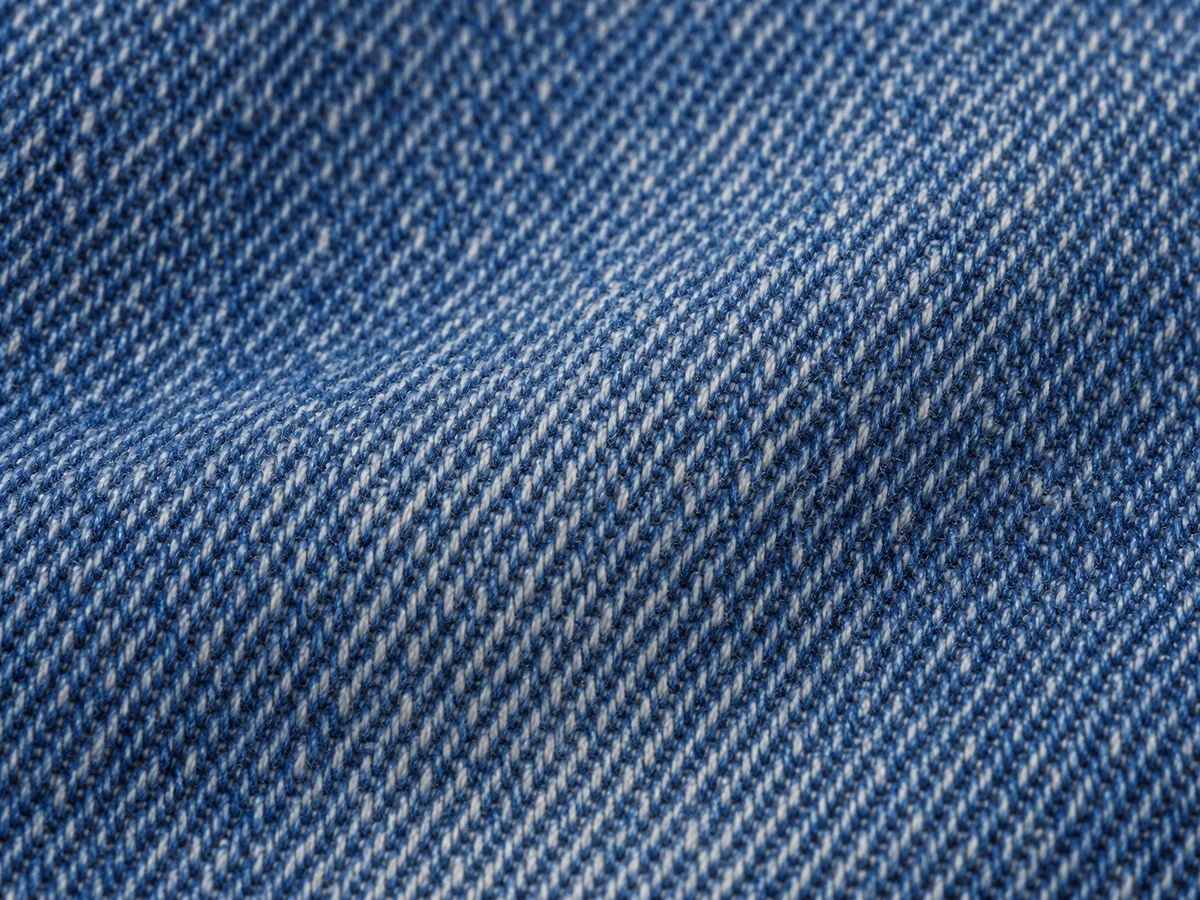
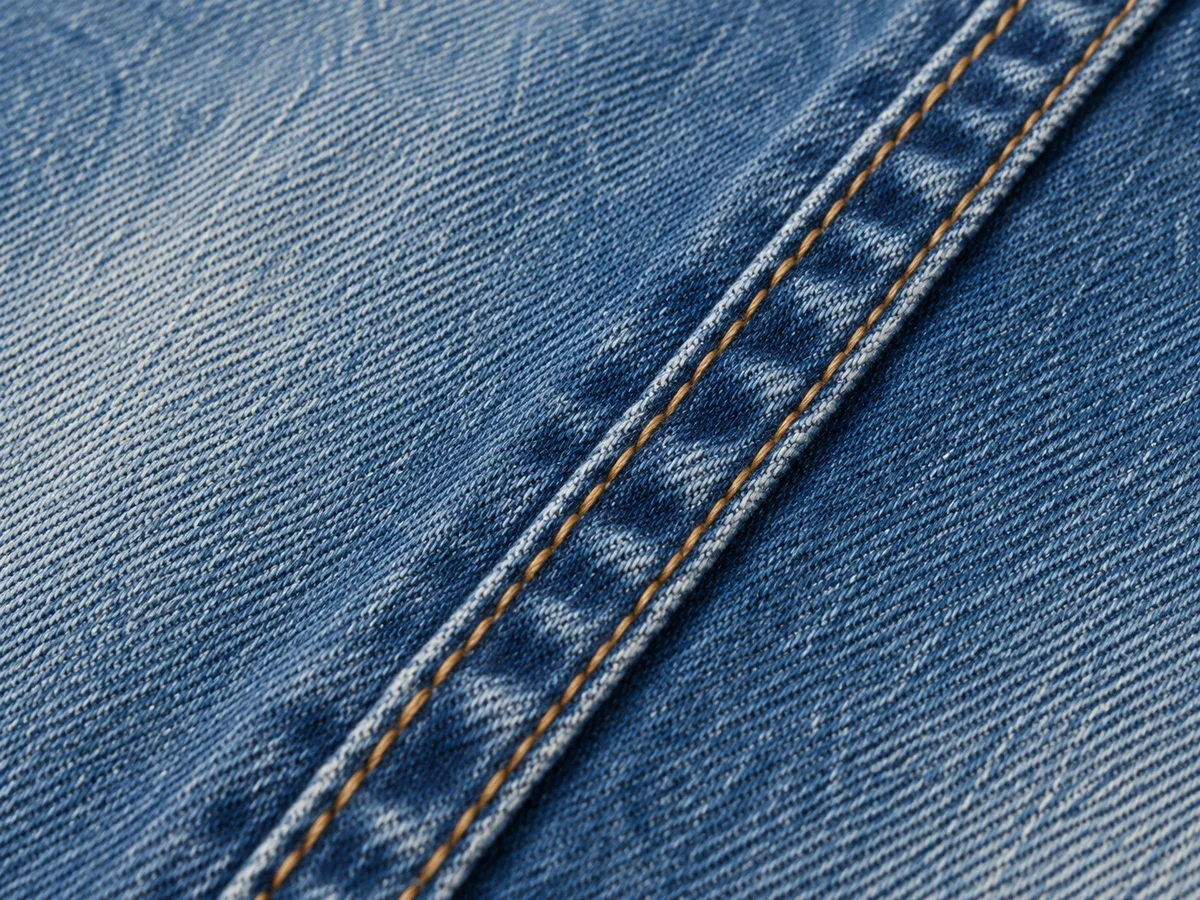
Move close enough to distinguish the fabric surface from a painted blue gradient. CottonWorks explains that classic denim commonly combines dyed warp yarns with lighter filling yarns in a twill construction. The familiar diagonal structure can be a useful reference detail. Follow the actual fabric in front of you, though: denim constructions and finishes vary, so one pronounced diagonal pattern is not a universal requirement.
Then inspect the contrasting thread separately. A double row of topstitching should remain two readable rows where the source shows them, rather than dissolve into a yellow stripe. At normal viewing size, the fabric should still read as the same material. Enlarging an image can help locate a problem, but an invented crisp texture does not establish a match to the original.
Keep the Construction
Pockets, metal details and hems make the finish specific.
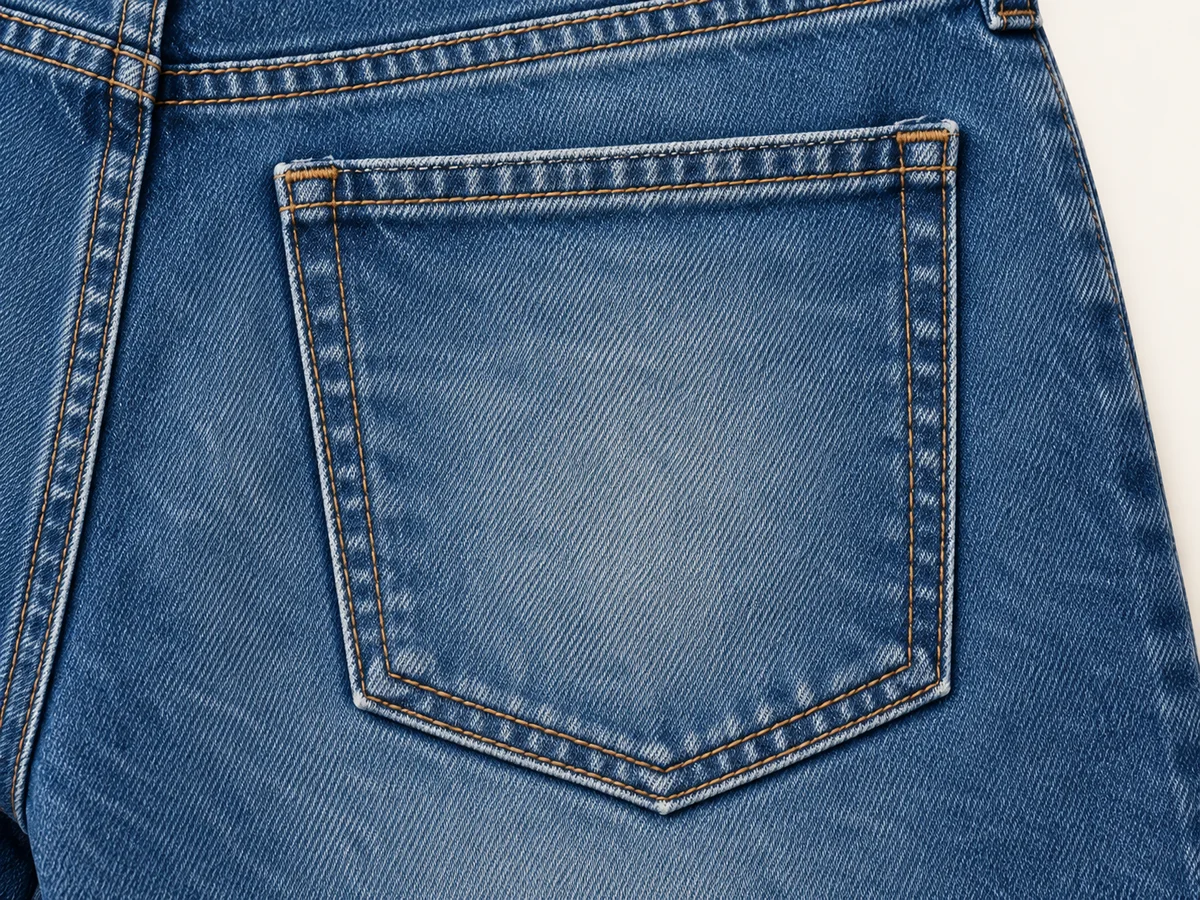
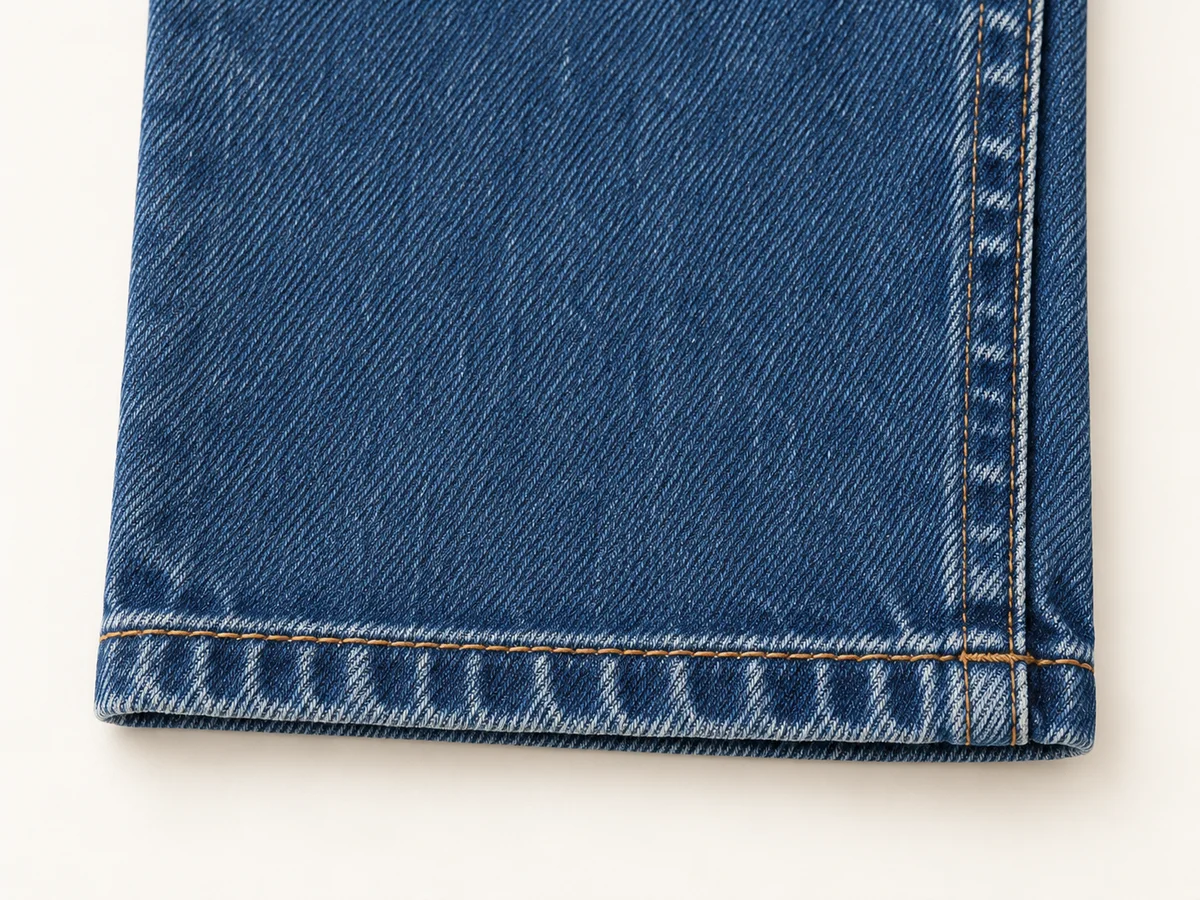
Compare the rear-pocket outline, size and position relative to the center seam and yoke. Check any decorative stitching against its reference rather than accepting a plausible replacement. At the front, locate the button, rivets and belt loops that are actually present. Their number and placement belong to the product; a generic jeans design is not a substitute for the supplied pair.
Finish at the hem. Preserve the distinction between a sewn edge, a raw edge and a deliberate cuff. Rolling a hem changes what the customer can see, while silently adding fraying changes the finish itself. Google Merchant Center’s image guidance requires the item and its variant to be represented accurately, including finish and material. Keep that exact product-and-wash association when selecting an image for its listing.
Choose a Useful Pose
Let styling reveal the features that the image needs to explain.
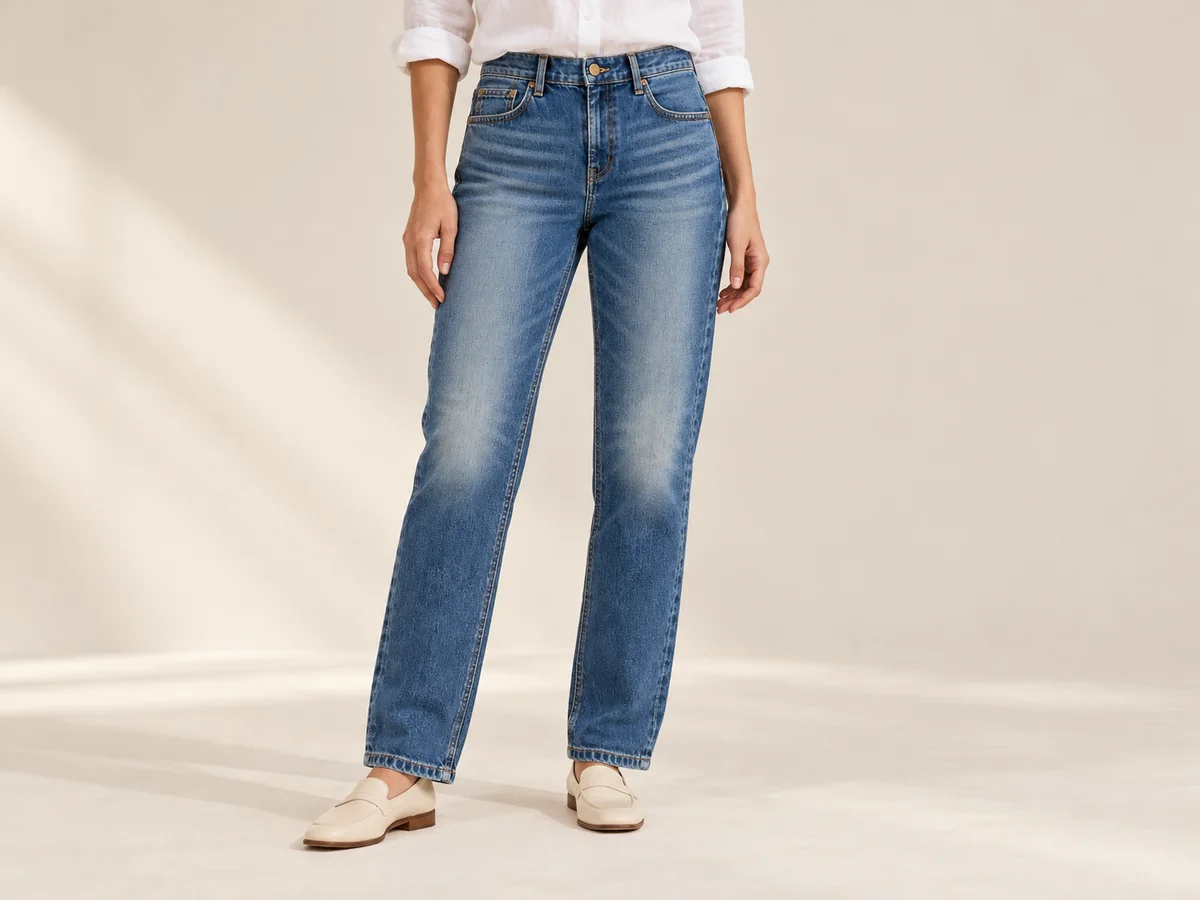
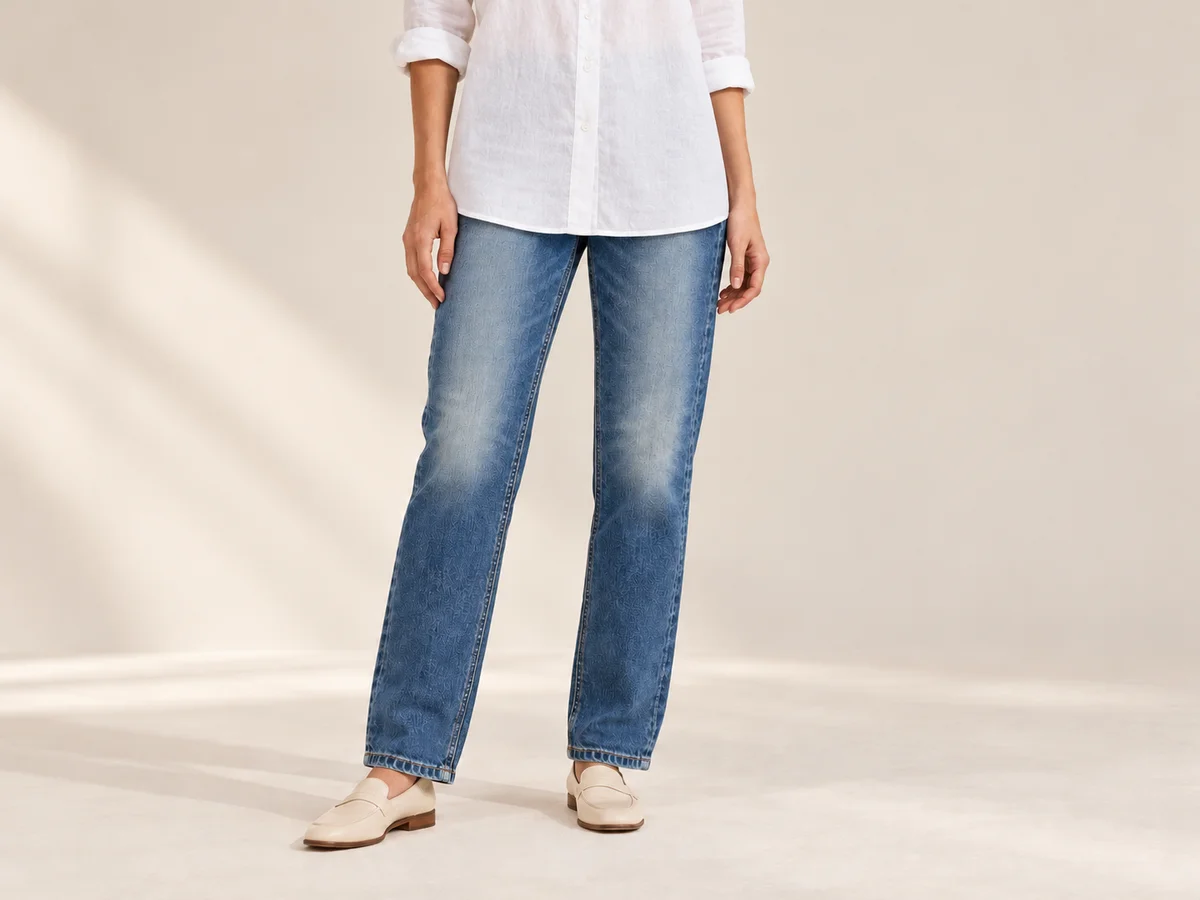
For a waist-and-pocket view, choose a pose that leaves the waistband visible. A long shirt, crossed arm or hand inside a pocket can hide the construction you need to show. For the wash, give the legs enough space in the frame to reveal the thigh-to-knee pattern. Add a clear rear view when the back pockets or rear finish are part of the selling point.
A relaxed editorial pose can still belong in the set. Give it a clear role alongside a readable product view, and inspect how bending and overlapping legs affect the visible details. Judge the photograph against the real item and its measured specifications. An attractive generated pose does not demonstrate stretch, fit or inseam length, and it cannot supply information hidden in the original references.
Take the Jeans into Lookbook
Choose the visual direction, then keep the denim as the anchor.
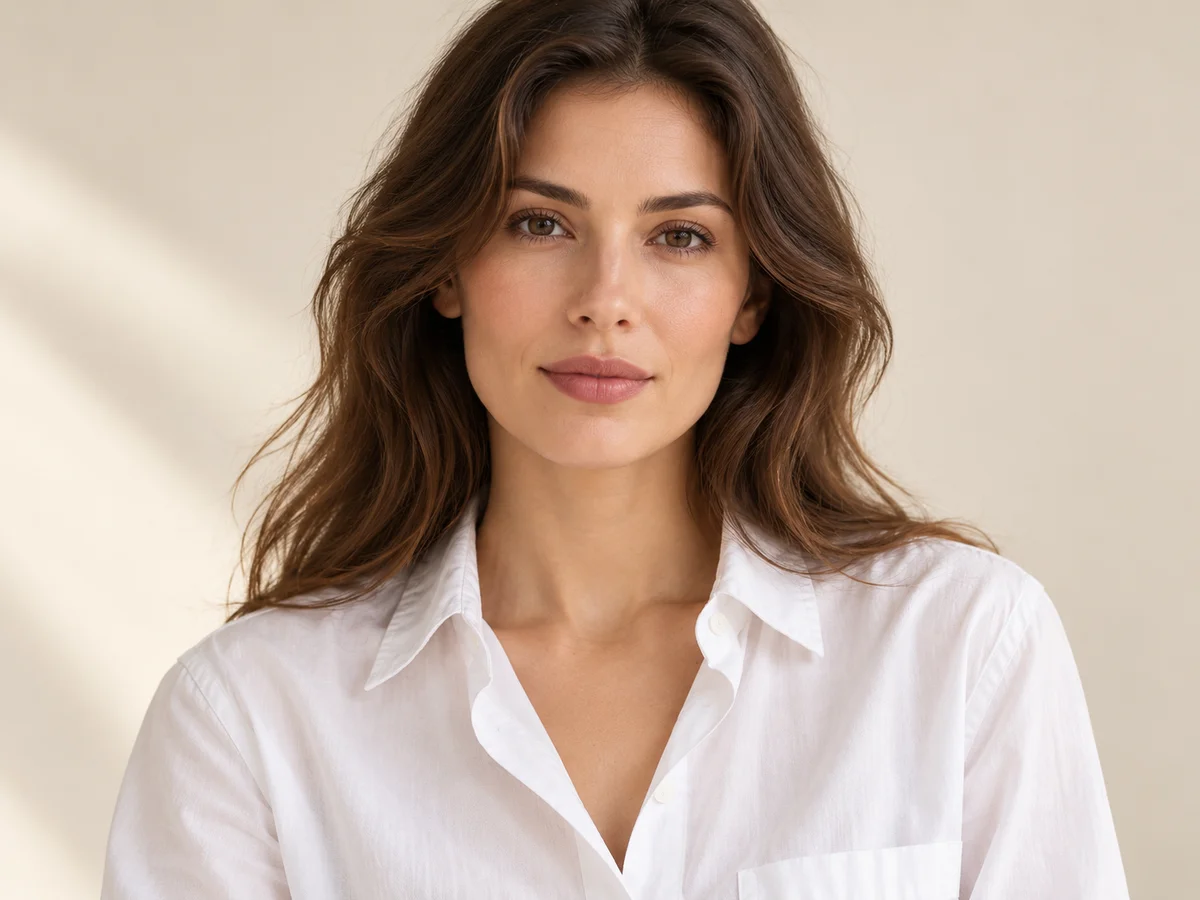
Model · choose Your jeans · add 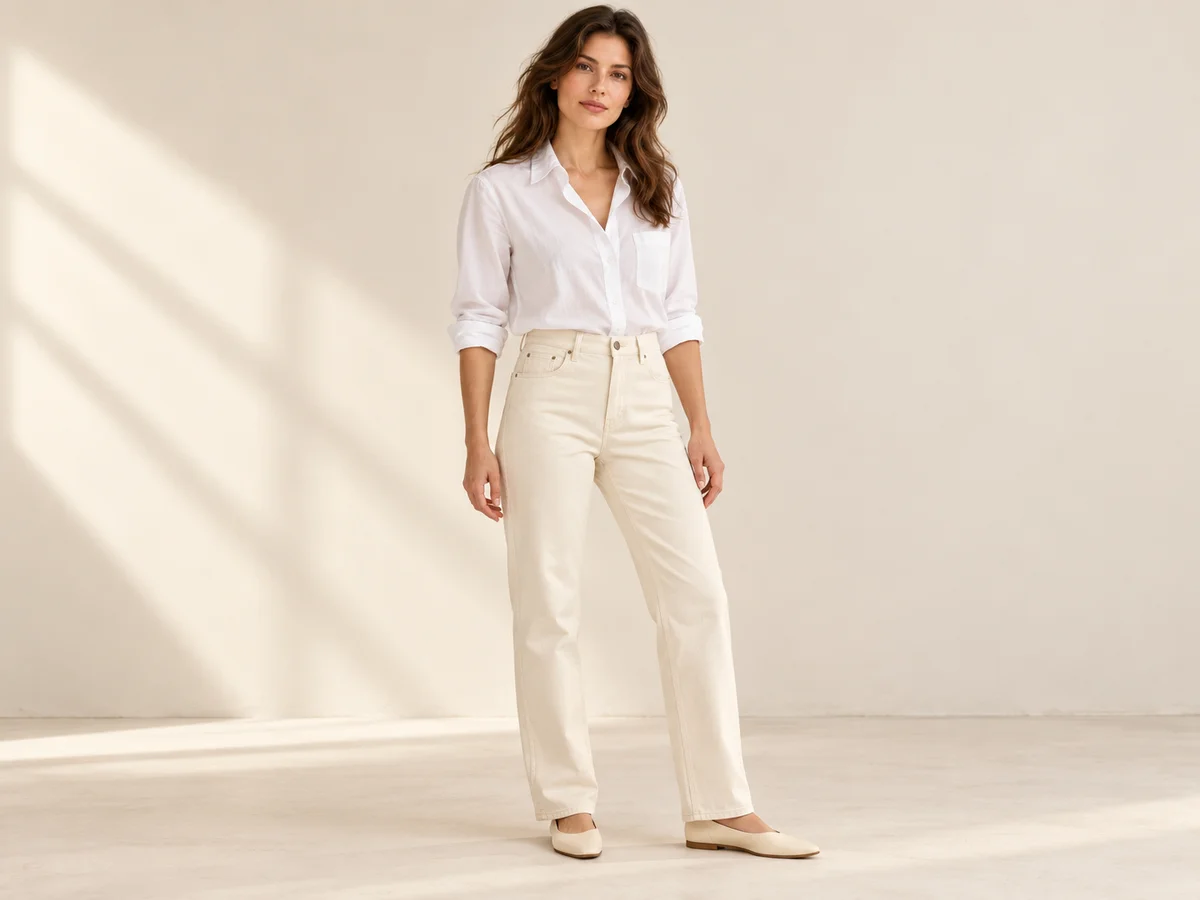
Ready scene · choose Result · review the details
In Studiola, choose a model when needed, add your own jeans and select a ready Lookbook scene. The scene makes the intended pose, light and framing visible before generation. The basic flow does not require writing a prompt. This shortens the setup work involved in assembling references and describing a shoot from scratch, while keeping the product decision with your team.
Choose the scene for the view you need: visible waistband, readable wash, clear rear pockets or an editorial full look. Generate, then compare the denim with its approved reference before exporting. A prepared scene gives the work a starting direction; it does not guarantee that every fade or seam will survive unchanged. Keep the neutral product photographs alongside lifestyle images so the customer can inspect the jeans clearly.
Sources & quick answers
Published · By Studiola Editorial Team
Frequently asked questions
Can I use one reference for several denim washes?
Use a reference of each actual wash. A shared cut does not establish the lighter areas, underlying tone or wear pattern of another variant. Keep each image attached to the product and wash it represents.
Should AI jeans photos show an identical fade pattern in every pose?
Folds and viewing angle change how much of the pattern is visible. Compare recognizable areas at similar angles and check that the source finish has not been smoothed away or replaced with different wear.
Can a Lookbook image replace denim close-ups?
Keep close-ups when they explain the weave, seams, hardware or hem. A lifestyle view adds styling and wearing context, while dedicated product photographs help show the specific construction and finish.
How this guide was researched
Editorial guide researched from the cited primary sources on October 25, 2026. The denim checks are proposed review practices, not a model benchmark. All accompanying generated photographs and altered-detail comparisons are conceptual illustrations, not verified product reproductions or measured Studiola results. Studiola publishes this guide and provides the Lookbook workflow described in it.
Sources & further reading
- 01Denim Dictionary
Levi’s · Primary source · Checked
- 02Denim Basics
CottonWorks · Primary source · Checked
- 03Clothing Photography: How To Photograph Clothes
Shopify · Primary source · Checked
- 04Image link [image_link]
Google Merchant Center · Primary source · Checked
Give Your Jeans a New Scene
Add your own product, choose a ready scene and keep the denim details in view.