AIファッション画像スタジオ

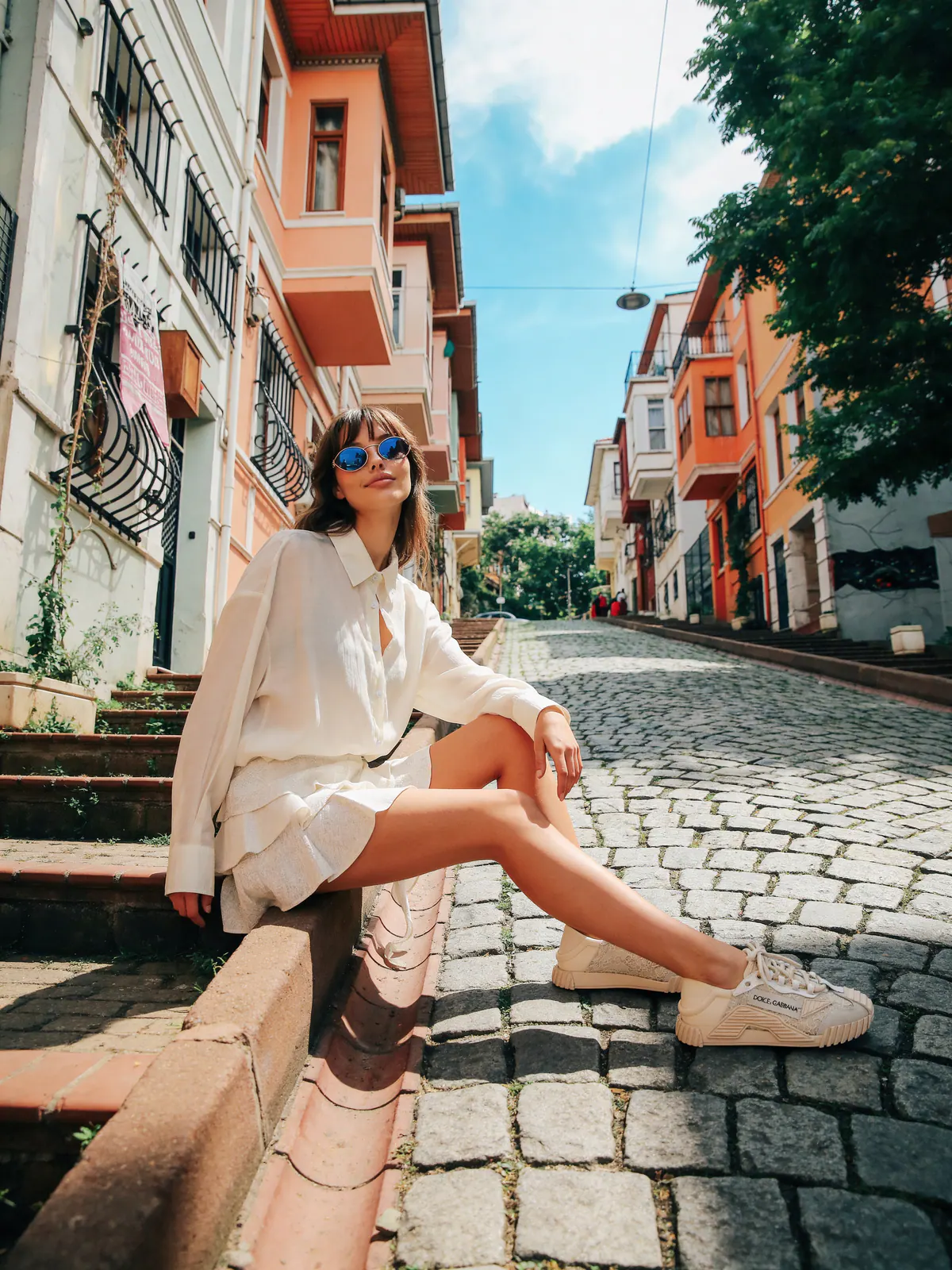
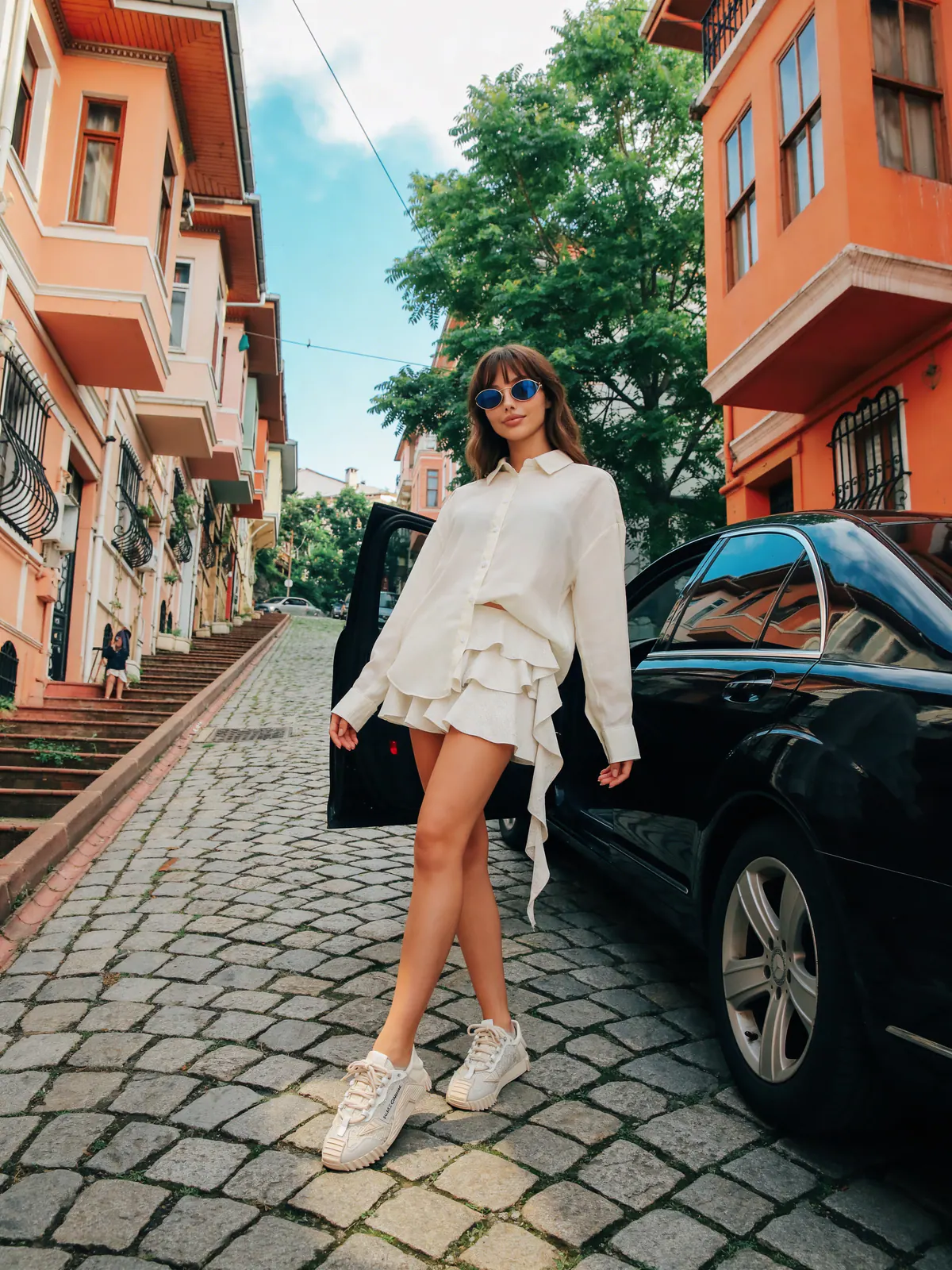
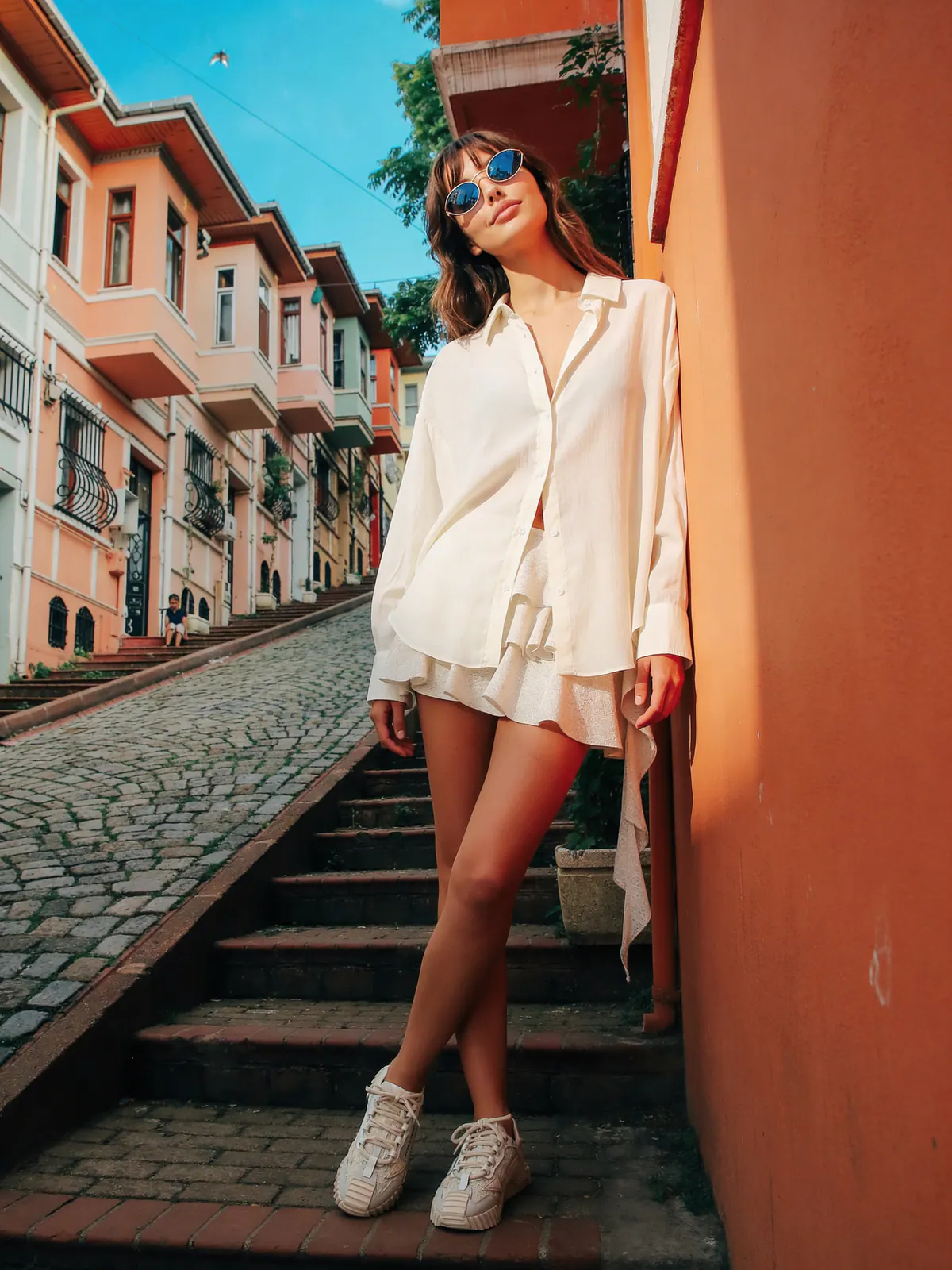
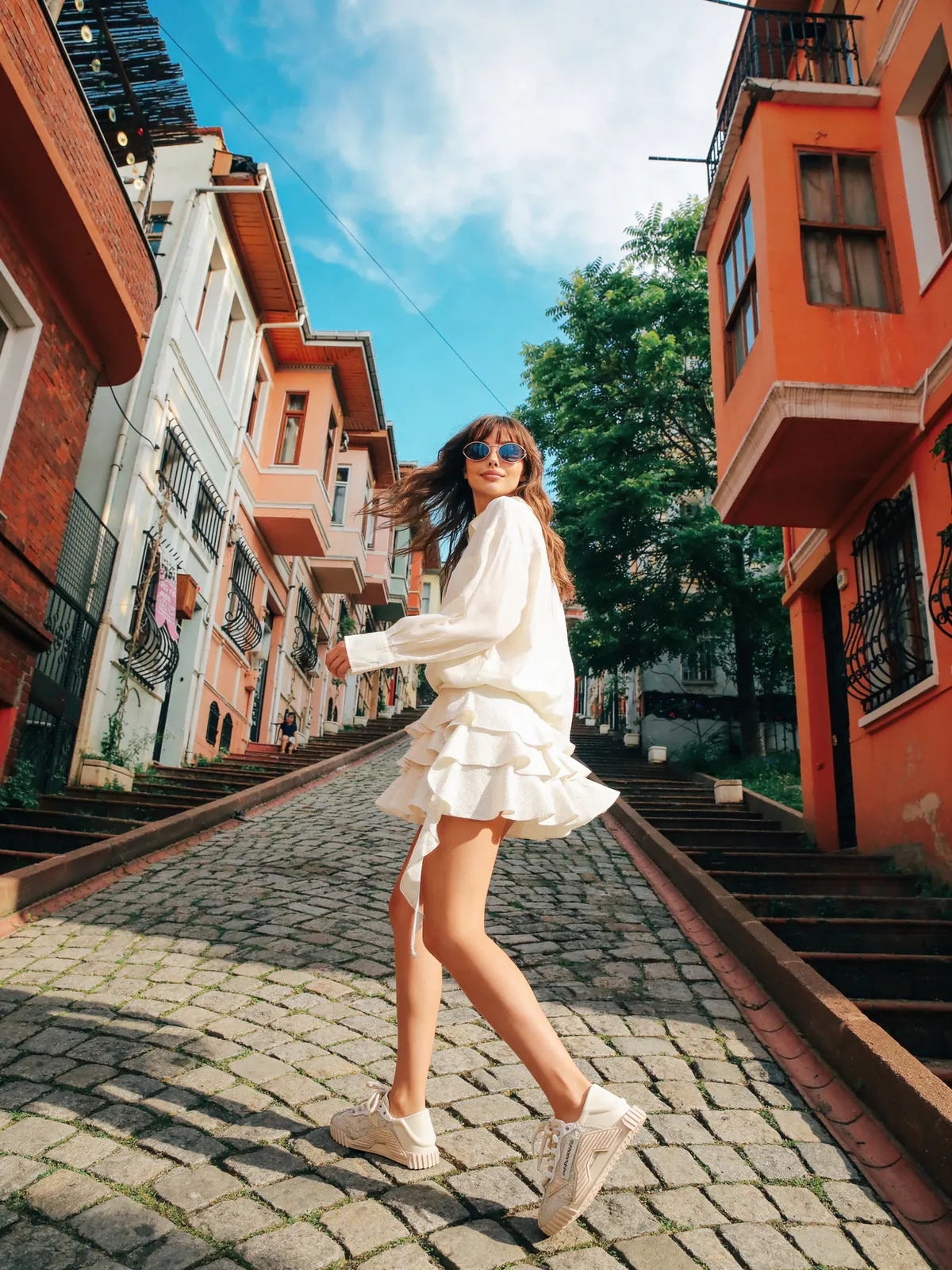
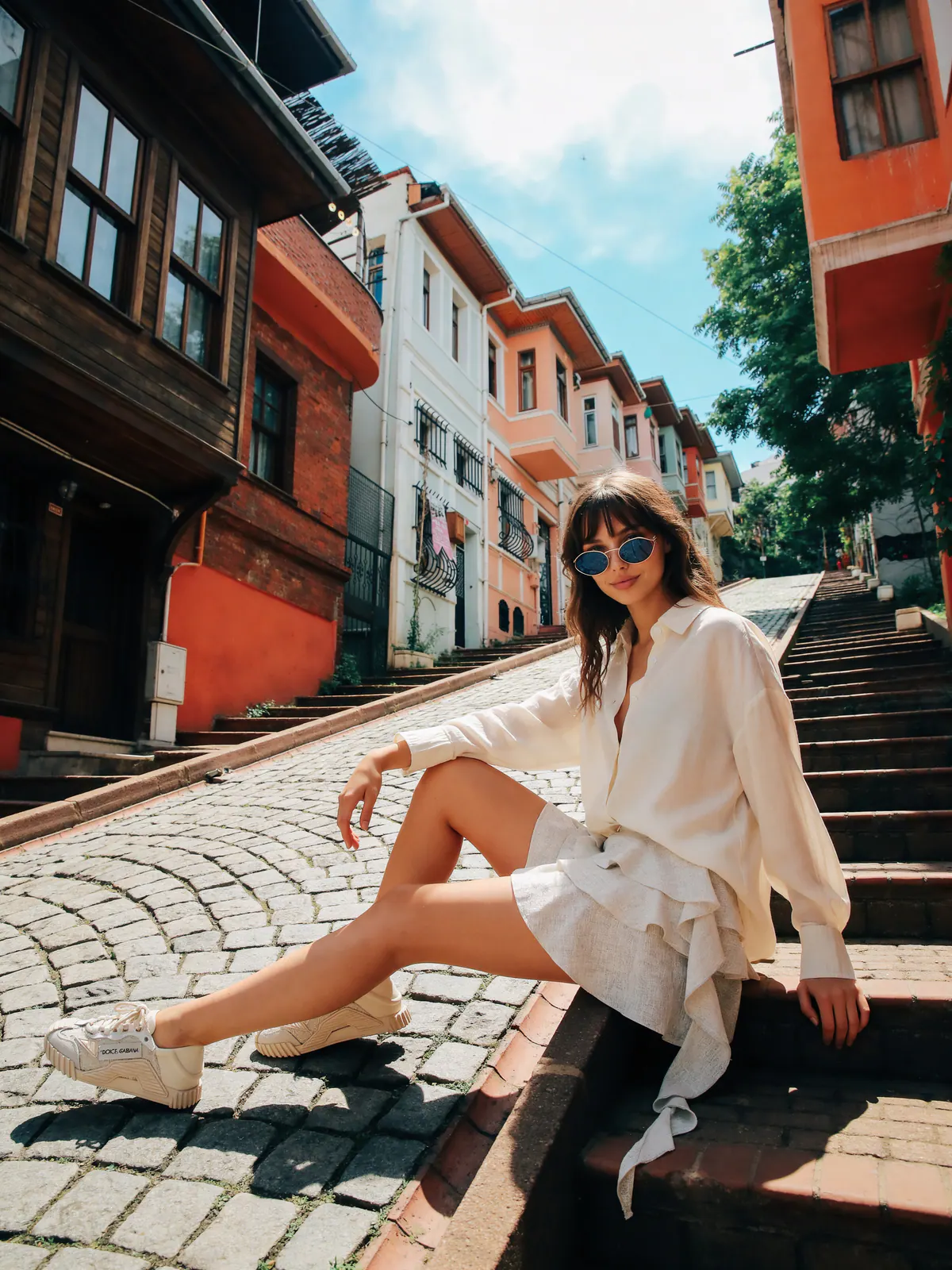
商品写真を販売向けファッションビジュアルへ

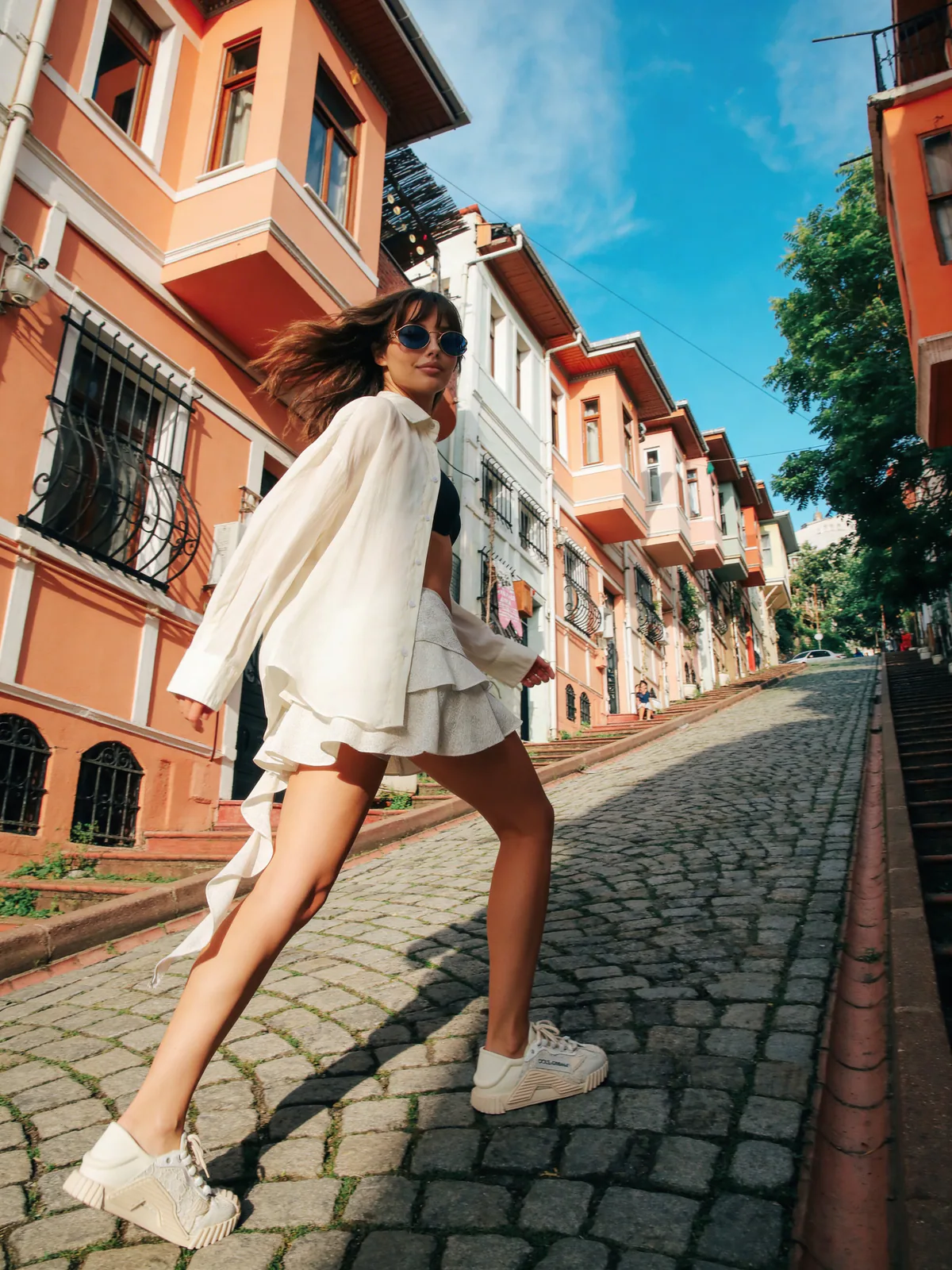
モデル、環境、商品、プロンプト指示を1つのワークスペースで管理。Image Studioでキャンペーン画像を生成し、Flat Layでカタログ素材を整え、クレジット消費前にGPT Try-On Chatでシーンを詰められます。

ライブ商品ワークフロー

制作フローをシンプルに

撮影を組まずに、商品・モデル・環境の参照から一貫したビジュアルを作成。

Image Studio

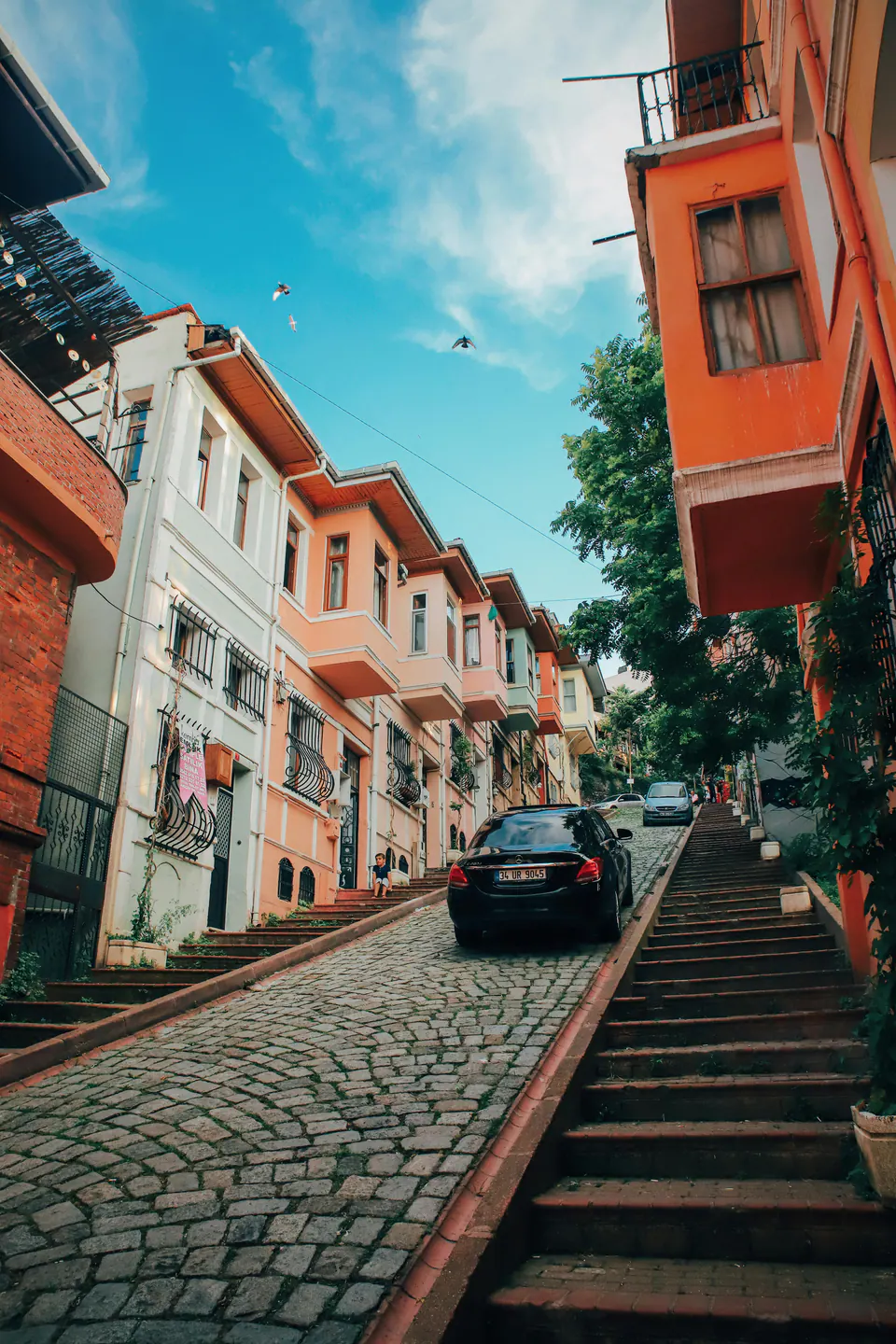
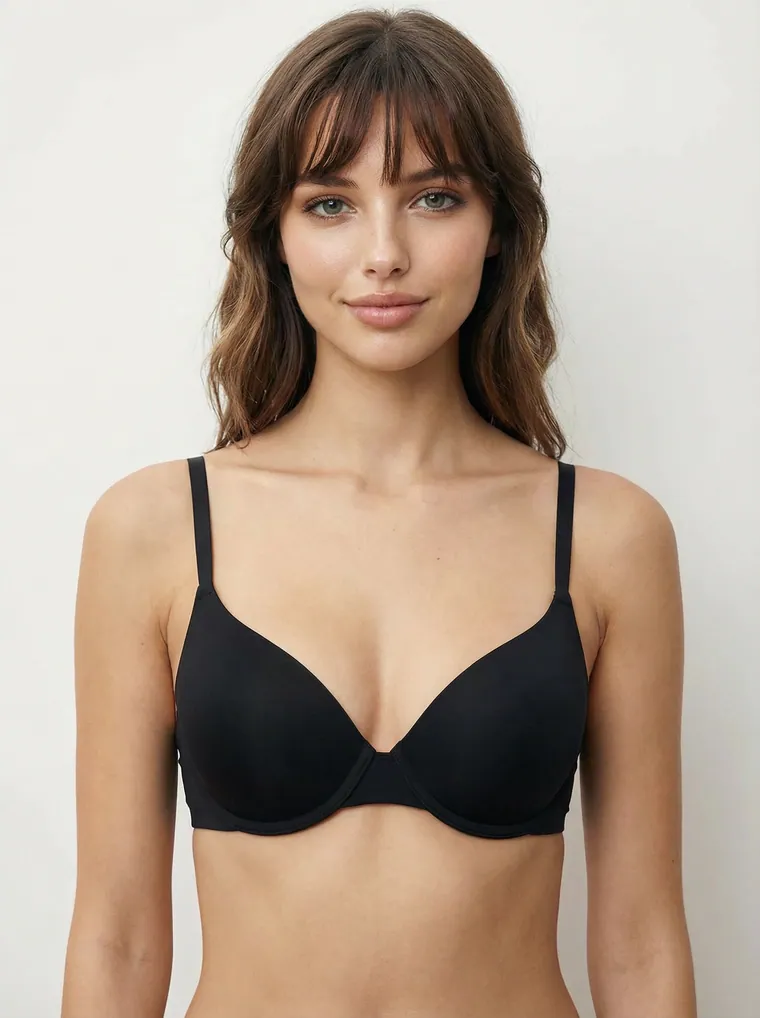
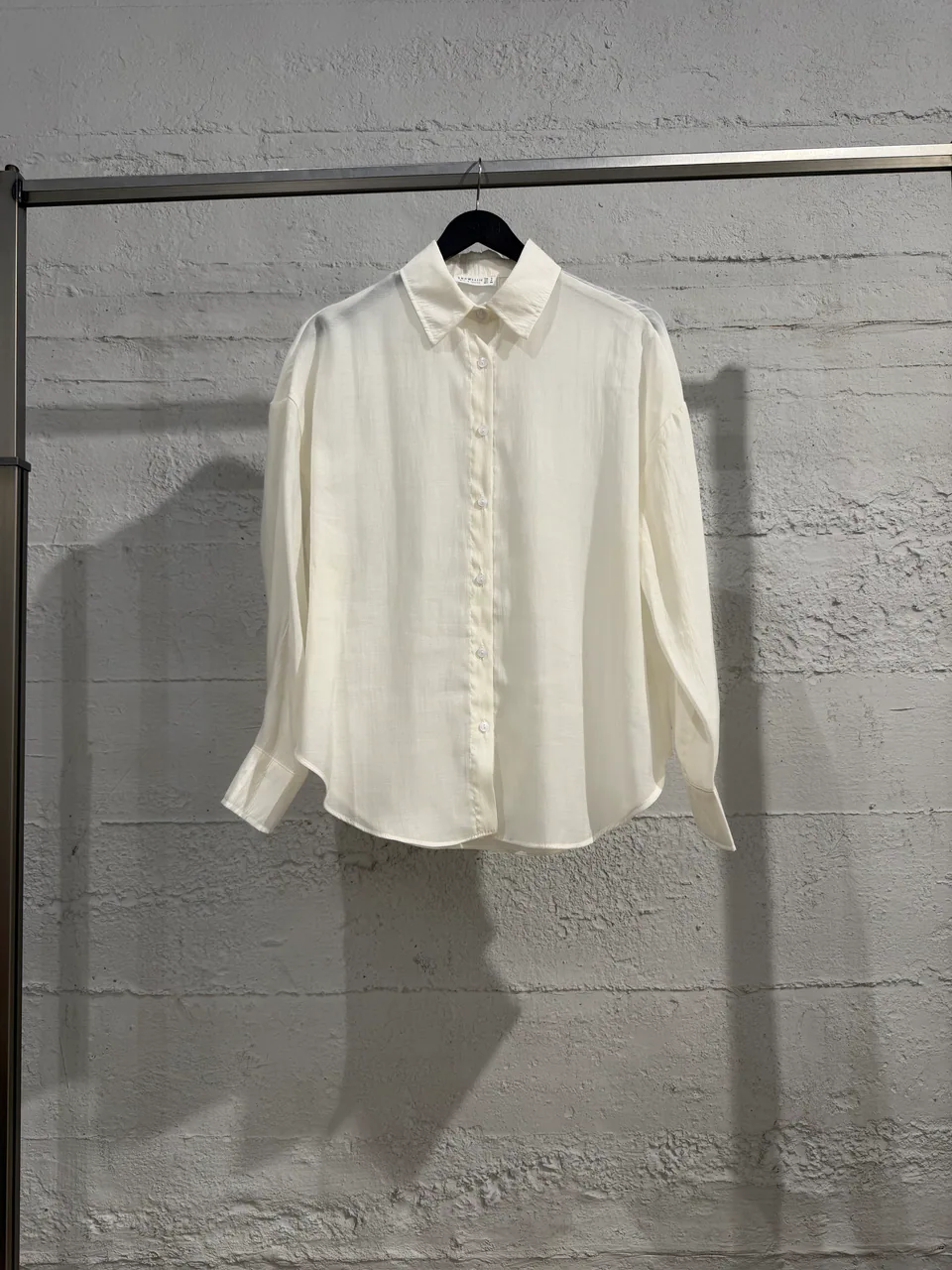
Build the shot with references instead of guessing: uploaded products, model identity, environment scale, pose, camera, and style direction stay in one workspace.

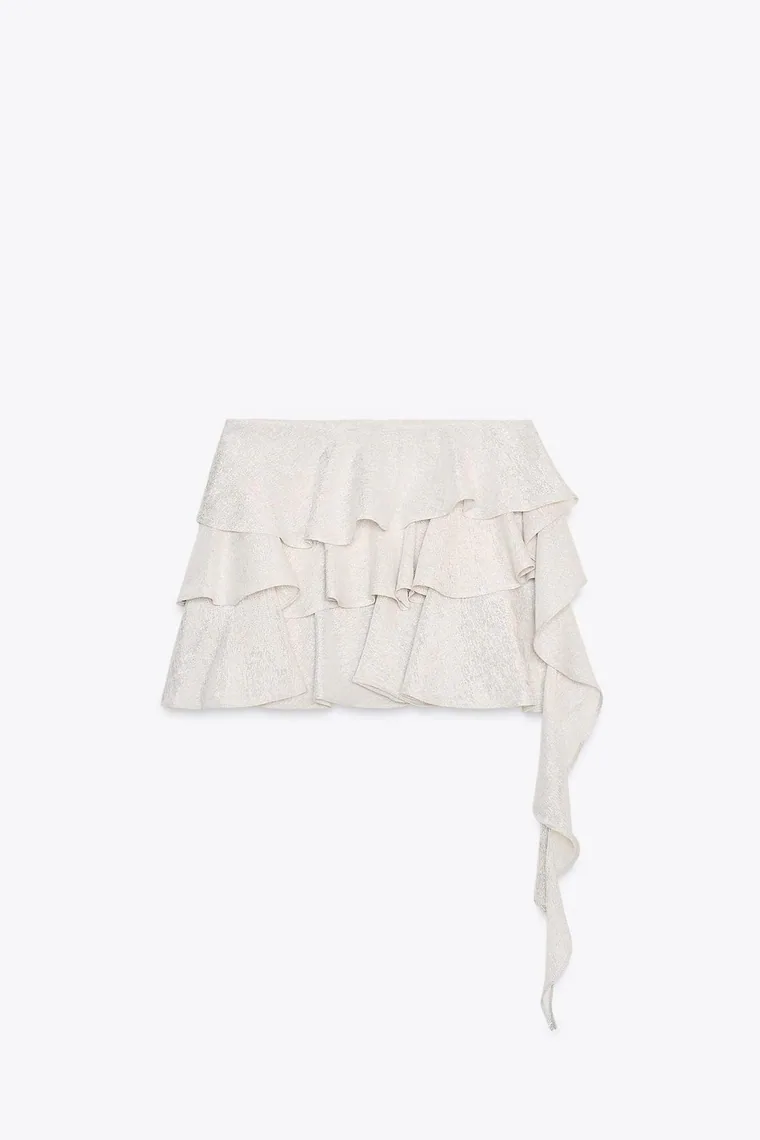
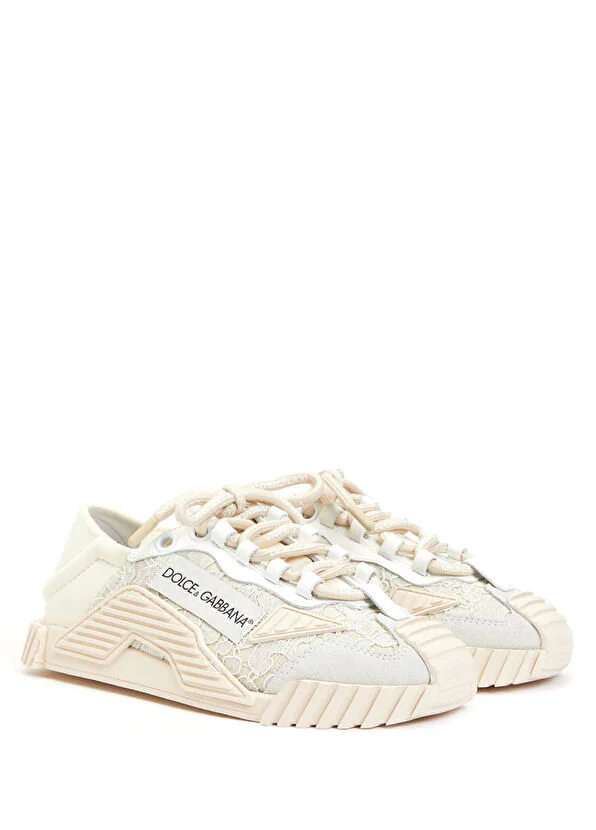
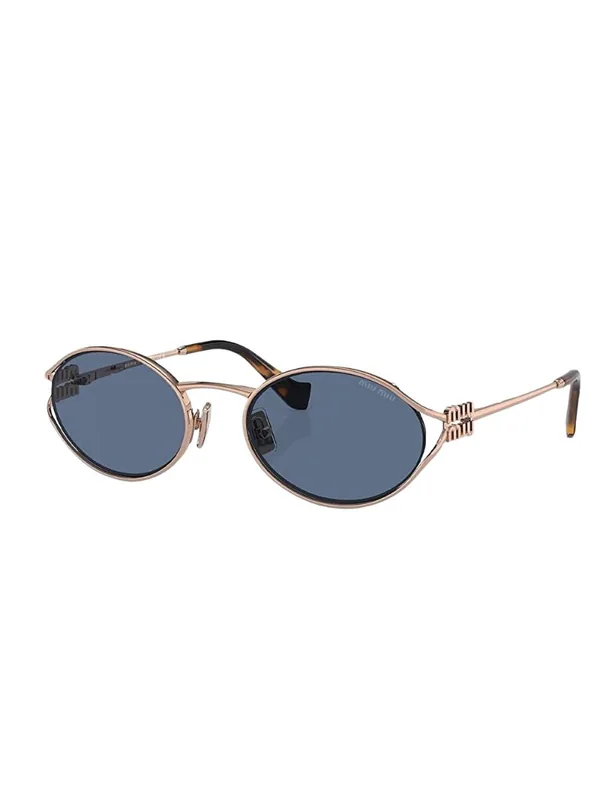
ModelEnvironmentGarmentPoseCamera

Flat Lay

Create white-background catalog-ready product images from existing product photos.

GPT Try-On Chat

Diagnose results, adjust pose, and rewrite prompts before spending another image credit.

使い方

01

Upload or select assets

Choose a model, environment, garment, pose, camera, and style reference.

02

Direct the shot

Use prompt controls or GPT Try-On Chat to lock pose, framing, and styling.

03

Generate and archive

Spend credits only when the prompt is ready, then save results to your archive.

クレジット消費前にショットを設計

チャットアシスタントでポーズ、構図、衣服の見せ方を調整し、プロンプトが整ったら生成します。

作成を開始
Studiola - AIファッション撮影